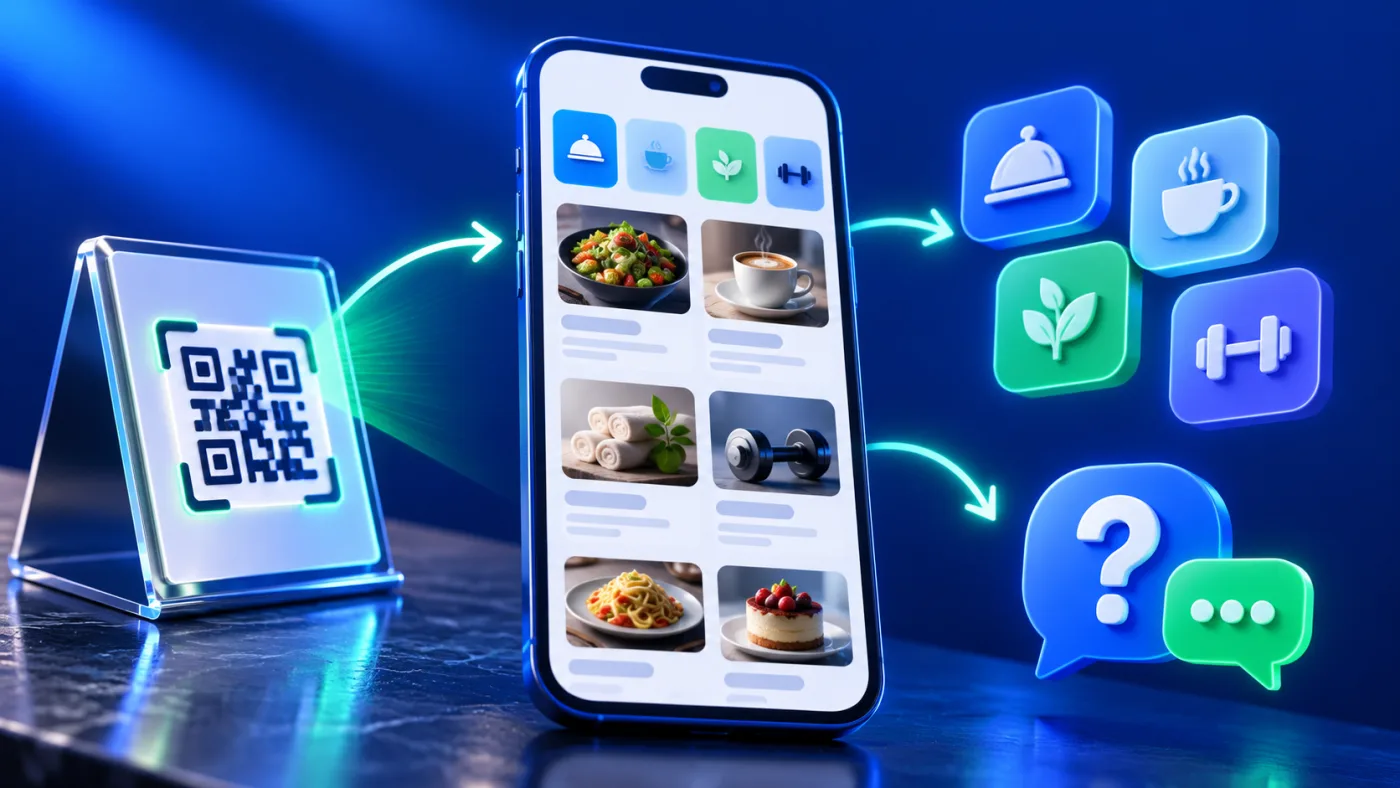
A useful training center course information page helps a prospective learner understand what a course covers, who it suits, how it is delivered and whom to contact with a question. It should present confirmed course facts in a scannable order. A page that describes a course is not automatically an enrollment or seat-booking system, so make the next step explicit.
This guide is for training providers in the UAE who want to organize course information on a digital service page or QR-linked menu. Examples are hypothetical. Do not publish delivery details, dates, entry requirements, certificates or contact routes until the provider has confirmed them.
Begin with the learner’s decision
Think about what someone needs to know before contacting the center. A clear course page can answer: what skill or subject does the course address, who the provider designed it for, what background is expected, and what information should the learner request next? Put the course name and a concise summary first. Avoid vague labels such as “professional training” when a more specific approved subject name is available.
Separate courses that have different audiences or outcomes. If two courses share a general topic, explain the confirmed difference in audience, level or learning objective. Do not imply that a course guarantees employment, certification, licensing or a specific result unless the provider can substantiate that claim and is authorized to make it.
Build a clear course information page
For every course entry, organize the facts in a consistent order:
- Course name: the exact name used by the provider.
- Purpose: a short, factual description of the subject or skill.
- Intended learner: the audience the provider intends to serve.
- Prerequisites: only the entry conditions the provider has verified.
- Delivery: in-person, online or another format only when confirmed.
- Timing: include dates or duration only when the center can keep them accurate.
- Materials: a current outline or document if the provider wants to share it.
- Next step: a clear contact route for questions about the course.
Use the same headings across similar entries so visitors can compare them. If a detail is not confirmed, leave it out instead of filling the gap with a guess. A short accurate description is more useful than a long list of unverified promises.
For accessible structure, W3C guidance on information and relationships explains how semantic headings and lists preserve content structure.
Keep similar courses distinct
When a center offers several courses under one subject, separate entries by the confirmed learner level, skill focus or delivery format. Do not combine prerequisites from one course with the description of another. If two courses share a document, say that the file covers both; if each has its own outline, link the correct file beside the matching entry. A reviewer should be able to connect every detail to one specific course without relying on a staff member to interpret the page.
Make dates and delivery details maintainable
Dates and delivery modes can change. Assign someone at the center to confirm what is current before publishing. Without a fixed public date, describe the verified contact process rather than inventing a schedule. For a listed classroom location, identify the actual venue and any confirmed instructions. When the provider offers online delivery, state only the format it has approved.
Do not write “seats available,” “enroll now,” or similar language unless the page actually supports that action and the provider has confirmed availability. A contact button can help someone ask for information; it does not reserve a seat or submit enrollment by itself. See the related guide to clear contact actions for wording that sets the right expectation.
Remove expired schedules as soon as the provider confirms they are no longer current. If the center has not announced the next cohort, say so only when the center approves that wording; otherwise invite the learner to ask for the latest information. An old date can mislead even when the course description remains accurate.
Use a document link only when the file is current
A course outline or document can answer questions that do not fit in a short description. Give the file a clear name that tells the learner what it contains and which course it belongs to. Check that the link opens the current approved file on a phone. Replace or remove an older file when its content is no longer accurate.
ADMAL’s User Guide describes a Visual Menu with up to three named PDF links and up to ten images. Treat those as the current documented limits for that format, not as a requirement to use every slot. Choose only materials that help the learner understand the course, and test every link from the public page.
Keep location and language precise
If the center serves learners in Dubai, Abu Dhabi, Sharjah, Ajman, Fujairah, Umm Al Quwain or Ras Al Khaimah, name a location or service area only when the provider confirms it. Do not list all seven Emirates simply to repeat a search phrase. A clear physical location, online delivery statement or verified service area helps the learner decide whether the course fits their situation.
For Arabic and English pages, pair each course by its approved meaning, not by a literal word-for-word translation. Check the course name, learner audience, prerequisites, delivery, dates, venue and document links in both languages. A translated label must not imply a different qualification or outcome.
Make contact the next step, not a false booking
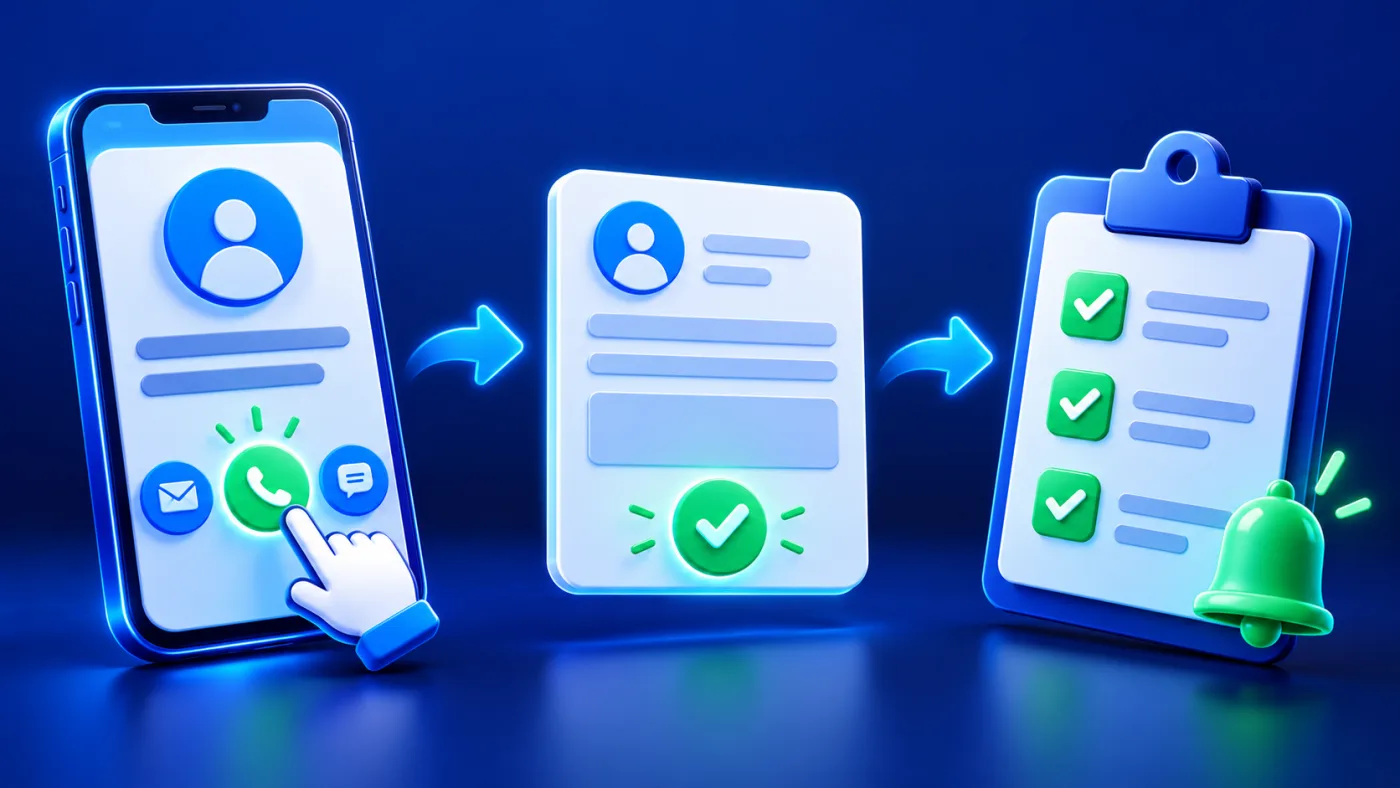
Use a contact action that reflects what the provider can do. A phone link may open a dialer; a WhatsApp link may open a chat; a website may present further information. Explain that the learner must complete the action in the destination. Do not say that tapping the button enrolls them or confirms their place unless the actual workflow completes that step and returns a clear confirmation.
If a prospective learner needs to ask about a course, name the team or department that handles the question when you have verified that information. Avoid directing every question to an unrelated general inbox. Test the destination and confirm that the public page does not promise a response time the provider has not approved.
Review the course page before sharing it
Ask a colleague who did not prepare the page to find one course and explain what they would do next. Check whether the title distinguishes it from nearby courses, whether any date is still current, whether the format is clear, and whether the contact action opens the intended route. Repeat the check on a phone and in both languages.
After any course change, review the description, linked outline, Arabic and English pages, and contact destination together. Keep a short record for the team of who confirmed the facts and when the team last reviewed them. This is a content maintenance habit for the provider, not a claim that the page automatically synchronizes with a course management system.
Training center course page checklist
- Use the exact provider-approved course name and summary.
- State the intended learner and confirmed prerequisites.
- Confirm delivery mode, dates and venue before publishing.
- Link only to current, clearly named course materials.
- Match Arabic and English meaning and details.
- Name a verified contact route for course questions.
- Do not imply online booking, enrollment or live seat availability unless the provider has tested that function.
- Test the public page, document links and contact action on a phone.
The ADMAL User Guide for menu setup documents the current page fields and file options. The broader digital menus and services guide explains how a digital page can present service information. Use the provider’s current approved course information for every fact shown.