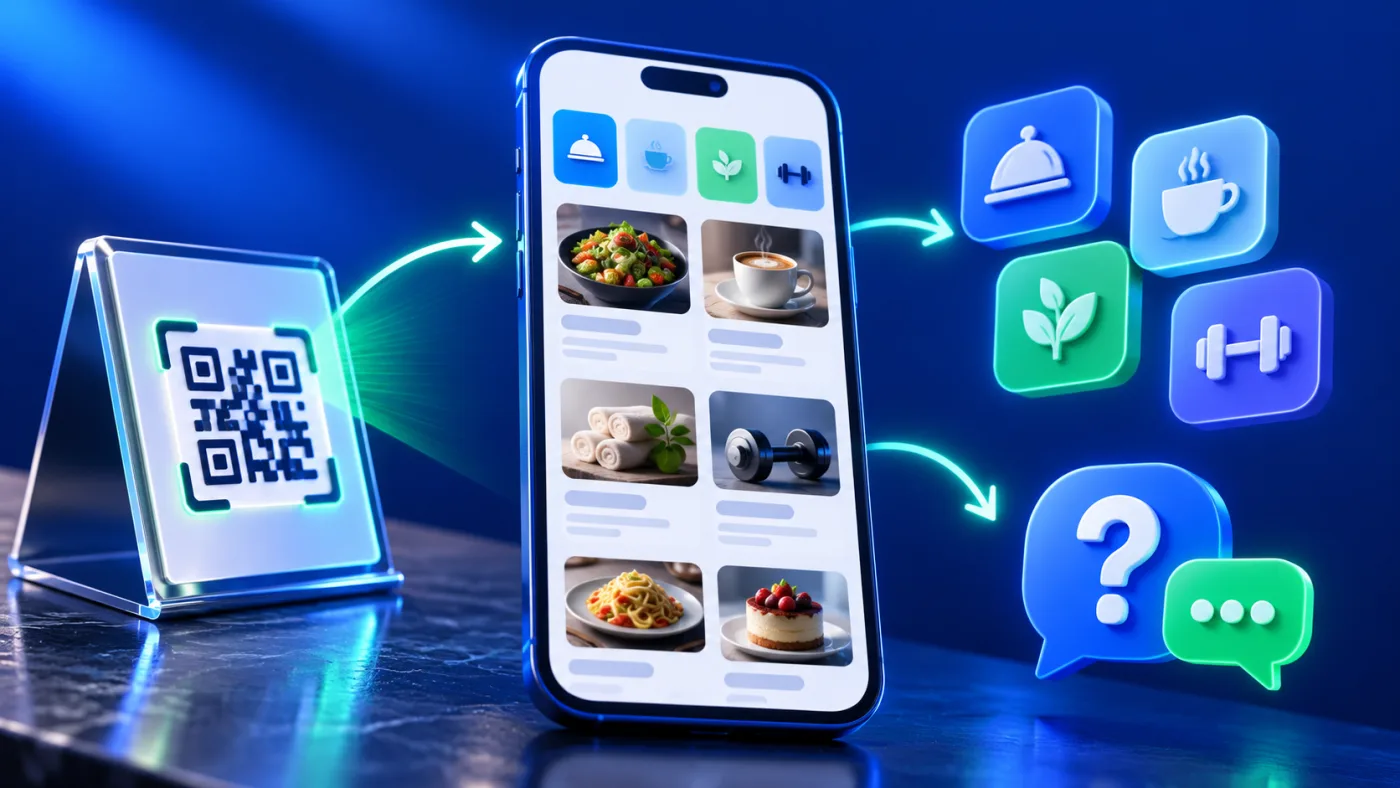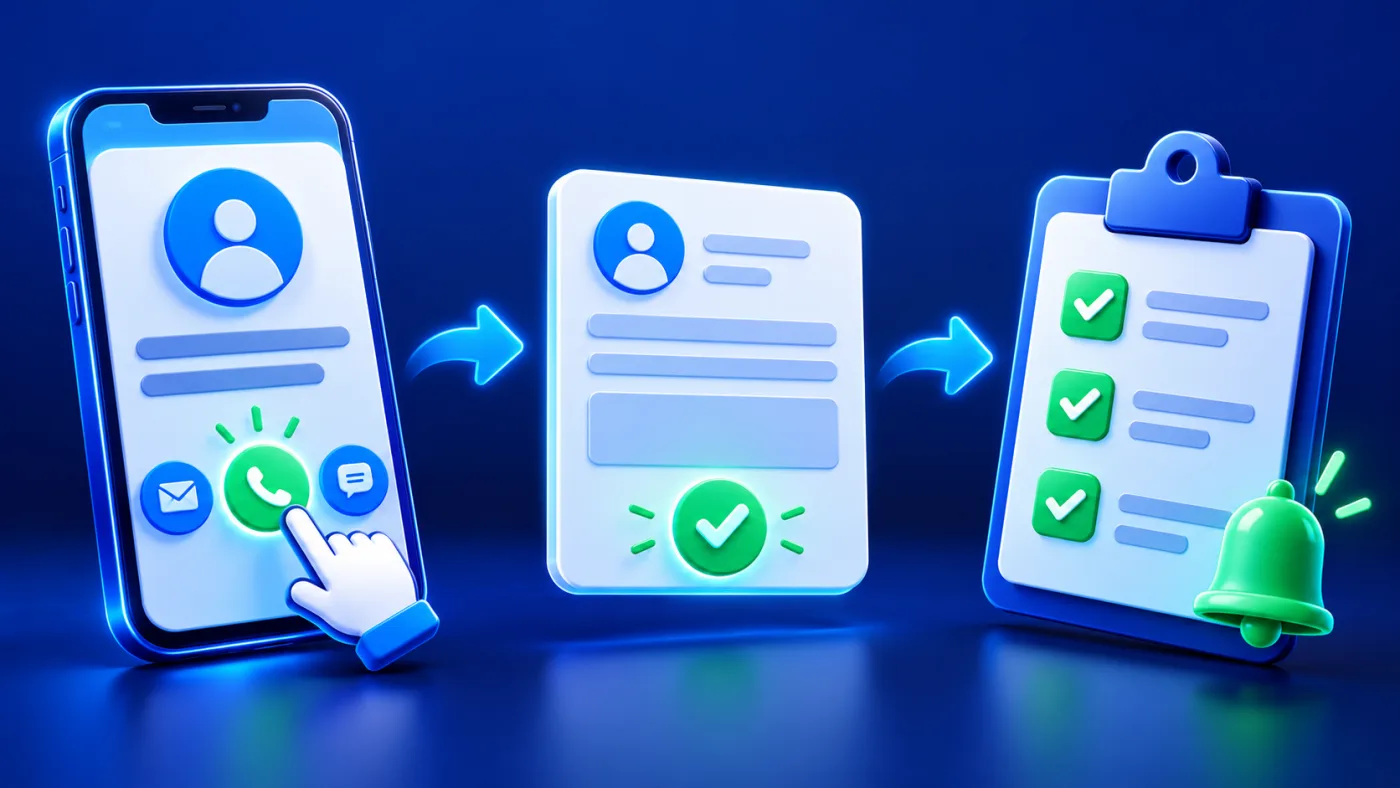
For UAE teams, handling customer inquiries responsibly starts with making the request clear and being able to respond appropriately. For example, a digital profile can show your phone, email or links without collecting the visitor’s identity. Exchange Contact is a different path: the visitor chooses to submit details. For that reason, plan both actions around the page’s purpose rather than turning every button into a vague “contact us.”
Customer inquiries: what is only a tap?
A person may open your page, save your contact information, tap WhatsApp or submit their own details. These events have different meanings. For example, the first two do not give you the person’s name. Meanwhile, a WhatsApp tap may open an app without a message being sent. By contrast, an Exchange Contact submission is a received record when the visitor completes that flow. Confirm messages and appointments in the system where they actually arrive.
| Visitor action | What it means | Where to confirm the result |
|---|---|---|
| Save your contact | Your details move to the visitor’s device. | The visitor’s phone; it is not an incoming lead. |
| Tap a channel | The visitor opens a call, email or messaging route. | The phone, mailbox or messaging service for an actual conversation. |
| Submit Exchange Contact | The visitor sends their details through the available form. | Exchange Contact and the related Address Book record. |
Choose when to enable Exchange Contact for customer inquiries
The public ADMAL Exchange Contact guide says this feature can be enabled on Profile or Menu pages when available. Enabling it exposes a customizable Button Name. Give the action a label that matches what follows, such as a request for contact, rather than a label that implies a completed booking. Follow the fields and page behavior shown in your actual editor.
Ask only for details needed to respond. A visitor should be able to understand why they are sharing a phone number or email address. If a simple call or public website link serves the page better, it may be clearer to use that route. Do not ask visitors to submit private information in an unrelated field merely to make the record more detailed.
Therefore, before directing a visitor to a contact flow, explain what information or action that specific route requests, then open the actual form or app to check it. Do not assume a consent, storage or data-transfer mechanism unless the destination documents it.
What happens to customer inquiries after submission?
For customer inquiries submitted through the form, details reach the related contact records. The incoming workflow is Exchange Contact. Address Book organizes collected contacts for search, filtering and follow-up status. The documented record may include phone, WhatsApp, email, company, source and other submitted information; only the fields actually provided by the visitor can be used. Review the message and source before responding so you do not mistake a general question for a request about a specific product.
The Address Book guide lists New and Contacted statuses, search by contact details, filters and a View Details area when available. Use Mark as Contacted after a real follow-up. The status helps a team avoid contacting the same person twice; it is not proof that the visitor accepted an offer. Remove records only when removal is intended, rather than using Delete as a substitute for marking follow-up.
Build a simple follow-up routine
- Define the actionDecide whether the page should start a call, message or submitted inquiry.
- Label it clearlyWrite the visitor-facing button text for what happens next.
- Test the formSubmit a permitted test from another device and check the related record.
- Review the sourceRead the submitted details and the page or item they came from.
- Respond appropriatelyUse the channel the visitor supplied and keep the reply relevant.
- Mark completionSet Contacted after follow-up and review unresolved New records.
Set an internal owner for this routine. If several people can respond, agree how they will recognize a record already handled. A clear process helps UAE teams manage customer inquiries, avoid duplicate outreach and prevent missed follow-up without making claims about response times you cannot maintain.
Write a useful first reply for three inquiry types
When a new record appears, read the visitor’s message and its source before choosing a reply. The wording below is for a team member to adapt; the system does not send these examples automatically.
| Inquiry type | Suggested first wording | What to verify |
|---|---|---|
| Product question | Thanks for your question. Which product detail would help you decide? I will check the current product information before advising. | Use current published specifications; do not treat a question as a confirmed order. |
| Contact request | I received your message and will follow up using the contact method you provided. | Use the visitor’s supplied channel; do not promise an unconfirmed response time. |
| Unclear message | Thanks for reaching out. What information do you need, or which service do you mean? | Ask only for the missing detail; do not collect information you do not need. |
Adapt each example to the actual record and use an appropriate channel for the reply. Do not copy private contact details or messages into a public report. After following up, update the record status according to the documented Address Book process.
Protect the visitor’s trust
Keep an inquiry report within the people who need it for follow-up. Do not paste a visitor’s phone, email or message into a public blog or shared screenshot. Test the public page with non-sensitive sample details and remove test records when appropriate. Before publishing a form, read the site’s current terms and privacy information and ensure your own contact practice matches what the visitor is told. Keep any submission form short and label each field clearly; W3C’s Forms Tutorial explains form labels and instructions.
Analytics can help show that visitors used a contact action, but it cannot replace submitted records. For the metric distinction, read the engagement analytics guide. Match a campaign or page improvement to actual inquiry quality, not only the number of taps.
Common mistakes to avoid
- Assuming a saved contact or button tap delivered the visitor’s details.
- Using an unclear label that hides whether the action sends a form or opens another app.
- Leaving New records without an assigned follow-up owner.
- Marking a record Contacted before anyone has actually followed up.
- Sharing personal inquiry details in public reports or images.
- Deleting a record merely to clear a follow-up list.
Frequently asked questions
Does Add Contact give me the visitor’s phone number?
No. Saving your contact does not share the visitor’s details. To send details to your ADMAL Exchange Contact records, the visitor must submit that form where it is available. A WhatsApp message or another external message stays in that channel.
Where can I review Exchange Contact submissions?
Use the incoming Exchange Contact flow and related Address Book records when that feature is available on the current page. Confirm the actual submitted fields before replying.
What does Mark as Contacted mean?
Use it after follow-up has happened. It helps distinguish handled records from New ones and reduces duplicate team outreach; it does not mean an order was completed.
Should I use Delete to clear a handled inquiry?
No. Mark a handled record Contacted. Delete only when the record really needs removal under your data handling process.