Your Connected Digital Identity

ADMAL Digital gives people and businesses in the UAE one clear place to present contact details, links, services, and brand information. In addition, you can share your profile through QR or NFC while keeping every visit simple and fast.

Moreover, the platform helps you organise new contacts and review engagement from one dashboard. Therefore, explore our digital identity plans to choose the right option. For more information about digital services in the country, visit the official UAE government portal.

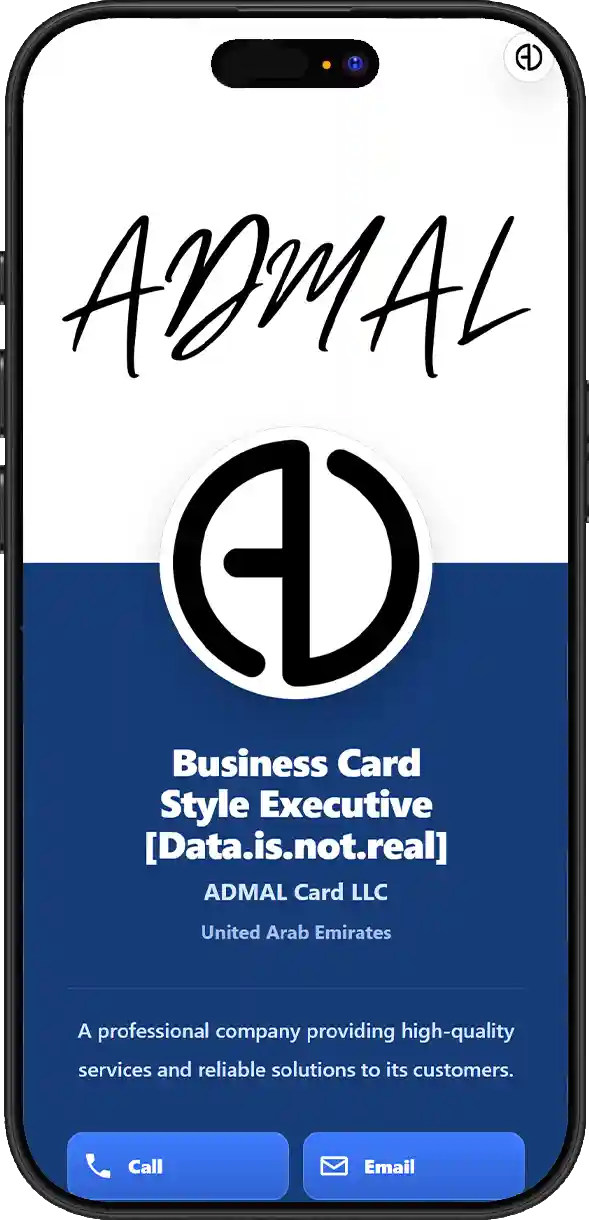
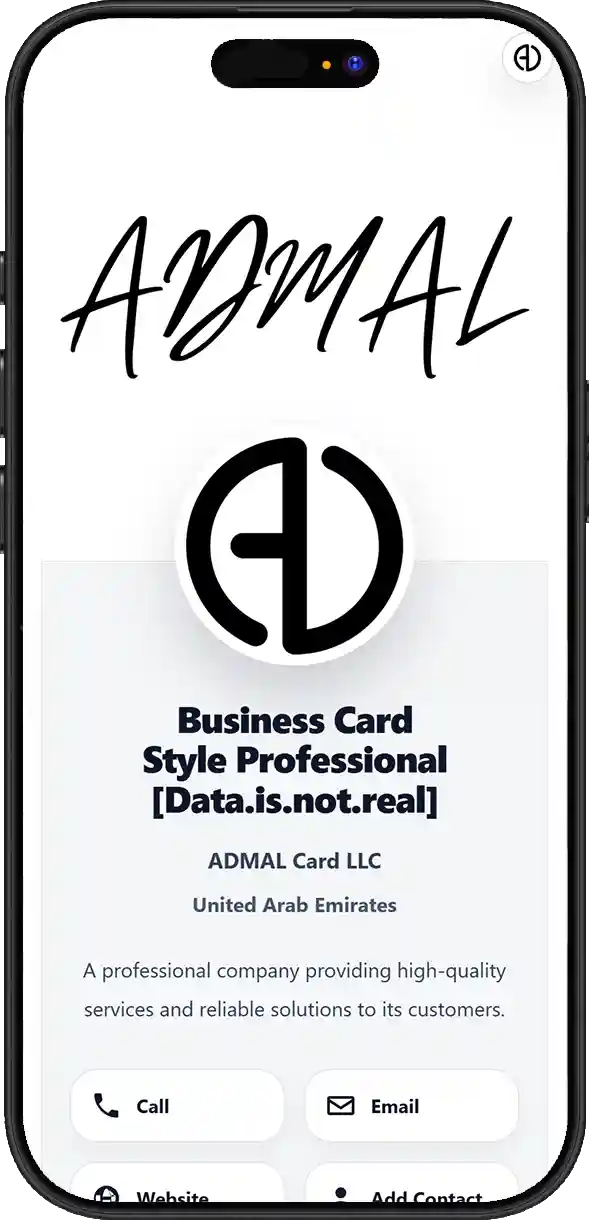
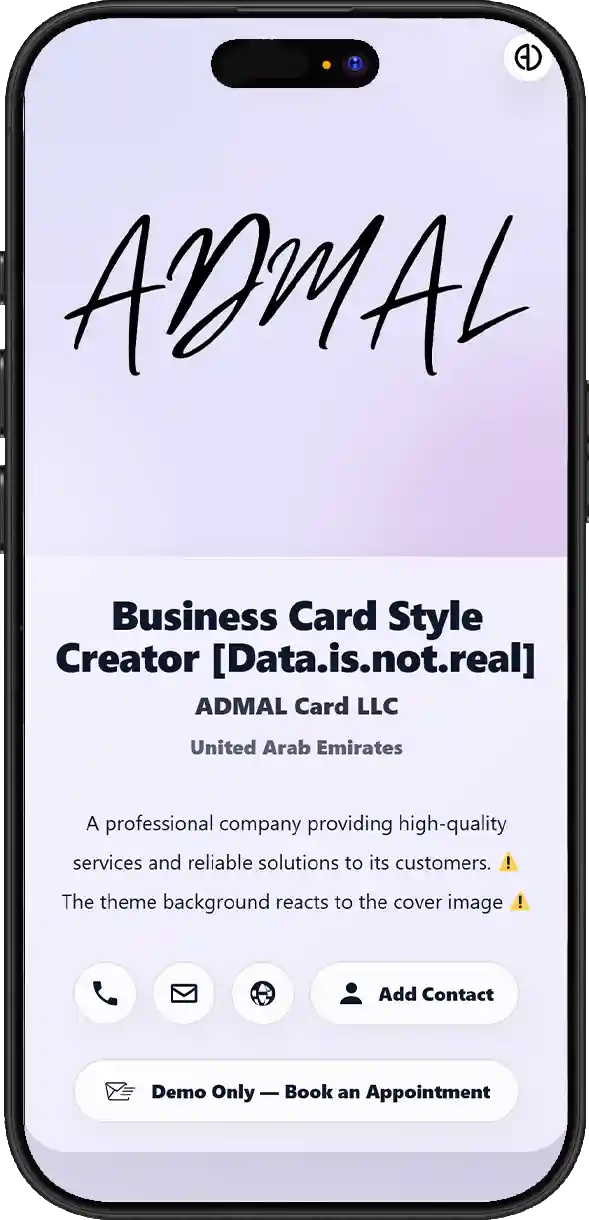
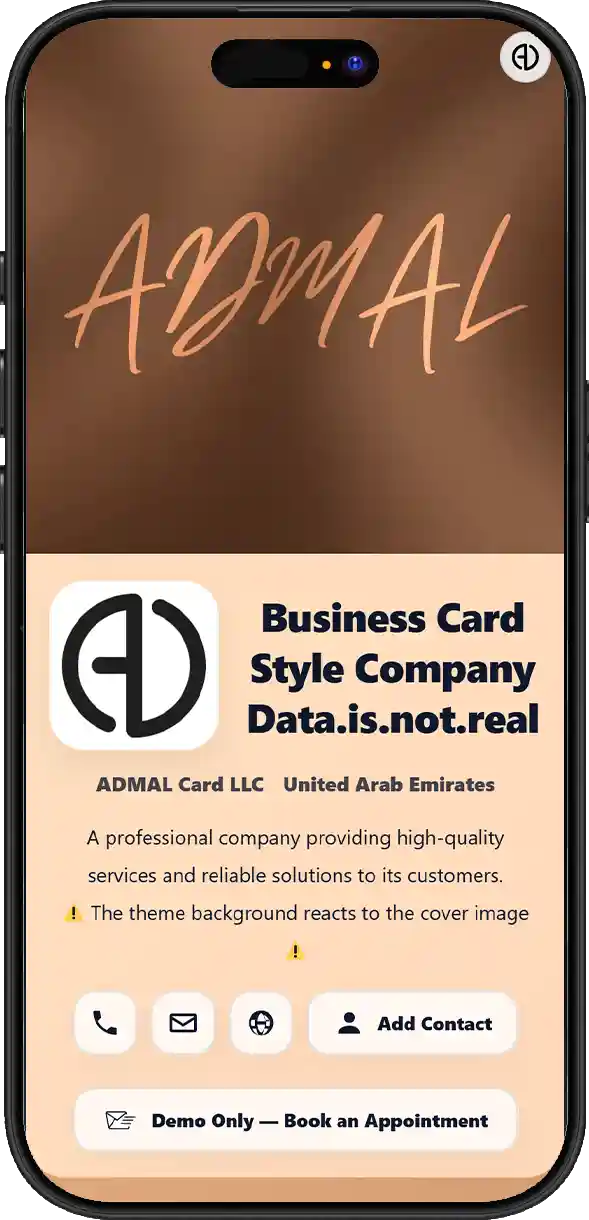
Choose the style that represents you

Pick the ADMAL Digital style that best represents you and your brand

Style 01
Executive
Style 02
Professional
Style 03
Creator
Style 04
Company

QUESTIONS & ANSWERS

Profile / Business Questions & Answers

What can I use an ADMAL Profile / Business page for beyond showing contact information?
An ADMAL Profile / Business page is not a traditional digital business card. It is an editable professional digital identity that brings personal or company information, content and actions into one link. It can act as an entry point for communication, work samples, files, bookings, forms and external services according to the current setup. ADMAL is not valuable merely because it has a QR code or a link page. It brings professional identity, content, interaction, contact saving and exchange, external systems, translation, sharing and analytics around a persistent UID that can continue to be updated. That makes the Profile a managed and measurable professional layer rather than a static digital card.
What professional content can I add to a Profile / Business page?
The page can include name, photo, contact details, Website, Map and social links, plus up to 3 experience entries, skills, languages with proficiency levels, files, images, gallery content and other available links. This allows it to work as a Professional Profile, Digital CV or Business Presence depending on the goal.
Can I add my work experience, skills and spoken languages to the page?
The page can include name, photo, contact details, Website, Map and social links, plus up to 3 experience entries, skills, languages with proficiency levels, files, images, gallery content and other available links. This allows it to work as a Professional Profile, Digital CV or Business Presence depending on the goal.
How do the Profile / Business styles differ, and how do I choose the right one?
The Page Type defines the function and structure, while the Style controls how the content is arranged and emphasized. Some Styles are more formal and professional, some give more weight to work samples and visual content, and some fit a company or business presence better; the choice should follow what you want the visitor to notice first, not only the color.
Is Profile / Business only for one person, or can it also be used for employees, freelancers and companies?
An ADMAL Profile / Business page is not a traditional digital business card. It is an editable professional digital identity that brings personal or company information, content and actions into one link. It can act as an entry point for communication, work samples, files, bookings, forms and external services according to the current setup. On plans that support Team Access, including QR7, QR10, QR20 and Custom plans above 20 links, a company can manage multiple Profiles centrally while each Profile keeps its own content and analytics. A sub-user can edit only their own Profile and view their own Analytics; they cannot manage the subscription, Activate/Delete/Unlink links, or control other users.
How does Add Contact work, and what information can a visitor save directly to their phone?
Add Contact turns the details made available by the page owner into a contact that can be saved on a phone instead of copied manually. Depending on the entered data and what the contact file supports, this can include name, photo when available, phone numbers, email, links and other suitable contact details.
What is the difference between Add Contact and Exchange Contact?
Add Contact turns the details made available by the page owner into a contact that can be saved on a phone instead of copied manually. Depending on the entered data and what the contact file supports, this can include name, photo when available, phone numbers, email, links and other suitable contact details. Exchange Contact works in the opposite direction from Add Contact: the visitor voluntarily sends their details to the page owner. This turns the Profile from a one-way presentation into a place where a relationship, lead or follow-up can begin at events, meetings, sales or customer-service interactions.
Can I use the page to receive customer details, contact requests or service enquiries?
Exchange Contact works in the opposite direction from Add Contact: the visitor voluntarily sends their details to the page owner. This turns the Profile from a one-way presentation into a place where a relationship, lead or follow-up can begin at events, meetings, sales or customer-service interactions. Buttons and links can point to WhatsApp, Website, Maps, files, Forms, Calendar, Booking Systems or other external services that provide a suitable destination link. ADMAL does not need to rebuild every external tool inside the platform; it can serve as the central gateway that connects the identity to tools the business already uses.
Can I connect the page to bookings, appointments, a calendar or service-request forms?
Buttons and links can point to WhatsApp, Website, Maps, files, Forms, Calendar, Booking Systems or other external services that provide a suitable destination link. ADMAL does not need to rebuild every external tool inside the platform; it can serve as the central gateway that connects the identity to tools the business already uses.
Can ADMAL connect to external systems or services I already use for my business?
Buttons and links can point to WhatsApp, Website, Maps, files, Forms, Calendar, Booking Systems or other external services that provide a suitable destination link. ADMAL does not need to rebuild every external tool inside the platform; it can serve as the central gateway that connects the identity to tools the business already uses.
Can each button on the page perform a different action?
Buttons and links can point to WhatsApp, Website, Maps, files, Forms, Calendar, Booking Systems or other external services that provide a suitable destination link. ADMAL does not need to rebuild every external tool inside the platform; it can serve as the central gateway that connects the identity to tools the business already uses.
Can I use images and the gallery to show my work, projects or company content and keep it updated?
Images and the Gallery can be used as a portfolio, project showcase, company gallery or other changing visual content, not only as personal photos. Because the content is digital, it can be refreshed over time so the page stays connected to the latest work of the person or business. Digital content such as details, images, links, work samples and files can be updated while the same identity and UID remain in use. Printed, engraved or manufactured elements on the physical product do not change automatically, so the editable digital layer should be distinguished from the physical item.
Can I add files, presentations, catalogues, documents and important links to the page?
Available fields can be used for PDF files, presentations, catalogues, documents and external links. For large or frequently changing files, a public external link can be used, provided the destination is direct and sharing permissions allow visitors to open it.
Can the same ADMAL link translate its content into the seven languages supported by ADMAL?
ADMAL supports presenting the same digital identity in up to 7 supported languages when the original inputs are clear, correct and understandable enough to translate. This refers to translation of the page content itself and is separate from the professional language field that shows languages spoken by the Profile owner.
Do I need a separate link for every language?
ADMAL supports presenting the same digital identity in up to 7 supported languages when the original inputs are clear, correct and understandable enough to translate. This refers to translation of the page content itself and is separate from the professional language field that shows languages spoken by the Profile owner. The same digital identity can be reached through a direct Link, QR and NFC on compatible products. These are access methods to the same link and UID, so the identity can be shared online, scanned or opened with a tap without creating a separate page for every method.
How can I share a Profile / Business page through a link, QR and NFC?
The same digital identity can be reached through a direct Link, QR and NFC on compatible products. These are access methods to the same link and UID, so the identity can be shared online, scanned or opened with a tap without creating a separate page for every method.
If I change my information, images or services later, do I need to replace the link, QR or NFC?
Digital content such as details, images, links, work samples and files can be updated while the same identity and UID remain in use. Printed, engraved or manufactured elements on the physical product do not change automatically, so the editable digital layer should be distinguished from the physical item. The same digital identity can be reached through a direct Link, QR and NFC on compatible products. These are access methods to the same link and UID, so the identity can be shared online, scanned or opened with a tap without creating a separate page for every method.
What can be changed digitally after the card is printed, and what may require the physical product to be remade?
Digital content such as details, images, links, work samples and files can be updated while the same identity and UID remain in use. Printed, engraved or manufactured elements on the physical product do not change automatically, so the editable digital layer should be distinguished from the physical item.
How is a Profile / Business page connected to ADMAL Analytics and tracking?
An independent identity is tied to its UID, allowing Analytics to be associated with the correct page. Available indicators can include page opens, stay duration and tracked actions or buttons according to the current plan and implementation, helping the owner understand how the page is used rather than relying on a raw visit count.
What types of engagement can I monitor from the dashboard after sharing the page?
An independent identity is tied to its UID, allowing Analytics to be associated with the correct page. Available indicators can include page opens, stay duration and tracked actions or buttons according to the current plan and implementation, helping the owner understand how the page is used rather than relying on a raw visit count.
If someone enters through QR, NFC or the direct link, how is that activity connected to the digital identity and UID?
The same digital identity can be reached through a direct Link, QR and NFC on compatible products. These are access methods to the same link and UID, so the identity can be shared online, scanned or opened with a tap without creating a separate page for every method. An independent identity is tied to its UID, allowing Analytics to be associated with the correct page. Available indicators can include page opens, stay duration and tracked actions or buttons according to the current plan and implementation, helping the owner understand how the page is used rather than relying on a raw visit count.
Does Analytics mean ADMAL automatically knows the identity of everyone who opens the page?
Analytics do not mean ADMAL automatically knows every visitor's name or phone number. Personal identity becomes known when a visitor voluntarily submits details through Exchange Contact, a Form or another suitable communication flow; usage measurement should be kept separate from contact data provided by the person.
Can a company manage multiple employee Profiles and monitor each Profile independently?
On plans that support Team Access, including QR7, QR10, QR20 and Custom plans above 20 links, a company can manage multiple Profiles centrally while each Profile keeps its own content and analytics. A sub-user can edit only their own Profile and view their own Analytics; they cannot manage the subscription, Activate/Delete/Unlink links, or control other users.
What is the real difference between an ADMAL Profile and a basic digital business card or simple link page?
ADMAL is not valuable merely because it has a QR code or a link page. It brings professional identity, content, interaction, contact saving and exchange, external systems, translation, sharing and analytics around a persistent UID that can continue to be updated. That makes the Profile a managed and measurable professional layer rather than a static digital card.

Choose Your ADMAL Digital Review Style

Choose the review style that makes feedback simple and builds trust.

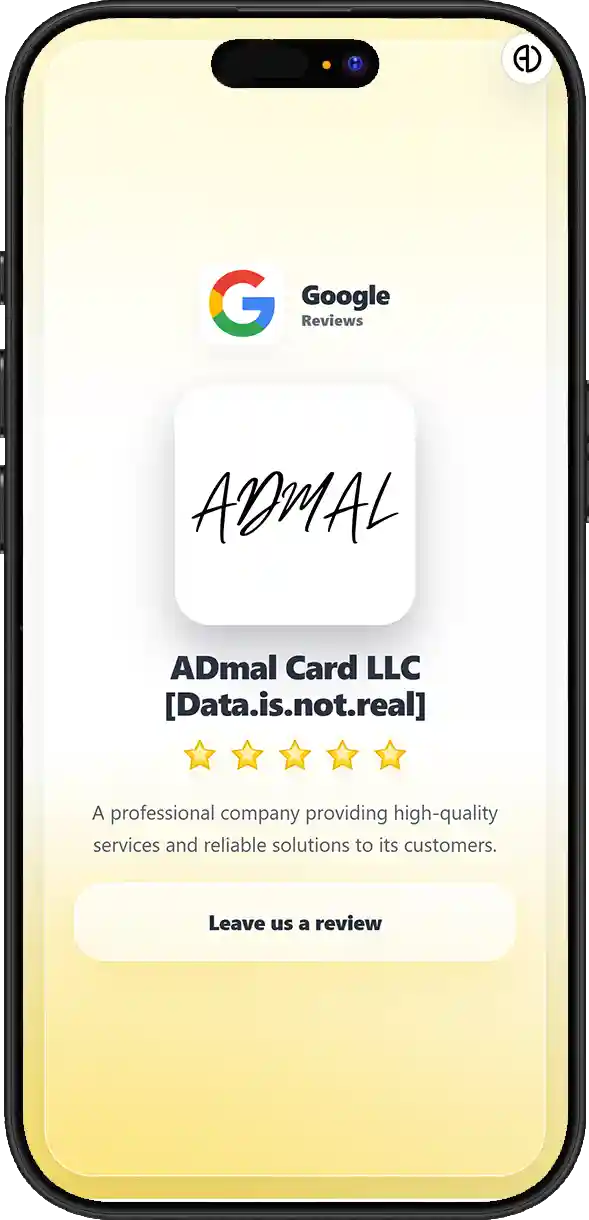
Style 01
Google Reviews
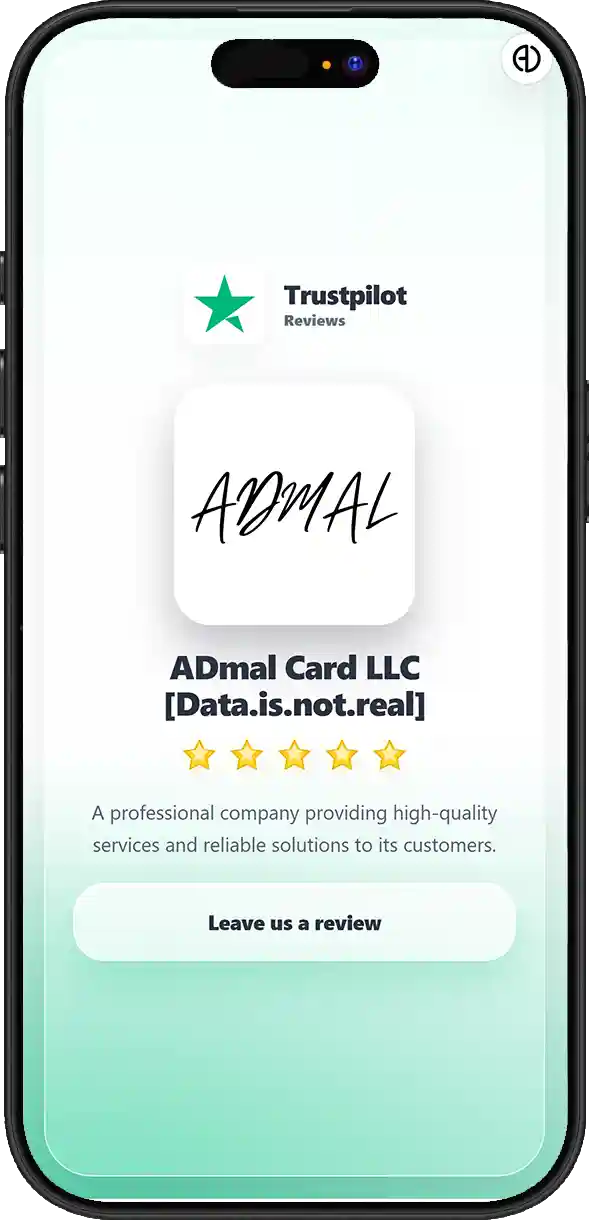
Style 02
Trustpilot Reviews
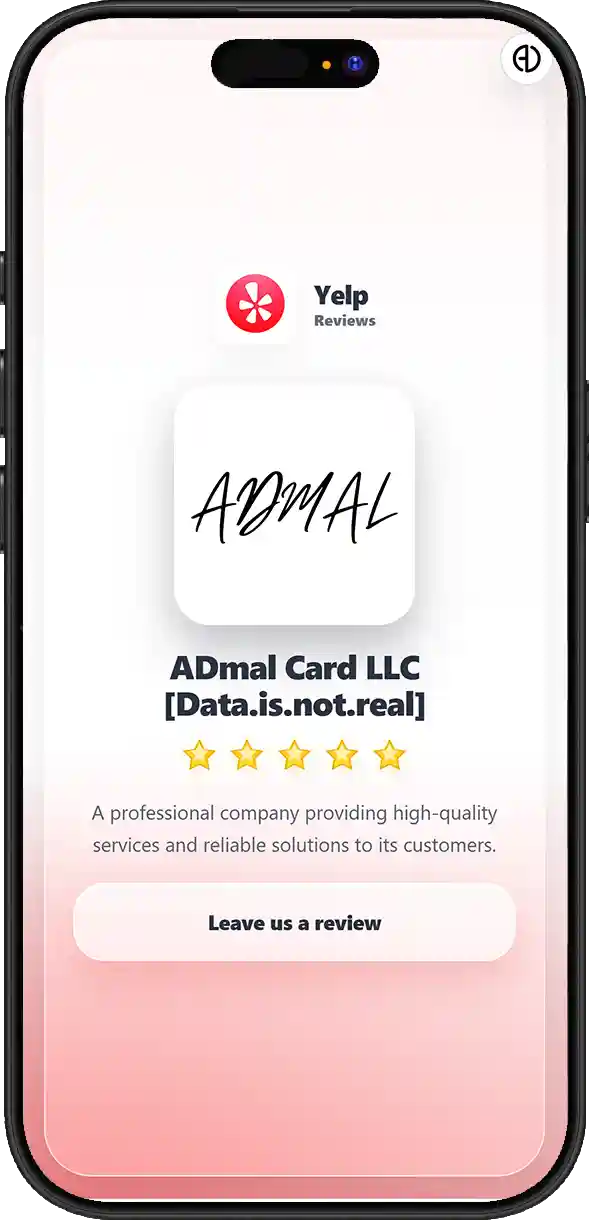
Style 03
Yelp
Reviews
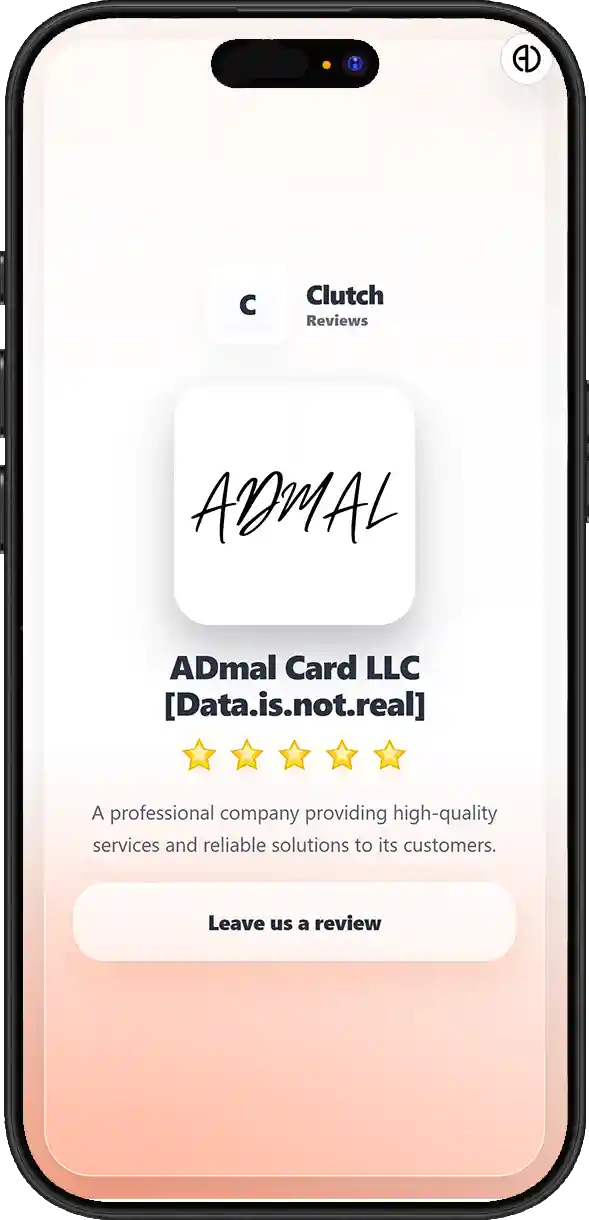
Style 04
Clutch
Reviews
Style 05
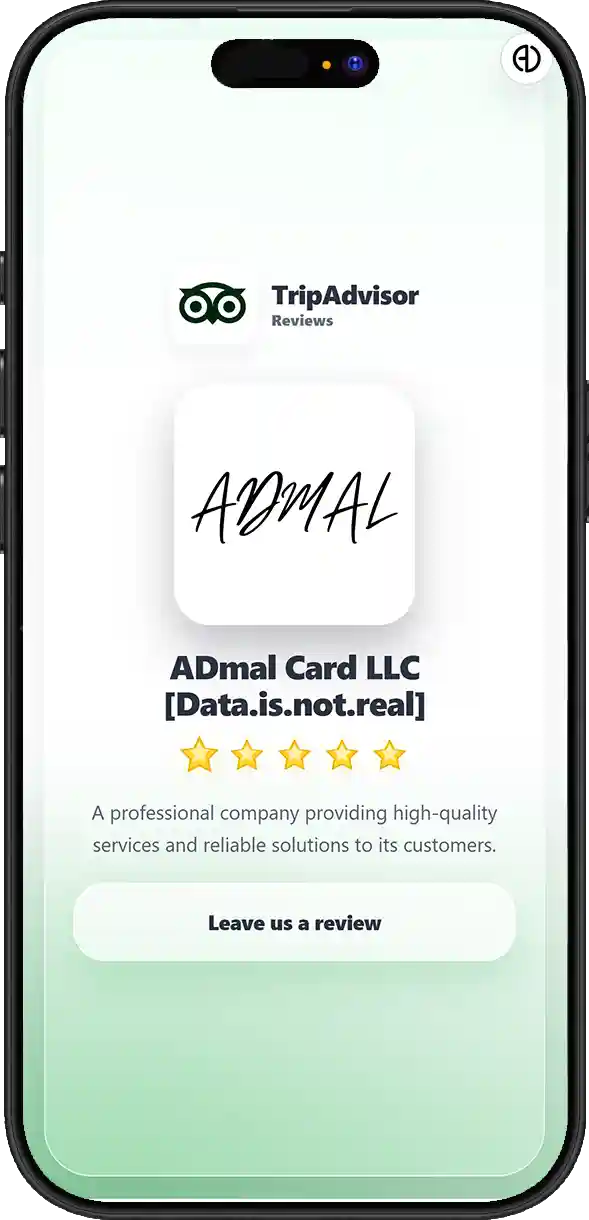
TripAdvisor Reviews
Style 06
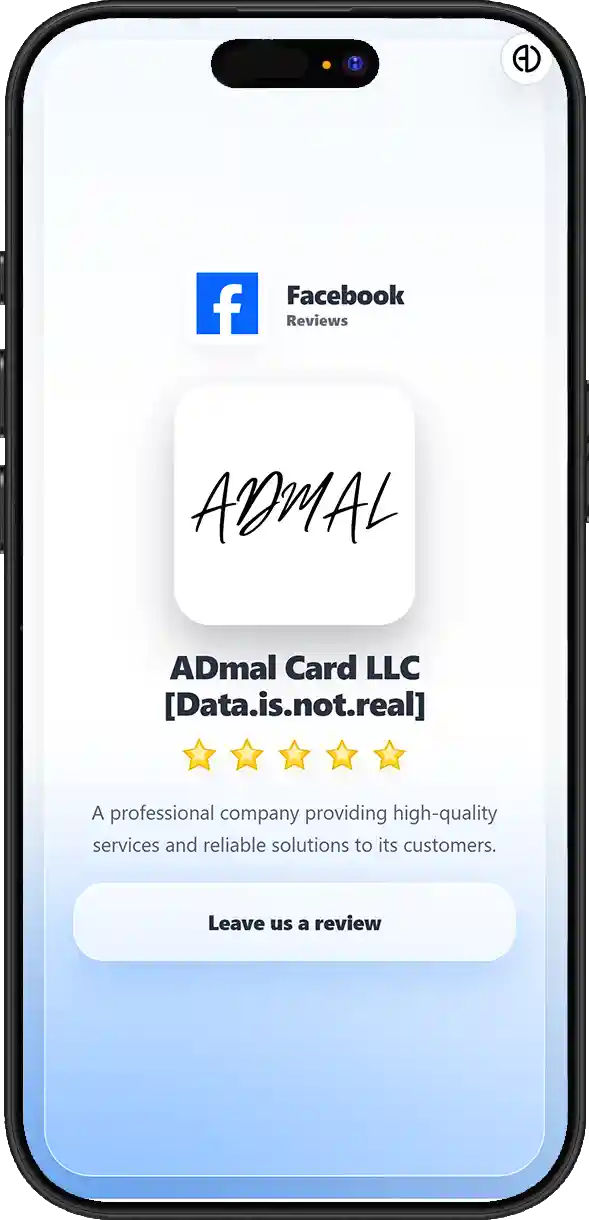
Facebook
Reviews
Style 07
Stands

QUESTIONS & ANSWERS

Review Questions & Answers

What is the ADMAL Review experience, and what happens after a customer opens the link or scans QR or NFC?
The ADMAL Review experience organizes the path between the product or link and the destination you want the customer to reach. After opening the ADMAL link through QR, NFC or a direct URL, the visitor enters a digital experience tied to the UID and then moves to the review link or destination configured for the current Style.
What is the difference between the six single-link Review styles and Style 7 for the Review Stand?
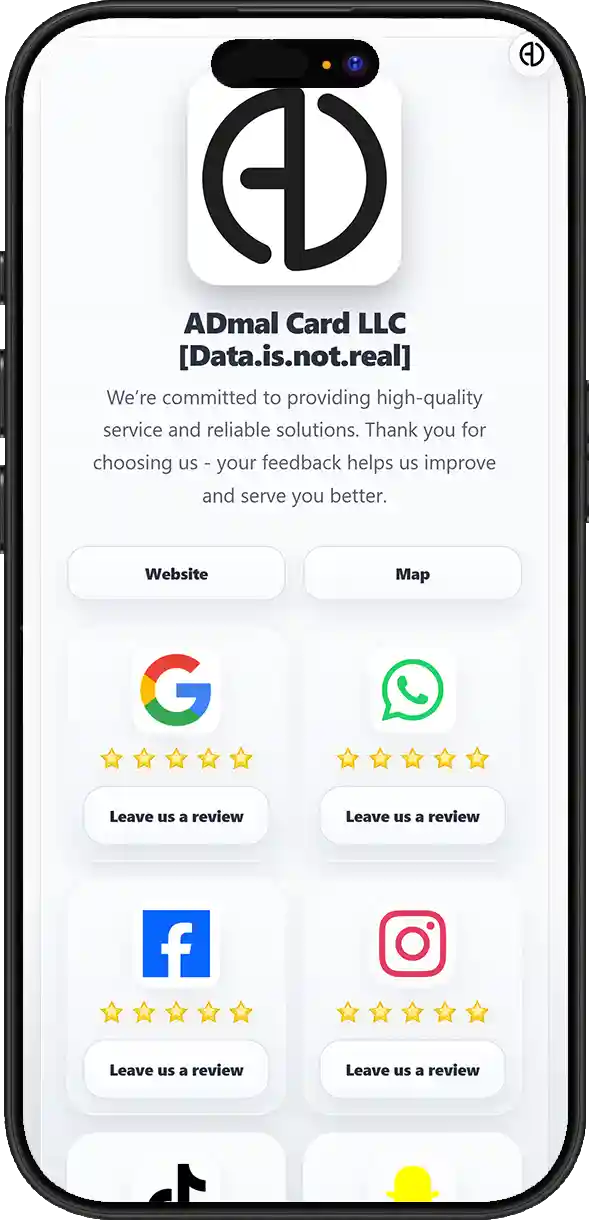
The first six Review Styles are single-link experiences, each focused on one main destination and tied to the type of product selected. This connection matters so the digital journey stays consistent with the design or message on the physical product. Style 7 for the Review Stand is a multi-link experience that can contain up to 6 links. It is therefore not simply a seventh visual theme; it is a hub that lets a business collect several destinations on one page instead of distributing multiple QR codes or products.
Why is a single-link Review Style tied to the product that was purchased instead of being changed arbitrarily?
The first six Review Styles are single-link experiences, each focused on one main destination and tied to the type of product selected. This connection matters so the digital journey stays consistent with the design or message on the physical product. When the same ADMAL identity and UID remain in use, digital destinations such as the review URL, Website or Location can be updated within system limits without automatically replacing QR or NFC. A change that conflicts with the physical product design or purpose may still require the physical item to be updated or remade.
How does a single-link Review experience work, and where is the customer sent after opening ADMAL?
The first six Review Styles are single-link experiences, each focused on one main destination and tied to the type of product selected. This connection matters so the digital journey stays consistent with the design or message on the physical product. In One-Link, the journey is focused on one main destination, while the Review Stand allows each available link to lead to an independent destination. Links can be used for different review platforms or combined with Website, Location and other business destinations supported by the current setup.
Does ADMAL collect the review inside ADMAL, or does it send the customer to the selected review platform or destination?
ADMAL organizes and shortens the path but does not replace the external review platform. The written review, star rating and data submitted on Google or another platform remain inside that service unless a documented and enabled integration specifically retrieves them.
What makes the Review Stand different from a card or product with a single review link?
Style 7 for the Review Stand is a multi-link experience that can contain up to 6 links. It is therefore not simply a seventh visual theme; it is a hub that lets a business collect several destinations on one page instead of distributing multiple QR codes or products. In One-Link, the journey is focused on one main destination, while the Review Stand allows each available link to lead to an independent destination. Links can be used for different review platforms or combined with Website, Location and other business destinations supported by the current setup.
How many links can be added to a Review Stand, and how can the six links be used in practice?
Style 7 for the Review Stand is a multi-link experience that can contain up to 6 links. It is therefore not simply a seventh visual theme; it is a hub that lets a business collect several destinations on one page instead of distributing multiple QR codes or products. In One-Link, the journey is focused on one main destination, while the Review Stand allows each available link to lead to an independent destination. Links can be used for different review platforms or combined with Website, Location and other business destinations supported by the current setup.
Do all Review Stand links have to be review platforms, or can Review be combined with Website, Location and other available business links?
In One-Link, the journey is focused on one main destination, while the Review Stand allows each available link to lead to an independent destination. Links can be used for different review platforms or combined with Website, Location and other business destinations supported by the current setup. Website and Location are part of the current Review experience. Website can take the visitor to the company site, while Location can open the business location or mapped destination, making Review more useful than a single review button.
How can a business use the Review Stand as one central page instead of distributing several QR codes or separate links?
Style 7 for the Review Stand is a multi-link experience that can contain up to 6 links. It is therefore not simply a seventh visual theme; it is a hub that lets a business collect several destinations on one page instead of distributing multiple QR codes or products. In One-Link, the journey is focused on one main destination, while the Review Stand allows each available link to lead to an independent destination. Links can be used for different review platforms or combined with Website, Location and other business destinations supported by the current setup.
Can each link inside the Review Stand lead to a different destination independently?
In One-Link, the journey is focused on one main destination, while the Review Stand allows each available link to lead to an independent destination. Links can be used for different review platforms or combined with Website, Location and other business destinations supported by the current setup.
When is a single-link Review product the better choice, and when is the multi-link Review Stand better?
The first six Review Styles are single-link experiences, each focused on one main destination and tied to the type of product selected. This connection matters so the digital journey stays consistent with the design or message on the physical product. Style 7 for the Review Stand is a multi-link experience that can contain up to 6 links. It is therefore not simply a seventh visual theme; it is a hub that lets a business collect several destinations on one page instead of distributing multiple QR codes or products.
Can the company Website and business Location be added to the Review experience, and why are they useful?
Website and Location are part of the current Review experience. Website can take the visitor to the company site, while Location can open the business location or mapped destination, making Review more useful than a single review button.
Can I update the review link, Website or Location later without changing the QR or NFC used to open the page?
When the same ADMAL identity and UID remain in use, digital destinations such as the review URL, Website or Location can be updated within system limits without automatically replacing QR or NFC. A change that conflicts with the physical product design or purpose may still require the physical item to be updated or remade. The same Review experience can be reached through a direct Link, QR and NFC on compatible products. These are different access methods to the same digital identity, so a separate page is not required for each method when they lead to the same UID.
What is the difference between changing digital content or links and changing the product type or Style tied to the physical item?
When the same ADMAL identity and UID remain in use, digital destinations such as the review URL, Website or Location can be updated within system limits without automatically replacing QR or NFC. A change that conflicts with the physical product design or purpose may still require the physical item to be updated or remade. The first six Review Styles are single-link experiences, each focused on one main destination and tied to the type of product selected. This connection matters so the digital journey stays consistent with the design or message on the physical product.
If my Google Review link or another external destination changes later, do I need to remake the product?
When the same ADMAL identity and UID remain in use, digital destinations such as the review URL, Website or Location can be updated within system limits without automatically replacing QR or NFC. A change that conflicts with the physical product design or purpose may still require the physical item to be updated or remade.
Can the same Review experience be used through a direct link, QR and NFC, or does each access method need a separate page?
The same Review experience can be reached through a direct Link, QR and NFC on compatible products. These are different access methods to the same digital identity, so a separate page is not required for each method when they lead to the same UID.
How is a Review page connected to its UID inside ADMAL?
The ADMAL Review experience organizes the path between the product or link and the destination you want the customer to reach. After opening the ADMAL link through QR, NFC or a direct URL, the visitor enters a digital experience tied to the UID and then moves to the review link or destination configured for the current Style. Analytics focus on what happens inside the ADMAL experience and on actions the system can track, such as page opens, stay duration and interactions with links or buttons. In a Review Stand, this data can help show which destinations attract more engagement inside the page.
How do Analytics and tracking work with Review, and what can a business monitor after sharing the page?
Analytics focus on what happens inside the ADMAL experience and on actions the system can track, such as page opens, stay duration and interactions with links or buttons. In a Review Stand, this data can help show which destinations attract more engagement inside the page.
In a multi-link Review Stand, can I see which links or actions visitors use most?
Analytics focus on what happens inside the ADMAL experience and on actions the system can track, such as page opens, stay duration and interactions with links or buttons. In a Review Stand, this data can help show which destinations attract more engagement inside the page.
Can I compare engagement across multiple links in the same Review experience to understand which destinations customers prefer?
Analytics focus on what happens inside the ADMAL experience and on actions the system can track, such as page opens, stay duration and interactions with links or buttons. In a Review Stand, this data can help show which destinations attract more engagement inside the page.
Does ADMAL Analytics mean the system knows the identity of the person who opened the page or left the review?
Opening a page or clicking a link does not automatically reveal the visitor identity, and click tracking does not mean ADMAL knows the review text or star rating submitted on an external platform. Behavior inside ADMAL must be separated from data that remains inside Google or another service.
Can ADMAL automatically know the text of the review or the star rating a customer leaves on an external platform?
ADMAL organizes and shortens the path but does not replace the external review platform. The written review, star rating and data submitted on Google or another platform remain inside that service unless a documented and enabled integration specifically retrieves them. Opening a page or clicking a link does not automatically reveal the visitor identity, and click tracking does not mean ADMAL knows the review text or star rating submitted on an external platform. Behavior inside ADMAL must be separated from data that remains inside Google or another service.
What is the difference between engagement tracked inside ADMAL and data that remains inside Google or another review platform?
ADMAL organizes and shortens the path but does not replace the external review platform. The written review, star rating and data submitted on Google or another platform remain inside that service unless a documented and enabled integration specifically retrieves them. Opening a page or clicking a link does not automatically reveal the visitor identity, and click tracking does not mean ADMAL knows the review text or star rating submitted on an external platform. Behavior inside ADMAL must be separated from data that remains inside Google or another service.
Can the Review experience be used without a physical product?
The ADMAL Review experience organizes the path between the product or link and the destination you want the customer to reach. After opening the ADMAL link through QR, NFC or a direct URL, the visitor enters a digital experience tied to the UID and then moves to the review link or destination configured for the current Style. The same Review experience can be reached through a direct Link, QR and NFC on compatible products. These are different access methods to the same digital identity, so a separate page is not required for each method when they lead to the same UID.
How does the Review experience reduce the number of steps between the customer and the review page or business destination?
The ADMAL Review experience organizes the path between the product or link and the destination you want the customer to reach. After opening the ADMAL link through QR, NFC or a direct URL, the visitor enters a digital experience tied to the UID and then moves to the review link or destination configured for the current Style. In One-Link, the journey is focused on one main destination, while the Review Stand allows each available link to lead to an independent destination. Links can be used for different review platforms or combined with Website, Location and other business destinations supported by the current setup.
Does ADMAL guarantee more reviews or positive reviews?
ADMAL can reduce steps and organize access to a review destination, but it does not guarantee that a customer will write a review, leave a positive review or choose a particular star rating. Service quality, customer experience and the rules of the external platform remain separate factors.
If the business needs change later, what can be updated digitally while keeping the same identity and link?
When the same ADMAL identity and UID remain in use, digital destinations such as the review URL, Website or Location can be updated within system limits without automatically replacing QR or NFC. A change that conflicts with the physical product design or purpose may still require the physical item to be updated or remade.
What is the real difference between ADMAL Review and a normal QR code that opens a Google Review link directly?
A normal QR code may only open one fixed URL, while ADMAL Review adds a persistent UID and editable digital identity, Link/QR/NFC access, product-linked Styles, a Review Stand with up to 6 links, Website and Location, and Analytics for engagement inside ADMAL. The value is the managed digital layer behind the QR, not the QR symbol itself.

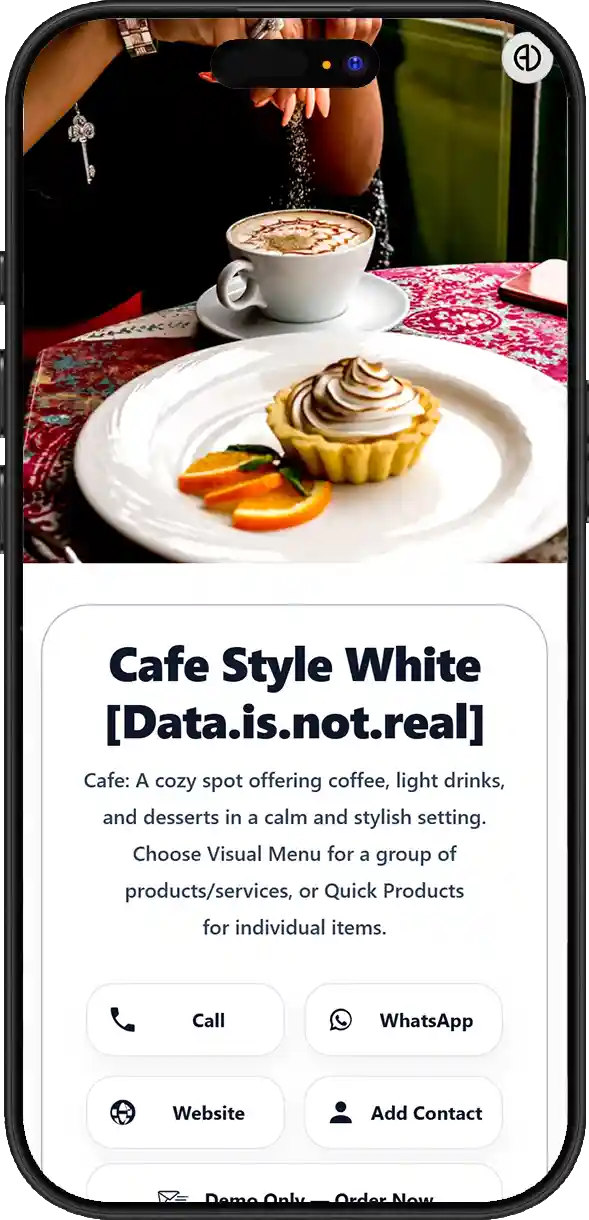
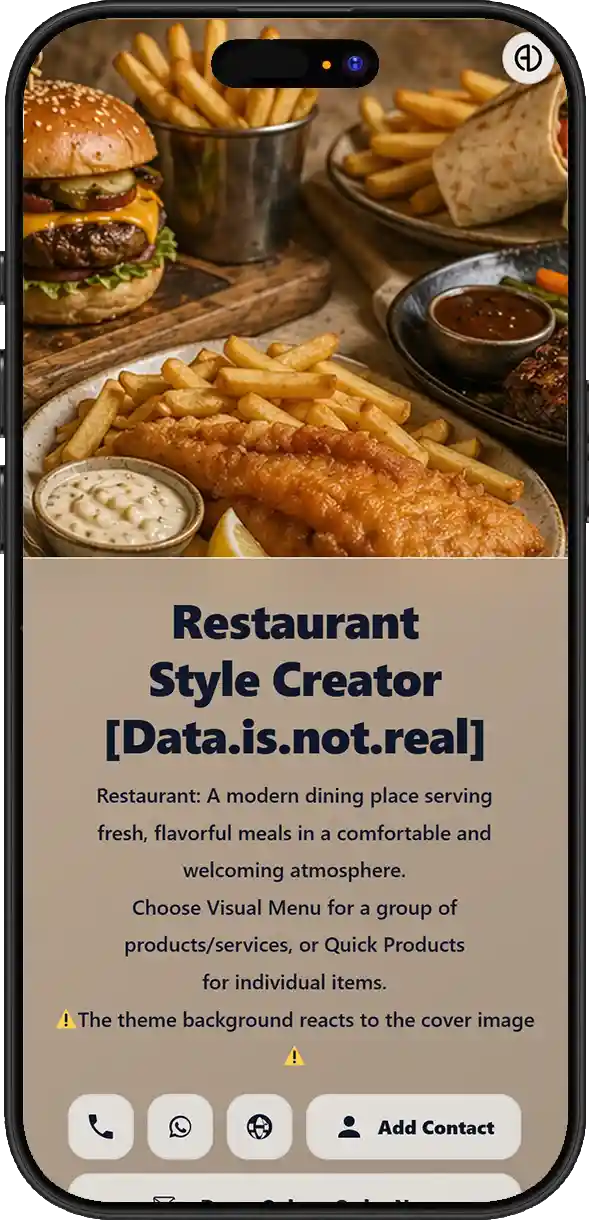
Choose Your ADMAL Digital Menu Style

Choose the menu style that matches your business and makes browsing easy.

Style 01
Black
Style 02
White
Style 03
Creator

QUESTIONS & ANSWERS

Menu / Services Questions & Answers

What is ADMAL Menu / Services, and what can it be used for beyond a traditional food menu?
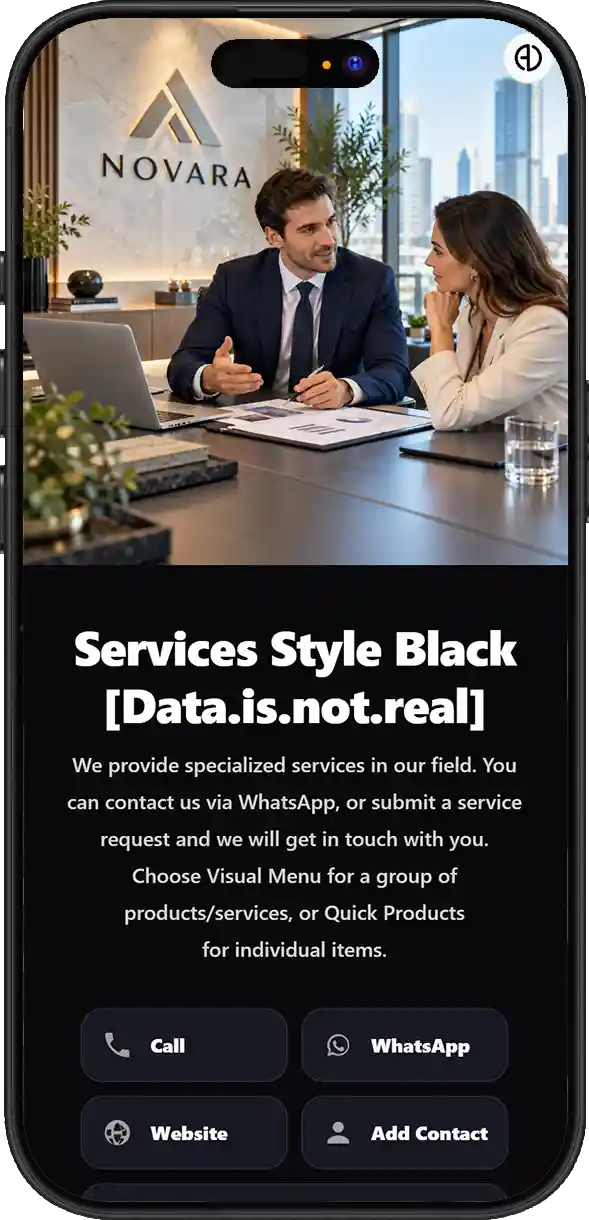
ADMAL Menu / Services is a flexible digital business interface, not a restaurant-only menu. It can be used for food menus, services and pricing, products for display, catalogues, offers or work images, and then guide the visitor to the next useful action. A normal QR opening a fixed PDF usually provides one destination without a management, interaction or analytics layer. ADMAL Menu / Services adds a UID, editable content, Visual Menu, Quick Products, images, files, Add/Exchange Contact, external links, Like, translation, sharing and Analytics, while direct buying and payment are not currently enabled inside the experience.
Is Menu / Services only for restaurants, or can it also be used for services, products, pricing, catalogues and offers?
ADMAL Menu / Services is a flexible digital business interface, not a restaurant-only menu. It can be used for food menus, services and pricing, products for display, catalogues, offers or work images, and then guide the visitor to the next useful action.
What is the difference between Visual Menu and Quick Products, and when is each option more suitable?
Visual Menu fits cases where visual presentation, image-based menus or files are the main experience. It can present multiple images or visual menu content in a mobile-friendly way instead of entering every item as a separate record. Quick Products presents individual items inside the page. Each item can use the fields available in the current editor, such as image, title, description and price, and the same structure can represent a service, package or product for display; being listed does not mean the item can be purchased inside ADMAL.
How do Quick Products work, and what can be added to each product or service?
Quick Products presents individual items inside the page. Each item can use the fields available in the current editor, such as image, title, description and price, and the same structure can represent a service, package or product for display; being listed does not mean the item can be purchased inside ADMAL. The current editor exposes up to 10 Quick Products. They should be organized clearly, using image, title, description and price to help visitors understand and compare options instead of overloading a single item with too much information.
Can I add an image, title, description and price to each item or service independently?
Quick Products presents individual items inside the page. Each item can use the fields available in the current editor, such as image, title, description and price, and the same structure can represent a service, package or product for display; being listed does not mean the item can be purchased inside ADMAL.
Can Quick Products be used to present services instead of only physical products?
Quick Products presents individual items inside the page. Each item can use the fields available in the current editor, such as image, title, description and price, and the same structure can represent a service, package or product for display; being listed does not mean the item can be purchased inside ADMAL. Menu / Services is currently not an e-commerce checkout and does not perform Cart, Checkout or payment collection. Products and services are for presentation, organization and interaction; after viewing them, the visitor can be sent to communication, booking, a form or another suitable destination, while direct sales and payment remain under development.
Can images, titles, descriptions and prices be updated later without changing the link, QR or NFC?
Images, titles, descriptions, prices, links, files and other digital content can be updated while the same identity and UID remain in use. Printed, engraved or manufactured elements on the physical product do not change automatically, so page updates should be separated from physical remanufacturing. The same Menu / Services page can be reached through a direct Link, QR and NFC on a compatible product, all pointing to the same UID. This allows the same content to be shared online or from a physical product without managing a separate copy for each access method.
Can images be used as a portfolio or gallery of services and projects instead of only product photos?
Images can be used as a gallery for work, services, projects or results, not only as food or product photos. This makes the page suitable for visually driven businesses, and the gallery can be refreshed over time to reflect current work.
How does Visual Menu work, and can I build a menu that is mainly image-based?
Visual Menu fits cases where visual presentation, image-based menus or files are the main experience. It can present multiple images or visual menu content in a mobile-friendly way instead of entering every item as a separate record.
Can a PDF be used as a menu or catalogue instead of entering every item individually?
PDF files can be used as menus, catalogues, price lists or service documents, and a public external file such as Google Drive or another sharing service can be linked instead of storing a heavy copy inside ADMAL. The destination should open directly and sharing permissions must allow visitors to access it.
Does the menu file have to be uploaded to ADMAL, or can I link an external file such as Google Drive?
PDF files can be used as menus, catalogues, price lists or service documents, and a public external file such as Google Drive or another sharing service can be linked instead of storing a heavy copy inside ADMAL. The destination should open directly and sharing permissions must allow visitors to access it.
What is the benefit of using Google Drive or another external PDF link when the menu changes frequently?
PDF files can be used as menus, catalogues, price lists or service documents, and a public external file such as Google Drive or another sharing service can be linked instead of storing a heavy copy inside ADMAL. The destination should open directly and sharing permissions must allow visitors to access it. Images, titles, descriptions, prices, links, files and other digital content can be updated while the same identity and UID remain in use. Printed, engraved or manufactured elements on the physical product do not change automatically, so page updates should be separated from physical remanufacturing.
Can images, PDF files and Quick Products be combined in one Menu experience?
Visual Menu fits cases where visual presentation, image-based menus or files are the main experience. It can present multiple images or visual menu content in a mobile-friendly way instead of entering every item as a separate record. Quick Products presents individual items inside the page. Each item can use the fields available in the current editor, such as image, title, description and price, and the same structure can represent a service, package or product for display; being listed does not mean the item can be purchased inside ADMAL. PDF files can be used as menus, catalogues, price lists or service documents, and a public external file such as Google Drive or another sharing service can be linked instead of storing a heavy copy inside ADMAL. The destination should open directly and sharing permissions must allow visitors to access it.
Can a visitor save the business details as a contact directly from Menu / Services?
Add Contact lets the visitor save the business details as a phone contact, while Exchange Contact lets the visitor voluntarily send their own details to the business. This creates two-way communication instead of leaving the page as a one-way display.
What is the difference between Add Contact and Exchange Contact inside Menu / Services?
Add Contact lets the visitor save the business details as a phone contact, while Exchange Contact lets the visitor voluntarily send their own details to the business. This creates two-way communication instead of leaving the page as a one-way display.
Can Exchange Contact be used to receive customer details or a request for follow-up?
Add Contact lets the visitor save the business details as a phone contact, while Exchange Contact lets the visitor voluntarily send their own details to the business. This creates two-way communication instead of leaving the page as a one-way display.
Can the page receive an enquiry, lead or service request without being an e-commerce store?
Add Contact lets the visitor save the business details as a phone contact, while Exchange Contact lets the visitor voluntarily send their own details to the business. This creates two-way communication instead of leaving the page as a one-way display. Visitors can be directed to WhatsApp, Website, Location, Forms, Calendar, Booking Systems or another external system that provides a valid link. Menu / Services can therefore become a central page that presents the offer and then moves the customer to communication, booking, a form or another service. Menu / Services is currently not an e-commerce checkout and does not perform Cart, Checkout or payment collection. Products and services are for presentation, organization and interaction; after viewing them, the visitor can be sent to communication, booking, a form or another suitable destination, while direct sales and payment remain under development.
Can Menu / Services connect to an appointment system, Calendar or Booking System?
Visitors can be directed to WhatsApp, Website, Location, Forms, Calendar, Booking Systems or another external system that provides a valid link. Menu / Services can therefore become a central page that presents the offer and then moves the customer to communication, booking, a form or another service.
Can the page connect to a service-request form, Form or another external system used by the business?
Visitors can be directed to WhatsApp, Website, Location, Forms, Calendar, Booking Systems or another external system that provides a valid link. Menu / Services can therefore become a central page that presents the offer and then moves the customer to communication, booking, a form or another service.
Can the customer be sent to WhatsApp, Website, Location or another business link from the same page?
Visitors can be directed to WhatsApp, Website, Location, Forms, Calendar, Booking Systems or another external system that provides a valid link. Menu / Services can therefore become a central page that presents the offer and then moves the customer to communication, booking, a form or another service.
Can ADMAL act as one gateway that brings several external tools and services together under one link?
Visitors can be directed to WhatsApp, Website, Location, Forms, Calendar, Booking Systems or another external system that provides a valid link. Menu / Services can therefore become a central page that presents the offer and then moves the customer to communication, booking, a form or another service.
Can a journey start with viewing a product or service and then continue to communication, booking or an external form?
ADMAL Menu / Services is a flexible digital business interface, not a restaurant-only menu. It can be used for food menus, services and pricing, products for display, catalogues, offers or work images, and then guide the visitor to the next useful action. Visitors can be directed to WhatsApp, Website, Location, Forms, Calendar, Booking Systems or another external system that provides a valid link. Menu / Services can therefore become a central page that presents the offer and then moves the customer to communication, booking, a form or another service. Menu / Services is currently not an e-commerce checkout and does not perform Cart, Checkout or payment collection. Products and services are for presentation, organization and interaction; after viewing them, the visitor can be sent to communication, booking, a form or another suitable destination, while direct sales and payment remain under development.
Can customers buy products or pay directly inside Menu / Services?
Menu / Services is currently not an e-commerce checkout and does not perform Cart, Checkout or payment collection. Products and services are for presentation, organization and interaction; after viewing them, the visitor can be sent to communication, booking, a form or another suitable destination, while direct sales and payment remain under development.
If direct buying and payment are not currently available, what can a visitor do after viewing a product or service?
Menu / Services is currently not an e-commerce checkout and does not perform Cart, Checkout or payment collection. Products and services are for presentation, organization and interaction; after viewing them, the visitor can be sent to communication, booking, a form or another suitable destination, while direct sales and payment remain under development. Visitors can be directed to WhatsApp, Website, Location, Forms, Calendar, Booking Systems or another external system that provides a valid link. Menu / Services can therefore become a central page that presents the offer and then moves the customer to communication, booking, a form or another service. Add Contact lets the visitor save the business details as a phone contact, while Exchange Contact lets the visitor voluntarily send their own details to the business. This creates two-way communication instead of leaving the page as a one-way display. The Like button is a simple signal of interest or preference for a product or service inside the page. It is not a purchase, payment or formal star-based Review; it can be read together with other engagement signals to understand which items attract more attention.
What does the Like button do inside Menu / Services?
The Like button is a simple signal of interest or preference for a product or service inside the page. It is not a purchase, payment or formal star-based Review; it can be read together with other engagement signals to understand which items attract more attention.
Is a Like a purchase or formal Review, or is it simply a signal of interest and preference?
The Like button is a simple signal of interest or preference for a product or service inside the page. It is not a purchase, payment or formal star-based Review; it can be read together with other engagement signals to understand which items attract more attention. Menu / Services is currently not an e-commerce checkout and does not perform Cart, Checkout or payment collection. Products and services are for presentation, organization and interaction; after viewing them, the visitor can be sent to communication, booking, a form or another suitable destination, while direct sales and payment remain under development.
Can Likes help show which products or services attract more visitor interest?
The Like button is a simple signal of interest or preference for a product or service inside the page. It is not a purchase, payment or formal star-based Review; it can be read together with other engagement signals to understand which items attract more attention. Each Menu / Services identity is tied to its UID, allowing Analytics to associate engagement with the correct page. Available indicators can include page opens, stay duration, tracked actions or buttons, and signals such as Likes when they are included in the current reporting system.
Can interest be compared across different items on the same page?
The Like button is a simple signal of interest or preference for a product or service inside the page. It is not a purchase, payment or formal star-based Review; it can be read together with other engagement signals to understand which items attract more attention. Each Menu / Services identity is tied to its UID, allowing Analytics to associate engagement with the correct page. Available indicators can include page opens, stay duration, tracked actions or buttons, and signals such as Likes when they are included in the current reporting system.
How is Menu / Services connected to ADMAL Analytics and tracking?
Each Menu / Services identity is tied to its UID, allowing Analytics to associate engagement with the correct page. Available indicators can include page opens, stay duration, tracked actions or buttons, and signals such as Likes when they are included in the current reporting system.
What types of engagement can the business owner monitor after sharing the page?
Each Menu / Services identity is tied to its UID, allowing Analytics to associate engagement with the correct page. Available indicators can include page opens, stay duration, tracked actions or buttons, and signals such as Likes when they are included in the current reporting system.
Can I see which buttons, links or items attract the most visitor attention?
Each Menu / Services identity is tied to its UID, allowing Analytics to associate engagement with the correct page. Available indicators can include page opens, stay duration, tracked actions or buttons, and signals such as Likes when they are included in the current reporting system. The Like button is a simple signal of interest or preference for a product or service inside the page. It is not a purchase, payment or formal star-based Review; it can be read together with other engagement signals to understand which items attract more attention.
How do views, stay duration, actions and Likes work together to explain page performance?
Each Menu / Services identity is tied to its UID, allowing Analytics to associate engagement with the correct page. Available indicators can include page opens, stay duration, tracked actions or buttons, and signals such as Likes when they are included in the current reporting system. The Like button is a simple signal of interest or preference for a product or service inside the page. It is not a purchase, payment or formal star-based Review; it can be read together with other engagement signals to understand which items attract more attention.
Does Analytics mean ADMAL automatically knows the identity of every visitor?
Analytics do not automatically reveal every visitor identity. Personal data becomes known when the person chooses to submit it through Exchange Contact, a Form or another communication flow; a Like, click or stay duration is a behavioral signal, not personal identification by itself.
When does visitor information actually become known, and what is the difference between tracking and a customer submitting their own details?
Analytics do not automatically reveal every visitor identity. Personal data becomes known when the person chooses to submit it through Exchange Contact, a Form or another communication flow; a Like, click or stay duration is a behavioral signal, not personal identification by itself. Add Contact lets the visitor save the business details as a phone contact, while Exchange Contact lets the visitor voluntarily send their own details to the business. This creates two-way communication instead of leaving the page as a one-way display.
How is each Menu / Services page tied to its UID, and why is an independent digital identity useful?
Each Menu / Services identity is tied to its UID, allowing Analytics to associate engagement with the correct page. Available indicators can include page opens, stay duration, tracked actions or buttons, and signals such as Likes when they are included in the current reporting system. Images, titles, descriptions, prices, links, files and other digital content can be updated while the same identity and UID remain in use. Printed, engraved or manufactured elements on the physical product do not change automatically, so page updates should be separated from physical remanufacturing.
Can the same page be shared through a direct Link, QR and NFC without creating a separate copy for each method?
The same Menu / Services page can be reached through a direct Link, QR and NFC on a compatible product, all pointing to the same UID. This allows the same content to be shared online or from a physical product without managing a separate copy for each access method.
Can the page content be updated after the physical product is printed while keeping the same Link, QR and NFC?
Images, titles, descriptions, prices, links, files and other digital content can be updated while the same identity and UID remain in use. Printed, engraved or manufactured elements on the physical product do not change automatically, so page updates should be separated from physical remanufacturing. The same Menu / Services page can be reached through a direct Link, QR and NFC on a compatible product, all pointing to the same UID. This allows the same content to be shared online or from a physical product without managing a separate copy for each access method.
What can be changed digitally, and what may require the physical product to be modified or remade?
Images, titles, descriptions, prices, links, files and other digital content can be updated while the same identity and UID remain in use. Printed, engraved or manufactured elements on the physical product do not change automatically, so page updates should be separated from physical remanufacturing.
Can the same Menu / Services page be translated into the seven languages supported by ADMAL when the source content is clear?
The same Menu / Services content can be presented in up to 7 supported languages when the original inputs are clear, correct and understandable enough to translate. The translations remain connected to the same digital identity instead of requiring a separate link for every language, which is useful for multilingual audiences.
Does the business need a separate link for every language, or do the languages remain connected to the same digital identity?
The same Menu / Services content can be presented in up to 7 supported languages when the original inputs are clear, correct and understandable enough to translate. The translations remain connected to the same digital identity instead of requiring a separate link for every language, which is useful for multilingual audiences. The same Menu / Services page can be reached through a direct Link, QR and NFC on a compatible product, all pointing to the same UID. This allows the same content to be shared online or from a physical product without managing a separate copy for each access method.
How do Styles differ inside Menu / Services, and is the difference only visual or does it change how content is presented?
The Page Type defines the Menu / Services function, while the Style controls how content is arranged and emphasized. Some presentations fit a visual menu and image-heavy experience, while others suit faster item or service browsing; the choice should follow how customers consume the content, not appearance alone.
How do I choose the right Style for a visual menu, services, quick items or a more professional business presentation?
The Page Type defines the Menu / Services function, while the Style controls how content is arranged and emphasized. Some presentations fit a visual menu and image-heavy experience, while others suit faster item or service browsing; the choice should follow how customers consume the content, not appearance alone.
Can Menu / Services start as a simple menu and later grow into a broader experience with images, files, links, booking and communication?
Images, titles, descriptions, prices, links, files and other digital content can be updated while the same identity and UID remain in use. Printed, engraved or manufactured elements on the physical product do not change automatically, so page updates should be separated from physical remanufacturing. Visitors can be directed to WhatsApp, Website, Location, Forms, Calendar, Booking Systems or another external system that provides a valid link. Menu / Services can therefore become a central page that presents the offer and then moves the customer to communication, booking, a form or another service. Visual Menu fits cases where visual presentation, image-based menus or files are the main experience. It can present multiple images or visual menu content in a mobile-friendly way instead of entering every item as a separate record. Quick Products presents individual items inside the page. Each item can use the fields available in the current editor, such as image, title, description and price, and the same structure can represent a service, package or product for display; being listed does not mean the item can be purchased inside ADMAL.
What is the real difference between ADMAL Menu / Services and a normal QR code that opens a fixed PDF or traditional menu page?
A normal QR opening a fixed PDF usually provides one destination without a management, interaction or analytics layer. ADMAL Menu / Services adds a UID, editable content, Visual Menu, Quick Products, images, files, Add/Exchange Contact, external links, Like, translation, sharing and Analytics, while direct buying and payment are not currently enabled inside the experience.


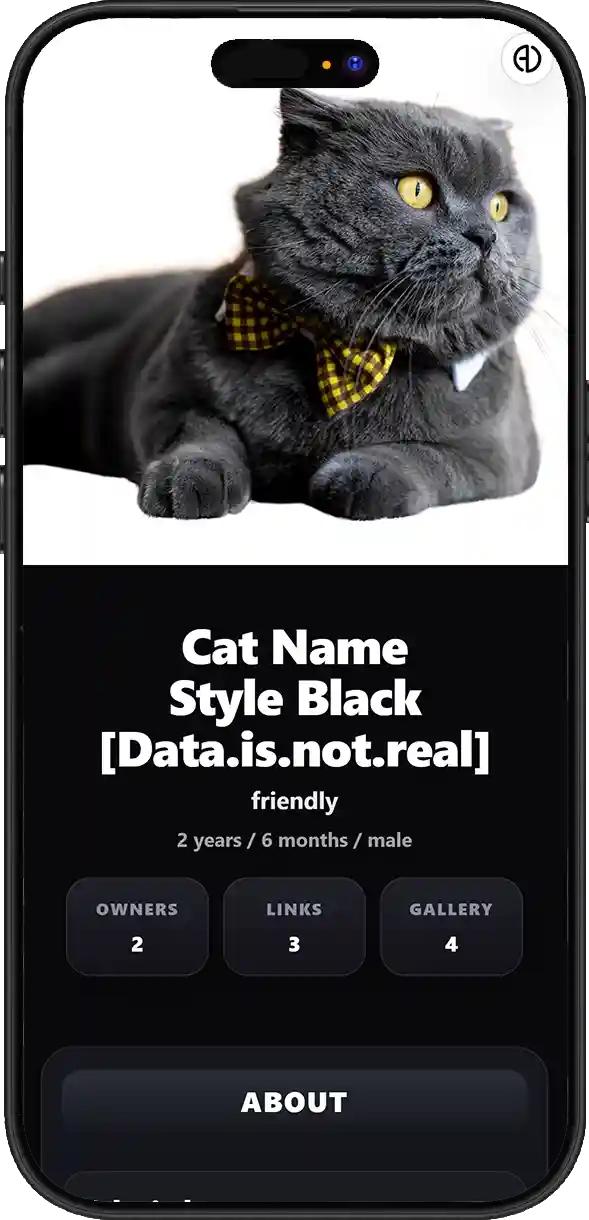
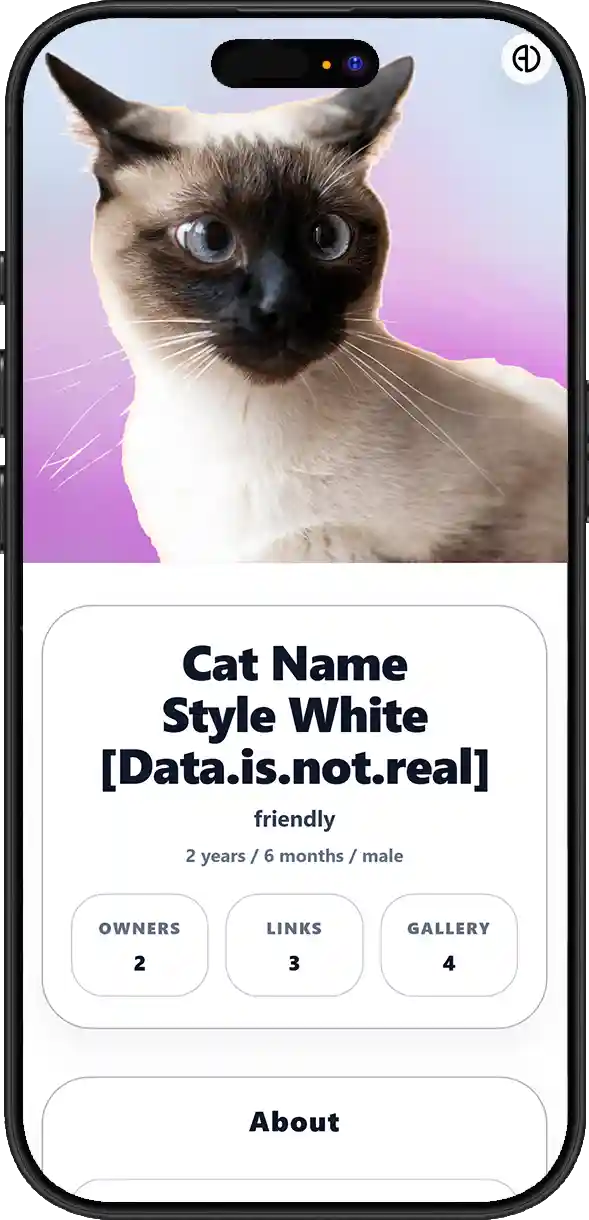
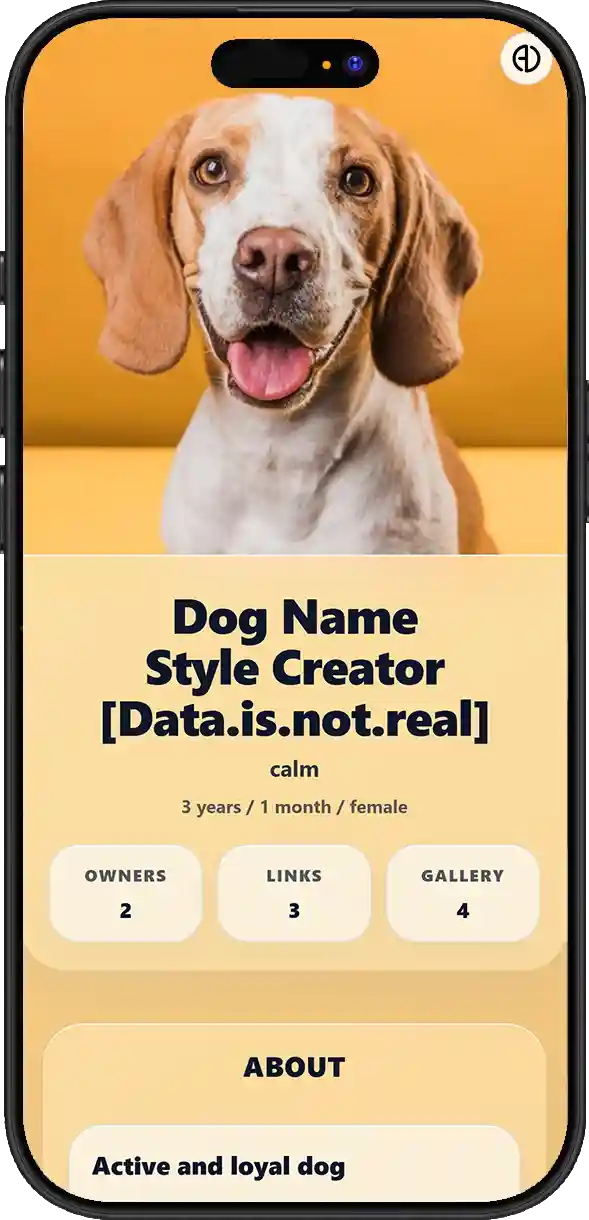
Choose Your Pet Tag Style

Choose the tag style that suits your pet and keeps important details easy to access.

Style 01
Black
Style 02
White
Style 03
Creator

QUESTIONS & ANSWERS

Pet / Animals Questions & Answers

What is ADMAL Pet / Animals, and how can it help if an animal is lost and found by someone else?
ADMAL Pet / Animals is a digital identity for the animal connected to a compatible tag or product. If the animal is lost and someone finds the tag, they can scan QR or tap NFC to open the ADMAL link and see the information the owner chose to publish together with available contact methods. A traditional tag relies on fixed printed or engraved information, while ADMAL adds an editable digital identity through QR and NFC, two owners, information and images, public medical details, links and Analytics. Future compatible products may add a Location/GPS layer when launched, without implying that this feature is active in every current product.
What information can be included in the animal digital identity?
The page can include identifying information about the animal, photos, intentionally public medical information, Microchip ID, owner details, web links and a photo gallery. The goal is to give the finder useful information quickly instead of relying only on a name and phone number engraved on a fixed tag. Medical information, allergies, health conditions or special needs can be added when the owner wants those details to be visible to the finder. Because this is public-facing information once the page is published, the owner should include what is useful in a lost-animal situation and avoid unnecessary private data. Microchip ID and other identifying information can be included as part of the animal profile. This does not make ADMAL a replacement for veterinary or official microchip registration systems, but it adds a digital reference that can be shown with the rest of the animal information.
How can the pet tag help a finder reach the owner quickly?
ADMAL Pet / Animals is a digital identity for the animal connected to a compatible tag or product. If the animal is lost and someone finds the tag, they can scan QR or tap NFC to open the ADMAL link and see the information the owner chose to publish together with available contact methods. The current system supports Owner 1 and Owner 2, giving the finder two contact options instead of one. The owners can be reachable by phone call or WhatsApp according to the details entered, improving the chance of reaching a responsible person if the first owner does not answer. QR and NFC on a compatible product are access methods to the animal ADMAL link, which can also be opened directly as a URL. NFC does not need to store the full animal profile itself; its role here is to open the digital identity tied to the UID so the finder sees the latest available content.
Can two owners be added for the animal?
The current system supports Owner 1 and Owner 2, giving the finder two contact options instead of one. The owners can be reachable by phone call or WhatsApp according to the details entered, improving the chance of reaching a responsible person if the first owner does not answer.
How can a finder contact Owner 1 or Owner 2?
The current system supports Owner 1 and Owner 2, giving the finder two contact options instead of one. The owners can be reachable by phone call or WhatsApp according to the details entered, improving the chance of reaching a responsible person if the first owner does not answer.
Can important medical information such as allergies, health conditions or special needs be added?
Medical information, allergies, health conditions or special needs can be added when the owner wants those details to be visible to the finder. Because this is public-facing information once the page is published, the owner should include what is useful in a lost-animal situation and avoid unnecessary private data.
Can a Microchip ID or other identifying information be added for the animal?
Microchip ID and other identifying information can be included as part of the animal profile. This does not make ADMAL a replacement for veterinary or official microchip registration systems, but it adds a digital reference that can be shown with the rest of the animal information.
Can photos of the animal be added to the page, and how do they help when the animal is found?
Photos can be displayed and updated over time, and the current gallery supports up to 4 images. Images help a finder recognize the animal and confirm its identity visually, and they can be refreshed instead of leaving the profile tied to an old photo. The page can include identifying information about the animal, photos, intentionally public medical information, Microchip ID, owner details, web links and a photo gallery. The goal is to give the finder useful information quickly instead of relying only on a name and phone number engraved on a fixed tag.
Can the animal photos be updated over time?
Photos can be displayed and updated over time, and the current gallery supports up to 4 images. Images help a finder recognize the animal and confirm its identity visually, and they can be refreshed instead of leaving the profile tied to an old photo. Phone numbers, owner details, medical information, photos, links and other digital content can be updated while the same identity and UID remain in use. This means a data change does not automatically require replacing the tag as long as QR or NFC still opens the same ADMAL link.
Can web links or external pages related to the animal or owner be added?
Available web links can be added, with the current structure supporting up to 3 label + URL pairs. They can point to information or pages related to the animal or owner, provided the destination is appropriate, safe and intended for public access.
Can the phone number, owner details or medical information be changed later without replacing the tag?
Phone numbers, owner details, medical information, photos, links and other digital content can be updated while the same identity and UID remain in use. This means a data change does not automatically require replacing the tag as long as QR or NFC still opens the same ADMAL link. QR and NFC on a compatible product are access methods to the animal ADMAL link, which can also be opened directly as a URL. NFC does not need to store the full animal profile itself; its role here is to open the digital identity tied to the UID so the finder sees the latest available content.
If the animal information changes over time, can the same digital identity and link remain in use?
Phone numbers, owner details, medical information, photos, links and other digital content can be updated while the same identity and UID remain in use. This means a data change does not automatically require replacing the tag as long as QR or NFC still opens the same ADMAL link. Each independent link has its own UID, allowing every animal to have a separate digital identity with its own content and analytics. This matters when one account manages multiple animals because updating one animal profile does not require changing the others.
What stays fixed on an ADMAL tag, and what can be updated digitally?
Phone numbers, owner details, medical information, photos, links and other digital content can be updated while the same identity and UID remain in use. This means a data change does not automatically require replacing the tag as long as QR or NFC still opens the same ADMAL link. QR and NFC on a compatible product are access methods to the animal ADMAL link, which can also be opened directly as a URL. NFC does not need to store the full animal profile itself; its role here is to open the digital identity tied to the UID so the finder sees the latest available content.
Does changing digital content require reprinting QR or replacing NFC?
Phone numbers, owner details, medical information, photos, links and other digital content can be updated while the same identity and UID remain in use. This means a data change does not automatically require replacing the tag as long as QR or NFC still opens the same ADMAL link. QR and NFC on a compatible product are access methods to the animal ADMAL link, which can also be opened directly as a URL. NFC does not need to store the full animal profile itself; its role here is to open the digital identity tied to the UID so the finder sees the latest available content.
How can the animal page be opened through QR, NFC and a direct link?
QR and NFC on a compatible product are access methods to the animal ADMAL link, which can also be opened directly as a URL. NFC does not need to store the full animal profile itself; its role here is to open the digital identity tied to the UID so the finder sees the latest available content.
What does NFC do in an ADMAL pet tag?
QR and NFC on a compatible product are access methods to the animal ADMAL link, which can also be opened directly as a URL. NFC does not need to store the full animal profile itself; its role here is to open the digital identity tied to the UID so the finder sees the latest available content.
Does the person who finds the animal need an ADMAL app to open the information?
QR and NFC on a compatible product are access methods to the animal ADMAL link, which can also be opened directly as a URL. NFC does not need to store the full animal profile itself; its role here is to open the digital identity tied to the UID so the finder sees the latest available content. ADMAL Pet / Animals is a digital identity for the animal connected to a compatible tag or product. If the animal is lost and someone finds the tag, they can scan QR or tap NFC to open the ADMAL link and see the information the owner chose to publish together with available contact methods.
How is the animal link connected to its UID inside ADMAL?
Each independent link has its own UID, allowing every animal to have a separate digital identity with its own content and analytics. This matters when one account manages multiple animals because updating one animal profile does not require changing the others.
Can each animal have its own independent digital identity?
Each independent link has its own UID, allowing every animal to have a separate digital identity with its own content and analytics. This matters when one account manages multiple animals because updating one animal profile does not require changing the others.
How do Analytics and tracking work when a Pet / Animals page is opened?
Analytics relate to use of the digital identity, such as page opens, stay duration and tracked actions such as contact attempts or available links when those actions are part of the current tracking system. This can show the owner that the page was used and how the visitor interacted, but it does not automatically identify the person who scanned the tag.
What can the owner learn when the animal page is opened or contact actions are used?
Analytics relate to use of the digital identity, such as page opens, stay duration and tracked actions such as contact attempts or available links when those actions are part of the current tracking system. This can show the owner that the page was used and how the visitor interacted, but it does not automatically identify the person who scanned the tag.
Does Analytics mean ADMAL automatically knows the identity of the person who found the animal?
Analytics relate to use of the digital identity, such as page opens, stay duration and tracked actions such as contact attempts or available links when those actions are part of the current tracking system. This can show the owner that the page was used and how the visitor interacted, but it does not automatically identify the person who scanned the tag. Information placed on the public page can be seen by anyone who opens the link, so the owner should choose it carefully. Useful identification and contact information can be published while unnecessary private details are avoided, and Analytics do not automatically reveal the name of the person who opened the page.
Do current ADMAL tags automatically provide the animal location?
Today, Analytics for opening and using the animal page must be separated from locating the animal itself. The current Pet page should not be presented as a promise that every tag has GPS or provides live animal location, and QR or NFC should not be described as location tracking technologies.
How is ADMAL planning to add Location / GPS in the future?
ADMAL is developing future Location / GPS capabilities connected to the system and compatible physical products. When launched, location will be an additional layer on top of the digital identity rather than a replacement for QR or NFC, and it will not mean every current product or tag automatically supports location.
Will the future Location / GPS feature require a compatible product?
ADMAL is developing future Location / GPS capabilities connected to the system and compatible physical products. When launched, location will be an additional layer on top of the digital identity rather than a replacement for QR or NFC, and it will not mean every current product or tag automatically supports location.
Is the future Location / GPS direction limited only to animals?
The future location direction is not limited to animals. Compatible products may later be developed for animals, children, older adults or other use cases that need Location, depending on the product and technology adopted at launch. For people, privacy, consent and proper permissions must be part of the design.
What is the difference between NFC that opens the ADMAL link and future Location / GPS?
QR and NFC on a compatible product are access methods to the animal ADMAL link, which can also be opened directly as a URL. NFC does not need to store the full animal profile itself; its role here is to open the digital identity tied to the UID so the finder sees the latest available content. ADMAL is developing future Location / GPS capabilities connected to the system and compatible physical products. When launched, location will be an additional layer on top of the digital identity rather than a replacement for QR or NFC, and it will not mean every current product or tag automatically supports location.
What information becomes public when someone opens the animal page?
Information placed on the public page can be seen by anyone who opens the link, so the owner should choose it carefully. Useful identification and contact information can be published while unnecessary private details are avoided, and Analytics do not automatically reveal the name of the person who opened the page. Medical information, allergies, health conditions or special needs can be added when the owner wants those details to be visible to the finder. Because this is public-facing information once the page is published, the owner should include what is useful in a lost-animal situation and avoid unnecessary private data.
How should the owner choose useful information without publishing unnecessary private data?
Information placed on the public page can be seen by anyone who opens the link, so the owner should choose it carefully. Useful identification and contact information can be published while unnecessary private details are avoided, and Analytics do not automatically reveal the name of the person who opened the page.
Can the animal page content be translated into the seven languages supported by ADMAL?
The same animal identity can be presented in up to 7 supported languages when the original inputs are clear, correct and understandable enough to translate. Translations remain connected to the same link and UID instead of creating a separate identity for every language, which can help when the finder speaks a different language.
Does the owner need a separate link for every language?
The same animal identity can be presented in up to 7 supported languages when the original inputs are clear, correct and understandable enough to translate. Translations remain connected to the same link and UID instead of creating a separate identity for every language, which can help when the finder speaks a different language. Each independent link has its own UID, allowing every animal to have a separate digital identity with its own content and analytics. This matters when one account manages multiple animals because updating one animal profile does not require changing the others.
How do the available Pet / Animals Styles differ?
The Page Type defines the experience as an animal profile, while the Style controls how the information, images and owner details are arranged and presented. Changing the Style does not by itself change the animal identity or UID; it changes the presentation within the available options.
Can one account manage multiple animals with independent digital identities?
Each independent link has its own UID, allowing every animal to have a separate digital identity with its own content and analytics. This matters when one account manages multiple animals because updating one animal profile does not require changing the others.
What is the real difference between an ADMAL smart tag and a traditional tag printed with only a name and phone number?
A traditional tag relies on fixed printed or engraved information, while ADMAL adds an editable digital identity through QR and NFC, two owners, information and images, public medical details, links and Analytics. Future compatible products may add a Location/GPS layer when launched, without implying that this feature is active in every current product.