Smart touchpoint acceptance records checks, not guarantees
Use a smart touchpoint acceptance checklist to document the exact product and route. Product selection and product acceptance are different tasks. P12’s smart products guide helps a reader consider which physical format may fit a visitor use. P15’s Google review link check focuses on confirming a destination before printing. P18’s NFC guide explains the stages of a visitor route, while P21’s metal card guide discusses details relevant to that model. This article brings together a small record that a buyer or owner can complete for the exact page and item they intend to use.
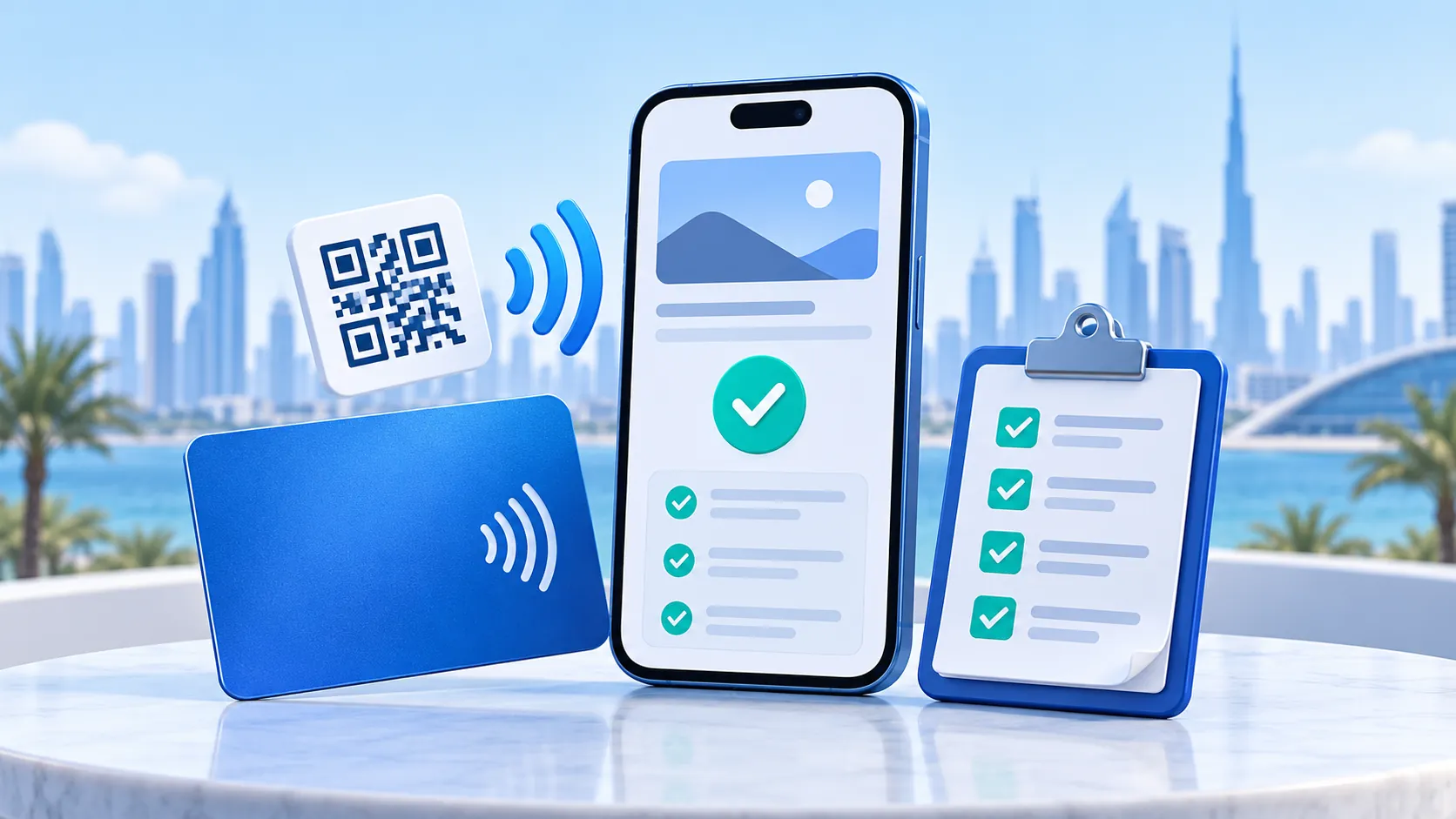
However, the checklist is not a certification, a factory inspection or proof that ADMAL tested a product. It does not replace the current product listing or any approval process. Its purpose is to help the owner note what was checked, by whom and with what result. When nobody has checked a route or feature, mark it “not tested.”
Before approving artwork or a page
First, record the exact product name and variation. Record the material, dimensions, color or finish only from that product’s current listing. Do not copy a value from another product family or infer dimensions from a size label. When the listing does not clearly answer a production question, ask ADMAL to confirm it before approval.
Next, list what the customer has supplied: logo or production file, printed wording, digital-page text and intended destinations. Check names, phone numbers, spelling and language. Before approving the artwork, confirm the exact URL and business or branch destination for any printed QR code. For businesses serving Dubai, Abu Dhabi, Sharjah, Ajman, Fujairah, Umm Al Quwain and Ras Al Khaimah, verify each branch route separately. A printed QR is part of the manufactured item; keep its destination separate from editable page text.
As a separate step, review the digital page. Open the actual public destination, check the first screen and test each visible action. Confirm which page type and language the visitor sees. A saved contact, a phone or messaging tap and an inquiry submission are different actions; describe only the one that is actually available.
When the physical item is available
Use the finished product, not just a product image or draft artwork. For a printed QR, scan the code on the item and note the URL that opens. If the selected listing also identifies NFC, test it separately with a compatible device and record what happened. The NFC Forum overview explains the basic near-field technology; only a test on the actual item records its configured route. For clarity, a successful QR scan does not prove an NFC tap, and a simulated video does not prove either route.
In addition, check the physical details that matter to the selected product: that the approved wording and artwork match the delivered item; that the item is the chosen variation; and that the public destination corresponds to the approved record. This is a practical customer-side check, not a statement about ADMAL’s internal quality-control process. Do not claim ADMAL inspected the item unless the order-specific record confirms it.
Smart touchpoint acceptance: a compact record
| Field | Record for this exact page/item |
| Product and variation | Name, model and selected option copied from its listing |
| Page purpose | Profile / Business, Review, Menu, Pet or other verified type |
| Approved digital destination | Exact public URL and language |
| Printed QR destination | Exact URL, or “not applicable” if no printed QR is listed |
| NFC route | Listed or not listed; test result, or “not tested” |
| Artwork and wording | Version reviewed and any confirmed correction |
| Page actions | Label and actual destination/behavior of each important action |
| Devices and date | Device/camera used and date of the check |
| Outcome | Pass for the individual check, issue to correct, or not tested |
Finally, record only the information needed to identify the product and test. Do not place a visitor’s personal details in the acceptance record. A pass applies only to the check performed on that item at that time; it does not prove future uptime, every phone model or a business result.
Keep a failure specific
When a scan or tap does not open the intended route, record which method failed, the item and the observed message. Do not change a printed destination assumption based on what another item does. When a link is wrong before manufacturing, correct it in the approved artwork or order details. After the factory manufactures the physical code, ask ADMAL about options for that specific product; do not promise that the printed code can be rewritten.
Until you test the physical route, you can still check the page on its own. Therefore, keep the two statuses separate: “digital page checked” and “physical QR/NFC not tested.” As a result, you avoid presenting a complete experience as verified when only one part was reviewed.
Questions about accepting a smart touchpoint
Is the checklist a guarantee that the product will work for everyone? No. It records specific checks and observed results for one item and setup. It does not guarantee every device or future availability.
Should QR and NFC be tested together as one check? No. They are different routes. If both appear in the selected product information, record and test each separately.
Can I use another model’s dimensions or test result? No. Use the exact product and variation. Different models can have different materials, options and routes.
Does a product picture or generated video count as an acceptance test? No. Use the actual page or finished product and record the observed route.
What if one field or option is missing from the listing? Mark it unverified and ask for confirmation on the exact product before approving artwork or relying on it.