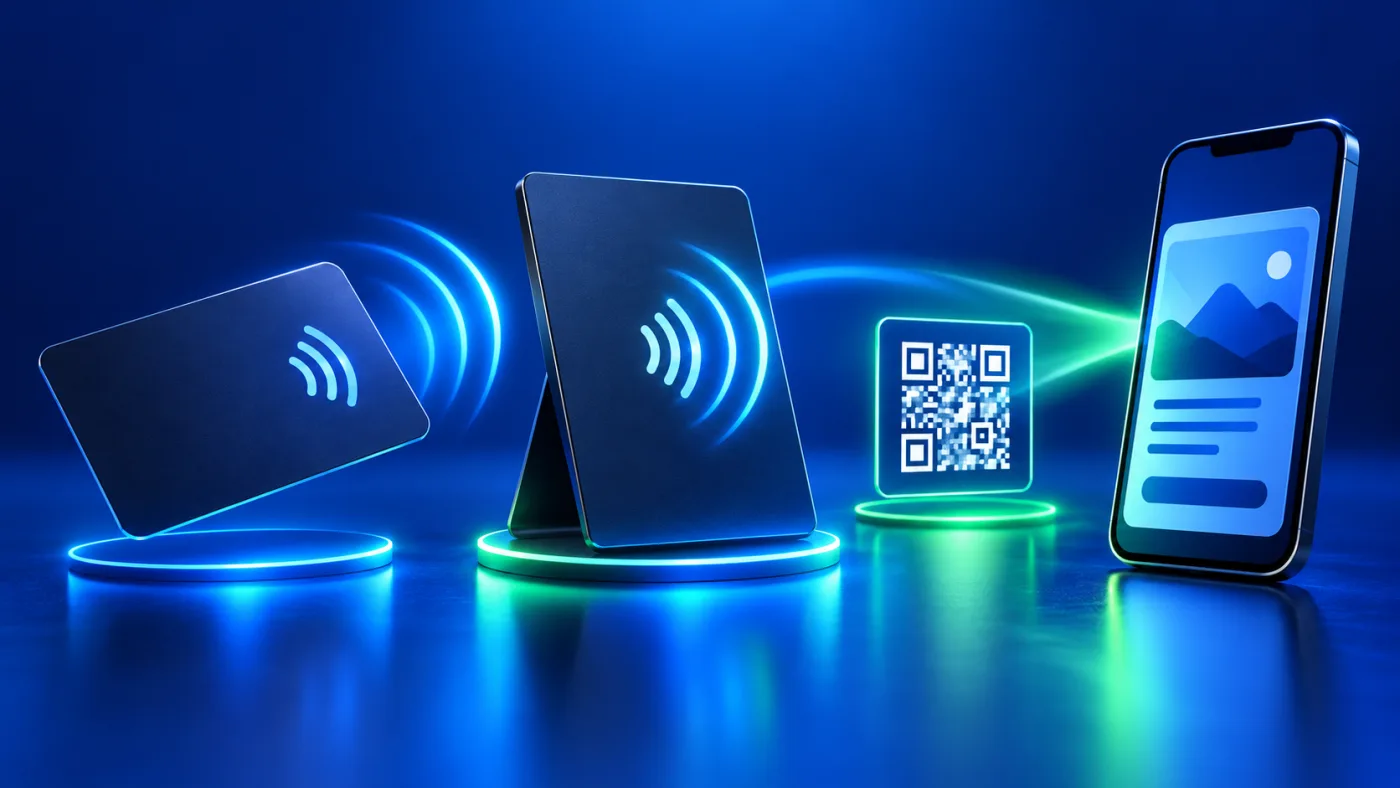
An NFC card and a smart stand can both connect a physical touchpoint to a digital page, but they solve different visitor tasks. A personal card is handed or tapped during a conversation. A stand waits where a visitor is already making a decision. A tag may stay with a pet or another item. Start with the interaction, not with a favorite material or a generic feature list.
When should you choose an NFC card or stand?
| Form | Typical use | Question to check |
|---|---|---|
| Business card | A person shares identity and contact information. | Will it be carried and used one to one? |
| Review or menu stand | Visitors interact at a counter, table or reception point. | Can people see and reach it at the intended location? |
| Tag | The touchpoint stays attached to an item. | Is its shape and attachment suitable for that item? |
These are use cases, not specifications for a particular product. A stand may have different available destinations from another stand, and a card may differ from another card in material or setup. Use the current WooCommerce product page, images and variation selections as the source of truth for the exact item you intend to buy.
Check NFC card, stand and tag options before deciding
The public ADMAL physical-order guide tells buyers to review each product’s size, material, color, fulfillment mode and Unique / Duplicate option when offered. It also says a review product requires the correct platform choice before payment. Do not infer dimensions from a product family name or assume that all cards and stands use the same options. Read the selected variation, including any stored length, width and height, and inspect its photos.
Consider how the item will sit, be carried or be mounted. Check whether the finish is appropriate for handling and whether the visible design leaves enough room for the required information. Use only the options the actual store page offers. If a customization fact is unclear, confirm it with ADMAL before the production-ready design is approved.
Understand QR and NFC as separate touchpoints
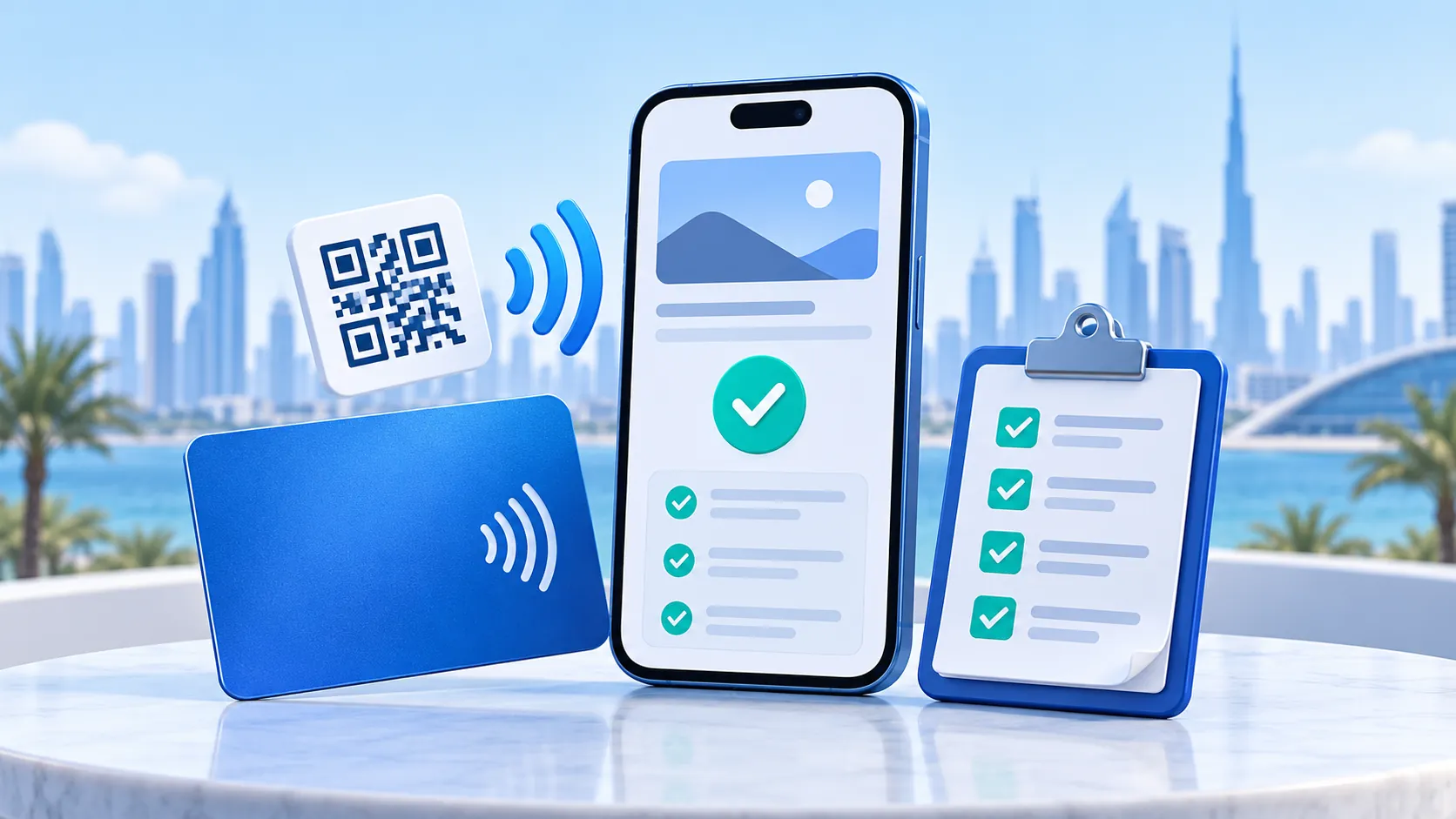
A printed QR is a visible code that a camera scans. NFC uses a compatible device near an NFC touchpoint. A product can support one, both or a particular configuration; verify the exact item. Do not assume a printed QR contains NFC. The ADMAL sharing guide says to test the real public URL, scan the actual QR and test NFC when used. For a writable NFC tag, confirm its destination before any permanent lock. The NFC Forum introduction explains the underlying tap technology.
Printed information and a printed QR are physical output. Confirm the destination and design before manufacturing because the print cannot be edited afterward. A digital page behind a confirmed URL may be editable under the applicable service, but do not assume a change to the page rewrites the physical print. NFC behavior also depends on the actual product and setup; test the tap separately.
Match the NFC card, stand or tag to the visitor’s task
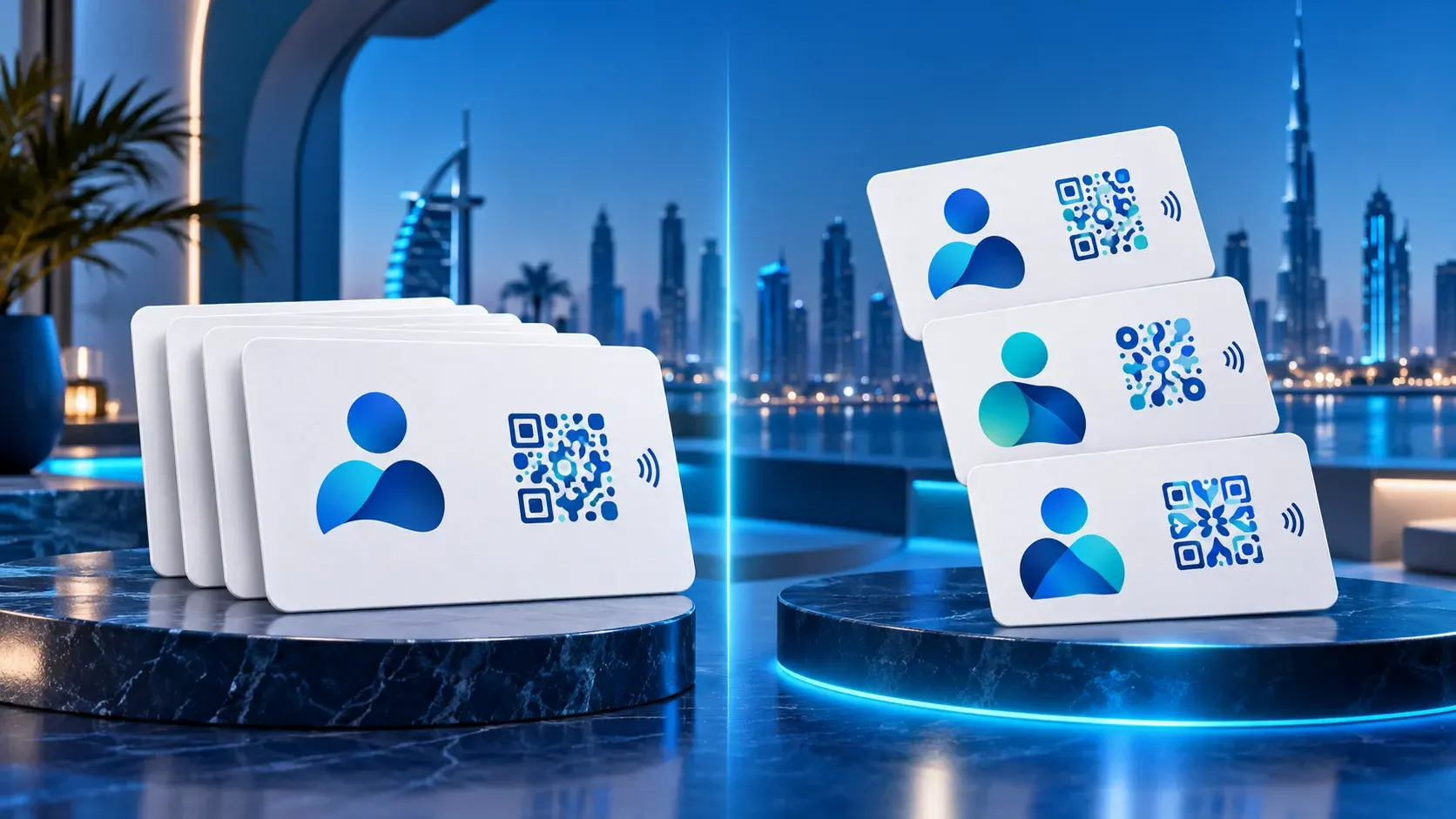
A business card may lead to a professional profile and contact routes. A review product should lead to the intended review platform or verified digital review page. A menu stand should open the current menu or service information. A pet tag should make owner contact easy. Avoid sending a visitor to a broad homepage when the physical item’s message promises a specific action.
The destination also determines what the customer must provide: identity and contact information for a business profile, a verified review link for a review item, a menu destination for a menu item, or owner details for a pet page. Ask only for details relevant to the chosen product. Do not begin physical production while required files, links or design approval are missing.
Follow a product-specific approval path
- Choose the use casePick card, stand or tag by the visitor action and placement.
- Read the productInspect photos, material, exact options and selected variation.
- Confirm the destinationProvide the exact public URL or platform information required.
- Review the designCheck names, branding, printed QR and any fixed text before approval.
- Test the routeOpen the live page, scan a sample QR and test NFC when present.
- Keep the recordSave the confirmed product selection and final destination for later support.
The order guide asks buyers to review the cart and retain the confirmation. It also notes that ADMAL may contact them about production or customization details. Follow the instructions for the exact product instead of assuming a shared workflow covers every variation.
Common selection mistakes
- Choosing by appearance without checking where visitors will touch or scan the item.
- Copying dimensions, material or link counts from another product.
- Confusing a printed QR with the separate NFC touchpoint.
- Printing a destination that has not been opened and tested publicly.
- Assuming every product includes the same digital-page fields or continuation terms.
- Skipping approval of fixed names, artwork and QR placement before production.
Frequently asked questions
Should I choose a card or a stand?
Choose by the interaction. A carried card suits person-to-person sharing; a stand suits a fixed visitor location. Inspect the actual products for their available options.
Does every QR product also have NFC?
No. QR and NFC are separate technologies. Check the selected product’s specification and test each touchpoint it actually includes.
Can I change a printed QR after production?
The physical print cannot be rewritten. Confirm the code’s exact destination and artwork before manufacturing; any later digital-page change is a separate matter.
Where do I find the correct dimensions and materials?
Read the exact WooCommerce product and its selected variation, including photos and dimensions. Do not take measurements from a different model.
What is different about the card and stand examples?
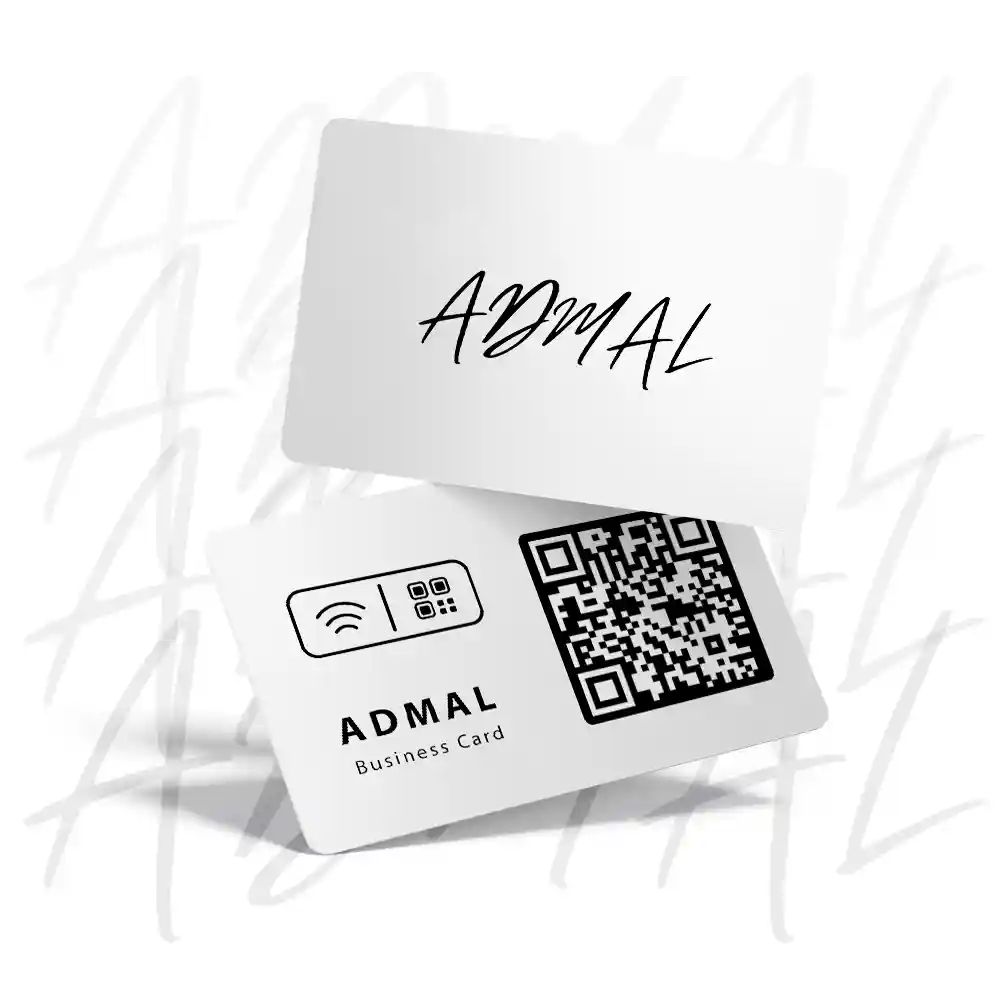
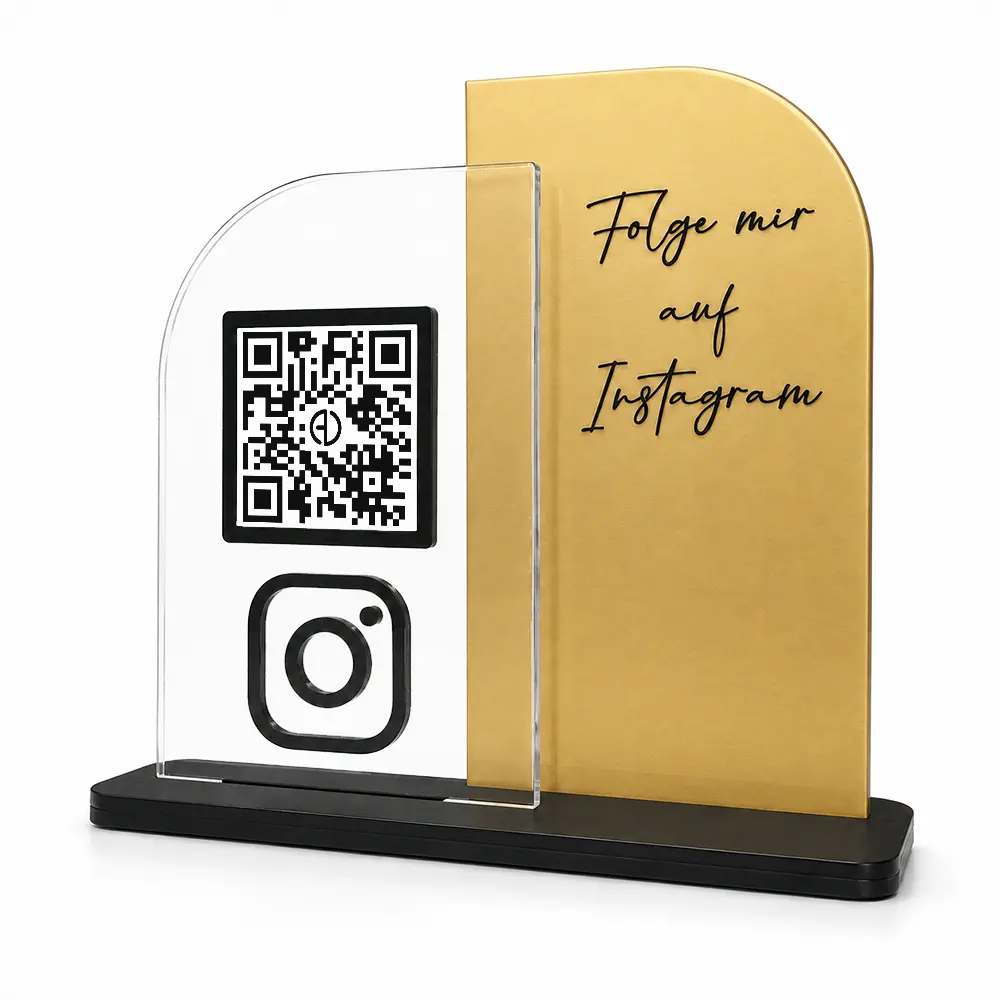
The Matte PVC NFC Business Card is a portable contact card with matte PVC options, NFC and a printed QR. MODEL 01 is a transparent acrylic review stand for a fixed visitor point; its listing gives dimensions of 170 × 60 × 140 mm and describes NFC plus QR. Always use the exact product listing and selected variation for the item you intend to order.
Compare the actual items before ordering
Two current listings, two different settings
The Matte PVC NFC Business Card listing is a personal contact card: its current options show matte white or black PVC with standard or custom print combinations, and its specification lists an embedded NFC chip and a printed QR code. The MODEL 01 – ACRYLIC NFC REVIEW STAND listing is for a fixed counter or reception point: it lists transparent acrylic, 170 × 60 × 140 mm (L × W × H), four transparent/color combinations, and NFC plus QR. These details belong to these two listings only; check the current selected variation, printed design and exact destination before approving a different model.