You can manage an ADMAL digital service more easily when each destination has a known owner. ADMAL’s independent QR Package and the hosted page service linked to an eligible physical product are different families. A business can use both, but should not assume they share capacity, status or renewal timing. Start with the exact account item rather than a general label.
Identify the ADMAL digital service to renew
The public ADMAL Subscriptions guide distinguishes QR Package from Store Product / Page-Link. QR Package provides capacity for My QR identities. Store Product / Page-Link is the digital service related to a particular physical product. Look at the Type or Product, status, From/To dates and Cycle when shown. For a QR Package, inspect Used and Remaining capacity. Do not interpret one family’s capacity as another item’s service.
| Account family | What to locate | Common confusion to avoid |
|---|---|---|
| QR Package | The independent QR identity and its package capacity. | Assuming it is the hosting term of a physical card. |
| Store Product / Page-Link | The linked physical item and its hosted digital destination. | Assuming another card or QR automatically shares it. |
Record the public URL and the physical product, if any, beside the account item. This simple mapping matters when a team owns several destinations. A printed QR may remain on the product after the hosted page changes, but you cannot rewrite the code. Confirm the exact destination before a product is manufactured.
Read the current status before taking action
Open Subscriptions and check the controls shown for that particular item. The public guide describes Stop and Reactivate for eligible normal service states, as well as Renew or Change Plan where offered. It explicitly cautions that controls and restrictions vary by state. If an action is absent, do not create a second subscription or a replacement UID as a workaround. Check the current account record and request clarification through the appropriate ADMAL support route.
Stop is a pause of the applicable digital service and public access, not deletion of its identity. Where the state and remaining validity allow, Reactivate can restore the existing service. Do not generalize that sequence to every QR or product state. The account display is authoritative for the item you actually manage.
ADMAL digital service renewal: what continues and what stops
For an eligible physical product, the physical card, stand or tag remains the customer’s property. The hosted ADMAL Digital destination, its displayed active links and available analytics or tracking depend on the applicable digital service staying active. If the customer does not renew that service, those hosted features stop. Continuing the hosted service requires the correct renewal for that product; it is not a condition for owning the physical item.
The current Product Subscriptions page lists yearly product subscriptions and says some eligible store products include a 60-day digital-service period. After that period, follow the status and renewal actions shown for that exact subscription. This period is separate from the one-year Free QR Profile plan.
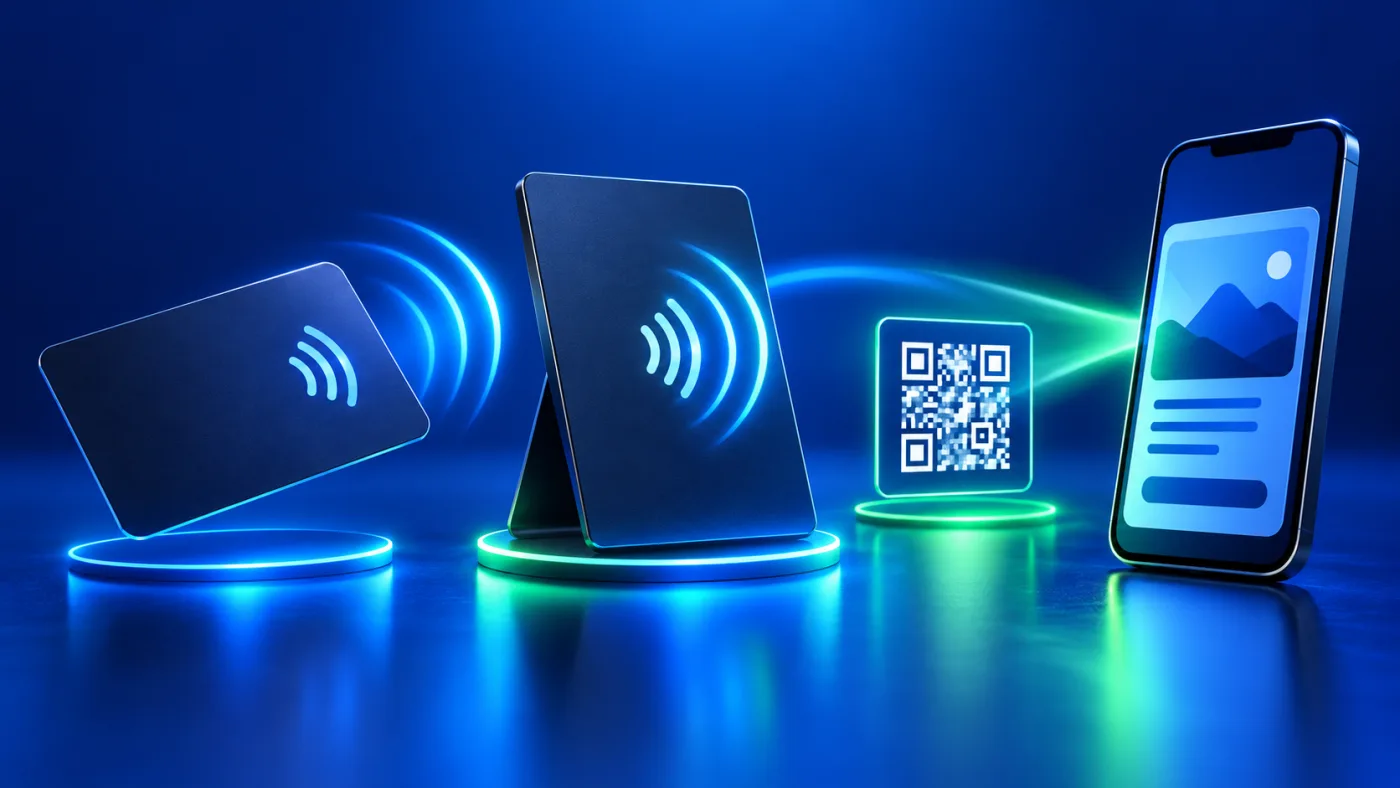
NFC and printed QR need separate explanation. The holder may change a writable NFC destination locally while holding the item; ADMAL cannot rewrite it remotely. A printed QR is static after production. For general context, the NFC Forum explains the short-range technology; that overview does not describe this product’s chip or subscription. If it points to an ADMAL hosted destination that is no longer active, the printed code still contains the same destination but the visitor experience may no longer work as intended. Confirm the setup and consequence for the exact item before deciding not to continue its hosted service.
Keep identity continuity when managing My QR
The ADMAL My QR guide distinguishes editing an existing identity from creating another one. Form Settings / Edit changes the existing link without creating a new UID. Disable is a temporary public-access control, while Delete has a different recovery path and should not be used as a pause button. If a QR has been printed or distributed, understand the effect on that existing destination before changing state.
When renewal or a plan change is available, use the action for the current identity. Do not print a new code or distribute a replacement link simply because the original control is not visible. A new identity may break continuity with a printed QR, saved link or established visitor route.
Six checks before renewing an ADMAL digital service
- Identify the familySeparate QR Package from the physical-product page service.
- Match the destinationRecord the item, public URL and any printed QR or NFC product.
- Read the stateCheck status, period, cycle and current available controls.
- Test the visitor viewOpen the public link and its important actions from another phone.
- Choose the actionUse Renew, Change Plan, Stop or Reactivate only when shown and appropriate.
- Verify afterwardReopen Subscriptions and the same public destination to confirm the result.
Keep the account confirmation and a note of which digital destination the decision affected. For a business with several products, this prevents a renewal for one item being mistaken for another. The physical touchpoint guide explains why QR and NFC need separate checks.
Common renewal mistakes to avoid
- Renewing a QR Package while the destination needing attention is linked to a physical product.
- Assuming one product’s service status covers another item or employee.
- Creating a replacement UID because an expected control is not shown.
- Using Delete to pause a distributed QR identity.
- Assuming a printed QR can be rewritten or ADMAL can change NFC remotely.
- Failing to test the same public destination after a state change.
Frequently asked questions
Are QR Package and product-linked digital service the same?
No. The public Subscriptions guide lists them as separate families. Confirm Type or Product and the linked destination before acting.
Does stopping the digital service remove my physical item?
No. The physical item remains yours. Its ADMAL hosted destination and related active links or tracking depend on the applicable service state.
Can ADMAL change the NFC destination remotely?
No. A holder of a writable NFC item can change its destination locally with suitable access and tools. The printed QR remains fixed after production.
What if Renew is not shown for my item?
Check its current status and available controls. Do not create another UID or subscription as a workaround; use the official account or support path for clarification.