An NFC card at reception should make the visitor’s next step clear. A visitor should know why to tap or scan the QR code and what will open. When using an ADMAL PVC NFC card in the UAE, ask whether most visitors need one shared destination at reception or whether an employee should share a card after a specific conversation. The answer helps you choose the placement, the short instruction and the person responsible for checking the destination.
When does an NFC card at reception fit?
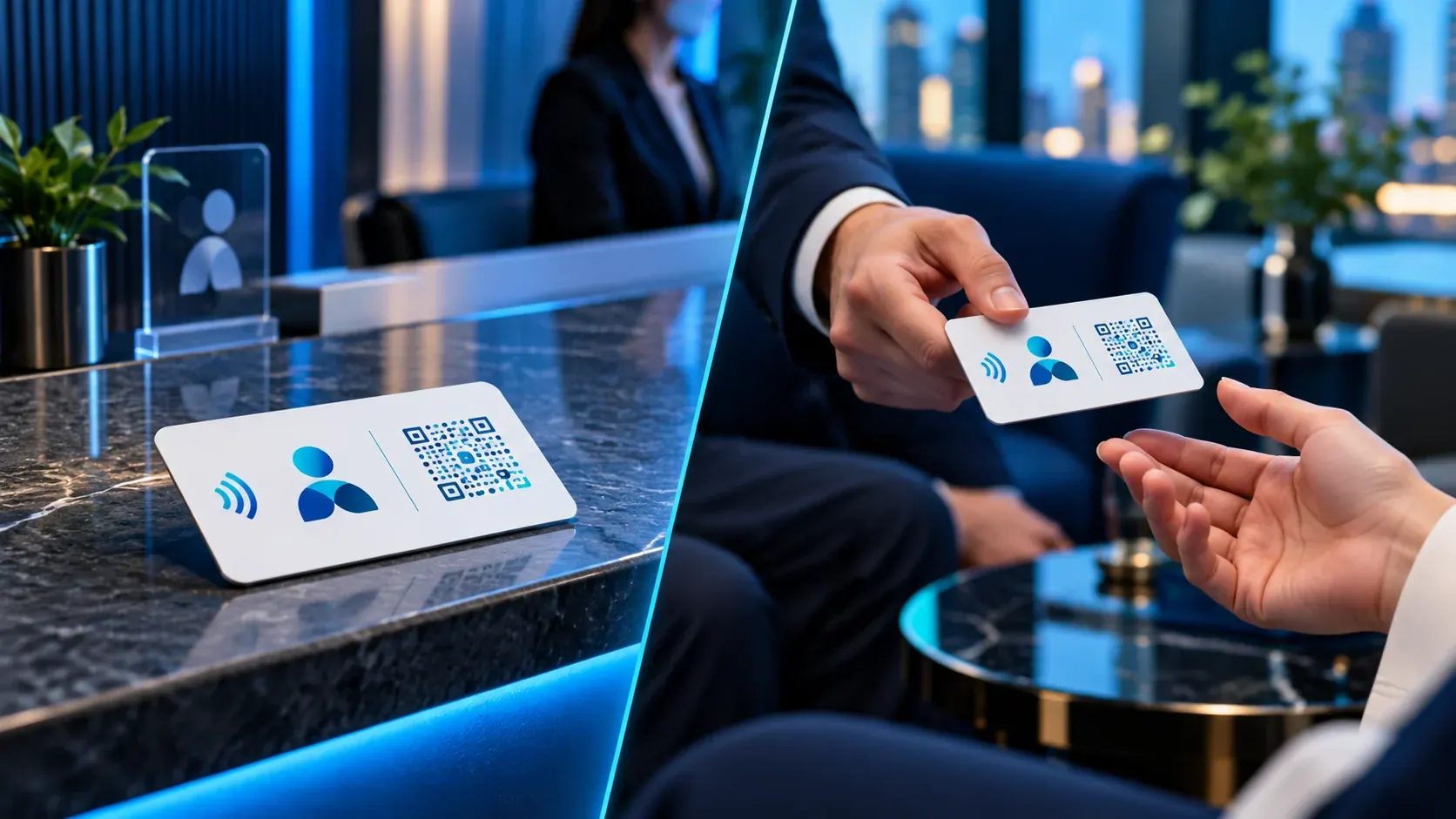
Use a reception card when visitors repeatedly need one public destination: a business page, shared contact route, service list or another clear resource. The card serves the shared task; it does not replace every employee’s personal card. A clearly hypothetical example: a clinic wants visitors to reach general information or one shared contact route at reception. This is an instructional scenario, not a customer case.
Keep the card visible and reachable without blocking staff work or covering other information. Add a short instruction that describes both the action and its result, such as “Tap or scan for contact information.” Do not promise something the destination does not provide, such as an instant appointment booking, unless the page actually supports that function. If you plan to place the card upright, ask about a separate holder; the PVC NFC product page describes a card but does not say it includes a stand. If visitors use Arabic and English, make the instruction understandable in both languages instead of relying on an unexplained symbol.
When is a direct handoff better?
Hand the card directly to someone when the introduction is personal or the relevant contact destination depends on whom the visitor met. The employee can introduce themselves and briefly explain what the visitor will see on the digital profile. The visitor can then choose to open a link, call or review work information according to the elements that are actually present on the page.
A handoff can also help when the card needs context, such as during a sales conversation, consultation or professional event. It does not mean that every conversation requires a card or that every visitor must accept one. Keep sharing optional and explain in one sentence what the page contains. If different staff have different details, check each card against its owner’s details before handing it out.
| Planning question | Reception point | Direct handoff |
|---|---|---|
| Who decides to use the card? | The visitor chooses it independently | The employee offers it during a conversation; the visitor chooses whether to continue |
| What destination fits? | One clear shared destination | A profile or route belonging to the person sharing the card |
| Who checks the card? | The site or team member responsible for reception | The cardholder, with their details checked before sharing |
| What instruction accompanies it? | A short fixed cue beside the card | A one-sentence personal explanation |
Choose by the task, not by the card’s shape
ADMAL’s PVC NFC card listing describes a matte card measuring 85.6 × 54 mm and 0.8 mm thick, with embedded NFC and a printed QR code. Those are product specifications; they do not determine where the card should be placed. Consider three questions before deciding:
1. Is the destination public or personal? Reception usually points to one destination that serves many visitors, while a one-to-one meeting may call for the cardholder’s own information. If the visitor needs several routes, do not place them all on a reception card without a clear structure.
2. Will the visitor understand what happens after tapping or scanning? Keep the instruction specific and accurate. If the page displays contact information only, do not describe it as an enquiry form or booking service.
3. Who owns accuracy? Name one person who checks the content, links and physical placement. At reception, agree how to check the card when a link changes or someone moves the card. For direct handoff, ask the cardholder to check their own page and details before meetings.
Test an NFC card at reception before use
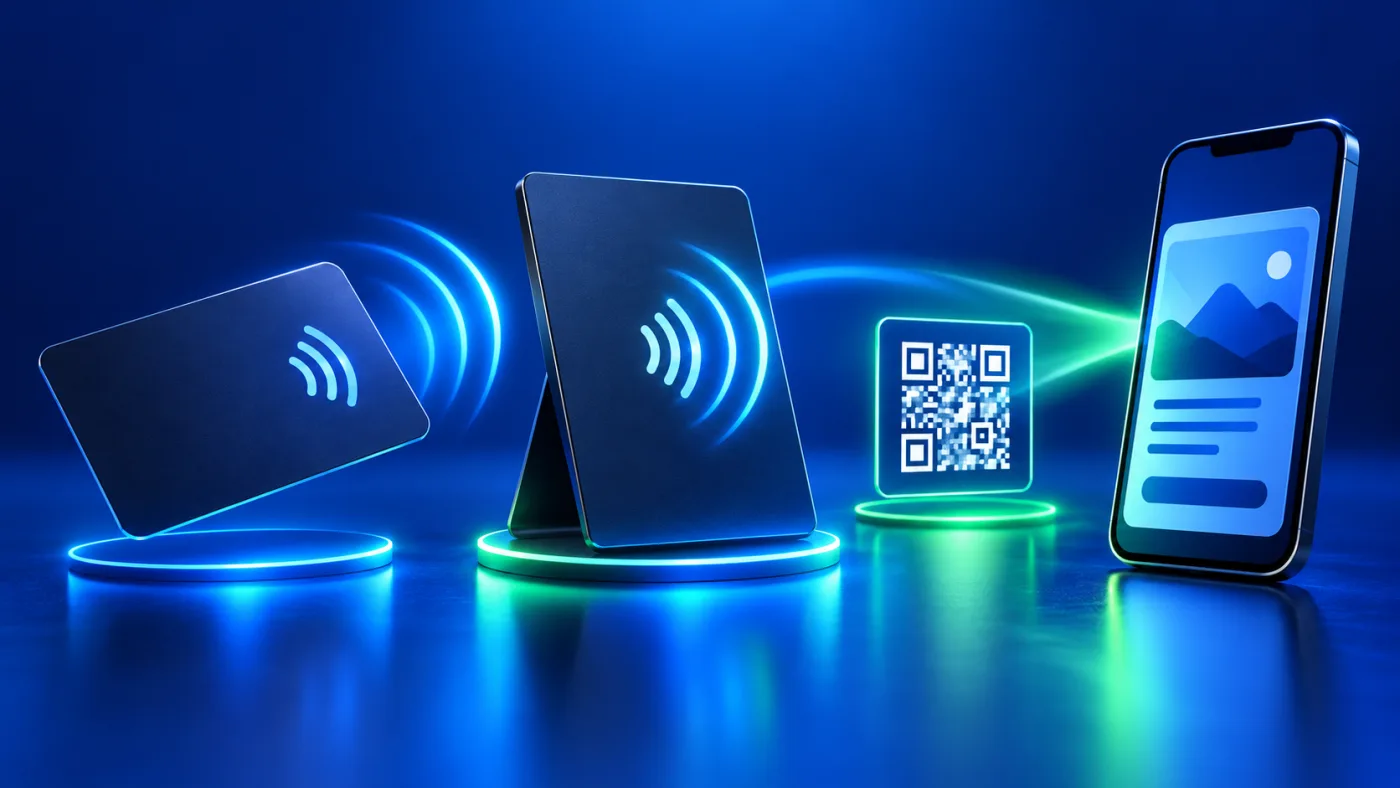
A good location alone does not prove that the destination is correct. The PVC card has an NFC route and a printed QR code, but check each route separately before use. The printed QR destination is static after production, so open it and confirm it before approving manufacture. The product specifications say that the cardholder can change the NFC destination locally while holding the card; ADMAL cannot change it remotely. The NFC Forum overview explains how NFC works.
Assign an owner and a check for each step: who approves the destination before production, who checks the design, who places the card at reception, and who reviews the page when a phone number or contact route changes? This does not require a complicated system. The key is to connect the card to an intended destination and make responsibility clear.
Reception placement versus direct handoff is not a difference in NFC technology. It is a difference in sharing context, destination ownership and how much explanation the visitor needs. For the acceptance test process, see the NFC/QR sharing checklist. For a wider view of different moments in one business, see one business, multiple visitor touchpoints.
A short plan before you place the card
- Write down the visitor question at this location.
- Choose the page or link that answers it and make sure the instruction beside the card describes it accurately.
- Decide whether the context is shared or personal, and assign an owner for updates.
- Check the card’s visibility and position; do not assume a display holder is included.
- Open the NFC and QR routes and confirm their intended destinations; record who checked each one.
- Review again when printed details change or the card moves to a new location.
Frequently asked questions
Can I place a PVC NFC card at reception? It can fit when it serves one shared public destination for visitors. Add a short, clear instruction and choose a visible place that does not interrupt work.
Does the card include a desk holder? The PVC product page describes a physical card and does not state that an upright holder is included. Confirm the product details before assuming one is supplied.
When should I hand the card directly to a visitor? When the interaction is personal and the cardholder should introduce the destination. Keep sharing optional and do not imply that the visitor must open the page.
Do NFC and QR always open the same page? The product specifications describe the digital profile connected to NFC and QR routes, but check the intended destinations. The printed QR destination is static after production.
Who should check a reception card? Assign someone to review the profile, links and physical location, then agree when to check them after information or placement changes.
Does card placement change visitor results? No published data here proves a specific increase or decrease in interaction by placement. Choose a location based on the visitor task and review the signals available to your business without assuming an outcome.