Plan ADMAL customer touchpoints around visitor tasks
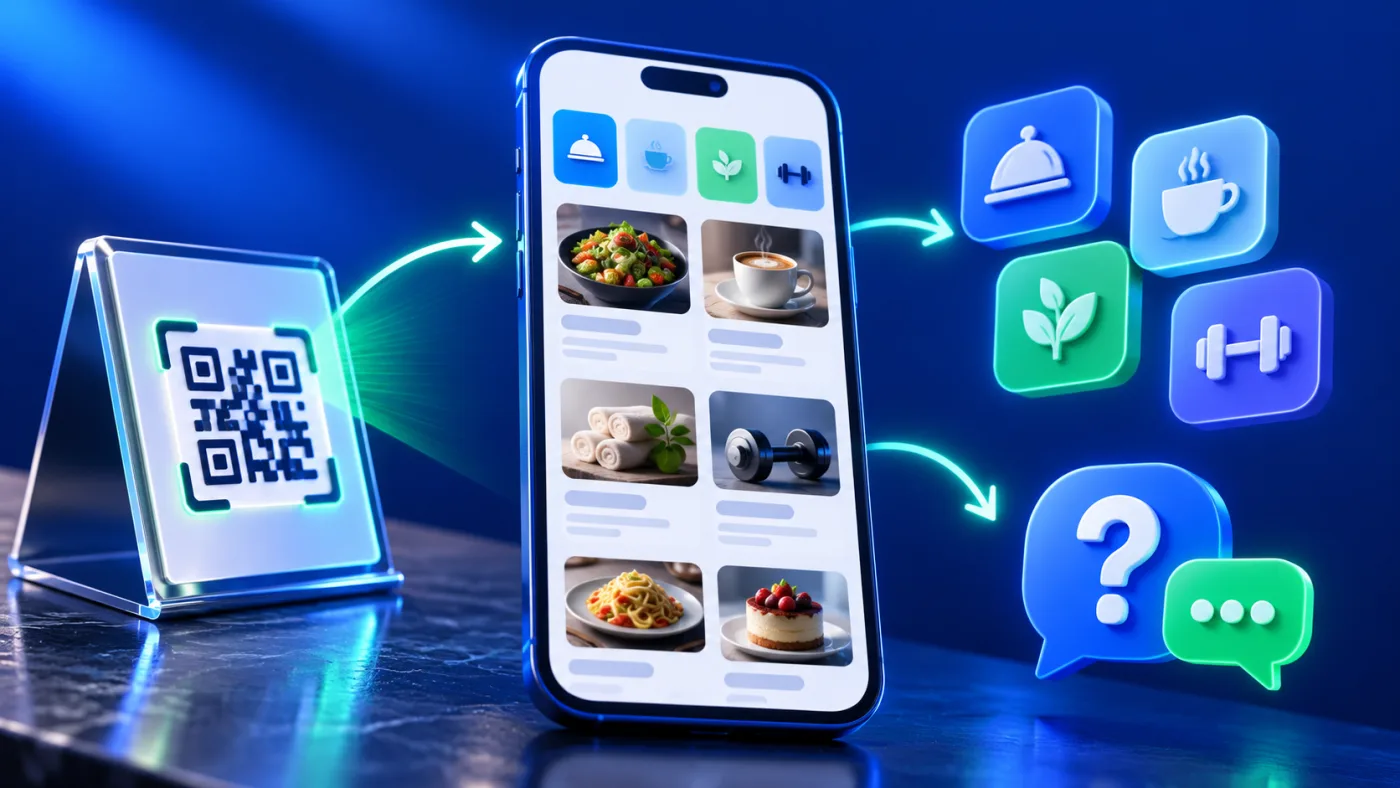
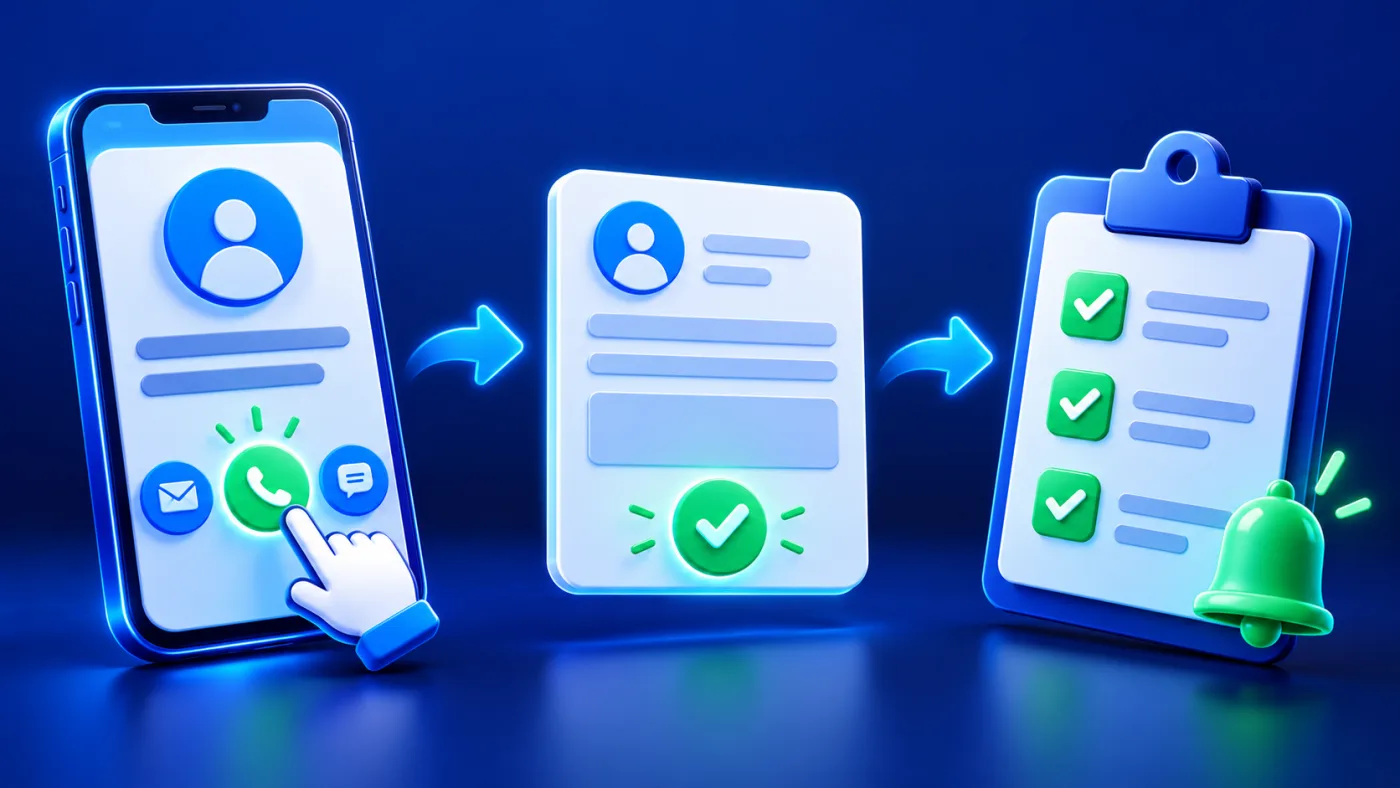
ADMAL customer touchpoints should match the visitor’s task. A visitor may meet a business at more than one point: before arriving, while browsing a service, or after completing an interaction. Those moments do not necessarily need the same page or the same physical item. A menu helps someone browse listed products or services. A review route gives a customer access to a destination the business has selected. A Profile / Business page can present professional or business information, subject to the available fields. Each has a separate job.
Planning several touchpoints is not the same as claiming that they operate as one integrated product. The ADMAL User Guide and public listings describe different page types and physical products. They do not establish that every business can purchase a single universal package, connect every destination automatically or manage all touchpoints from one control. Confirm each selected page, product and account separately.
Illustrative scenario: ADMAL customer touchpoints for three moments
This scenario is illustrative only. It is not an ADMAL client, a real café deployment or a report of results.
Imagine a café in the UAE—in Dubai, Abu Dhabi, Sharjah, Ajman, Fujairah, Umm Al Quwain or Ras Al Khaimah—that wants visitors to understand its offering, browse a menu and find a neutral review route after service. The café can plan three separate moments:
| Moment | Visitor question | Possible ADMAL page/product to investigate | What must be confirmed |
| Discover the business | “What is this business and where can I find its official information?” | A Profile / Business page, if that page matches the information needed | The page fields, current contact links and public wording in the actual account |
| Browse at a table or service point | “What items or services are listed?” | A Menu page; a menu stand only if a physical display suits the location | The current menu content, product options and the route shown by that exact listing |
| Reach a review destination | “Where can I leave feedback if I choose?” | A Review route and, if useful, a review stand | The correct business/branch destination and the product’s own QR/NFC configuration |
The business should not place every task on one screen by default. It can first decide whether a separate point reduces confusion. If the menu is already clear on the visitor’s phone, another stand may not be needed. If a review touchpoint is chosen, its invitation should be neutral and must not pressure customers or promise a particular review outcome.
Give each ADMAL customer touchpoint an owner and destination
For each ADMAL customer touchpoint, write down four things: the visitor task, the person responsible for its content, the public destination and the check that confirms the route. This is a simple planning record, not a feature of ADMAL’s software.
For a digital page, use the actual editor to check which fields are available. Confirm the displayed business name, descriptions, contact routes and links. For a physical product, inspect its own listing for the exact material, finish, size and available options. Do not copy the menu stand’s details to a review stand. Product family names alone do not prove the same dimensions, QR count or NFC behavior.
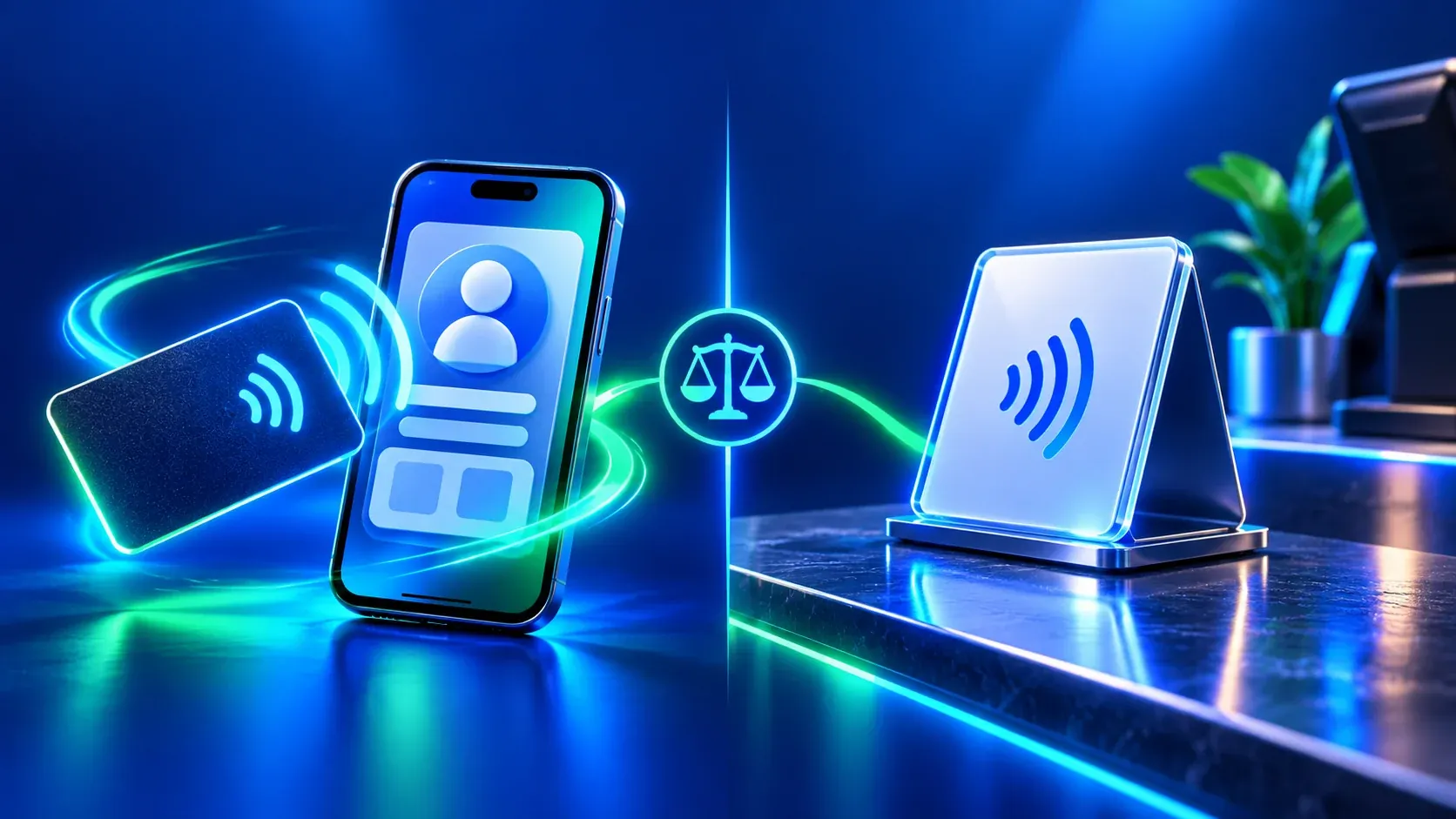
If a product listing identifies printed QR and NFC, treat them as separate routes. Verify the printed destination before production; then test the final QR and NFC separately when the physical item is available. A menu page, review page or sample visual does not prove that another physical product opens the intended destination. If a real test has not occurred, label it as untested.
Keep the visitor’s next action honest
Give each button a clear label that says what happens next; the W3C guidance on link purpose explains why context matters. Opening a menu is not the same as placing an order. Opening a review destination does not mean the visitor submitted a review. Tapping a contact action is not proof that a conversation or sale occurred. P05 and P07 already explain these limits for their respective subjects; this multi-touchpoint guide should not overstate them.
For the café scenario, the menu point can simply help a visitor browse the items currently shown. The review point can provide access to the selected destination while leaving the choice to the visitor. The business should avoid unsupported promises such as automatic reservations, payment, orders, review growth or improved search position unless the selected service and evidence establish them.
Review ADMAL customer touchpoints before sharing
- List the visitor moments that actually occur and remove any touchpoint with no clear job.
- Assign one task and one responsible content owner to each remaining page or physical item.
- Choose the relevant page purpose. Check the current fields and public presentation in the active editor.
- For a physical product, read its own listing and confirm the intended printed destination and available options.
- Open each public page from a visitor’s point of view; verify its name, language, links and next action.
- Test printed QR and NFC separately on the exact finished product when available; record only what was observed.
- Review the touchpoints after meaningful changes to content, destination or printed artwork.
This sequence is a proposed customer-side checklist. It does not assert that ADMAL provides a shared dashboard for all products, automated synchronization or a single multi-product plan. Check the relevant service and product pages for current details.
Avoid turning several touchpoints into clutter
More signs and pages do not automatically create a clearer journey. A visitor should not have to decide between several similar buttons at the same moment. Keep the menu task at the menu point and the review task at the feedback moment. Use a separate Profile / Business page for business information only when that page adds useful context.
Keep content consistent without copying it everywhere. A public business name should be recognizable across the pages, but the menu, review destination and professional profile need different labels and details. Assign one person to review the public routes. If the team does not have verified account permissions for multiple editors, do not promise that several employees can manage the pages independently.
Questions about multiple ADMAL touchpoints
Can a café use a menu page and a review product together? They are separate uses that a business may evaluate. Check the current pages and product listings; do not assume they are bundled or linked automatically.
Does a menu stand automatically collect reviews? Do not infer that. A menu and a review destination have different purposes. Check the selected product’s listed configuration and the visitor route.
Does adding a review stand guarantee more reviews or better Maps visibility? No such outcome is established by the product listing or this guide. A touchpoint can provide access to a destination; the customer decides whether to act.
Can I use the same QR destination on every item? Only if that is the intended route for each item and the exact product supports it. Confirm each destination before printing and test each finished item separately.
Are all product sizes and options interchangeable? No. Use the exact listing and variation for each selected item. Do not carry dimensions, finishes or QR/NFC details across models.