A clear home service contact page tells a visitor what work the team handles, which areas it actually serves, and what information to provide when asking a question. A short digital page can reduce repeated explanations, but it should not imply that an appointment is confirmed or a service is immediately available unless the business has verified that process.
This guide is for UAE home-service teams such as maintenance, cleaning and repair providers who need a clear home service contact page. The examples are hypothetical, not ADMAL customer stories. Use only the service details, locations and contact steps that the provider has approved.
Plan a home service contact page around visitor questions
Someone looking for help at home usually needs to know whether the team handles the task, whether the location is covered and how to contact the provider. Put those answers before background copy. Give the page a specific title, then a short summary that names the service type and the actual audience or location when confirmed.
Do not use a broad label such as “all home services” if the business handles only a defined set of tasks. List the services in words customers recognize, and separate work that requires a different team or process. If the provider does not handle a request, say so clearly or direct visitors to a verified alternative contact route.
Describe each service in plain language
For each service, name the task, summarize what the team confirms it includes and explain any relevant boundary. Use terms that help someone distinguish similar options. For example, a hypothetical maintenance provider may want to separate inspection from repair if those are different services in its actual operation. Do not imply that one task includes another unless the provider has confirmed it.
A useful description answers “what is this service?” and “what should I ask next?” Avoid vague phrases such as “complete care” without explaining what the business actually does. Keep technical terms only when the intended visitor is likely to understand them, and add a short explanation when needed.
State service areas on a home service contact page
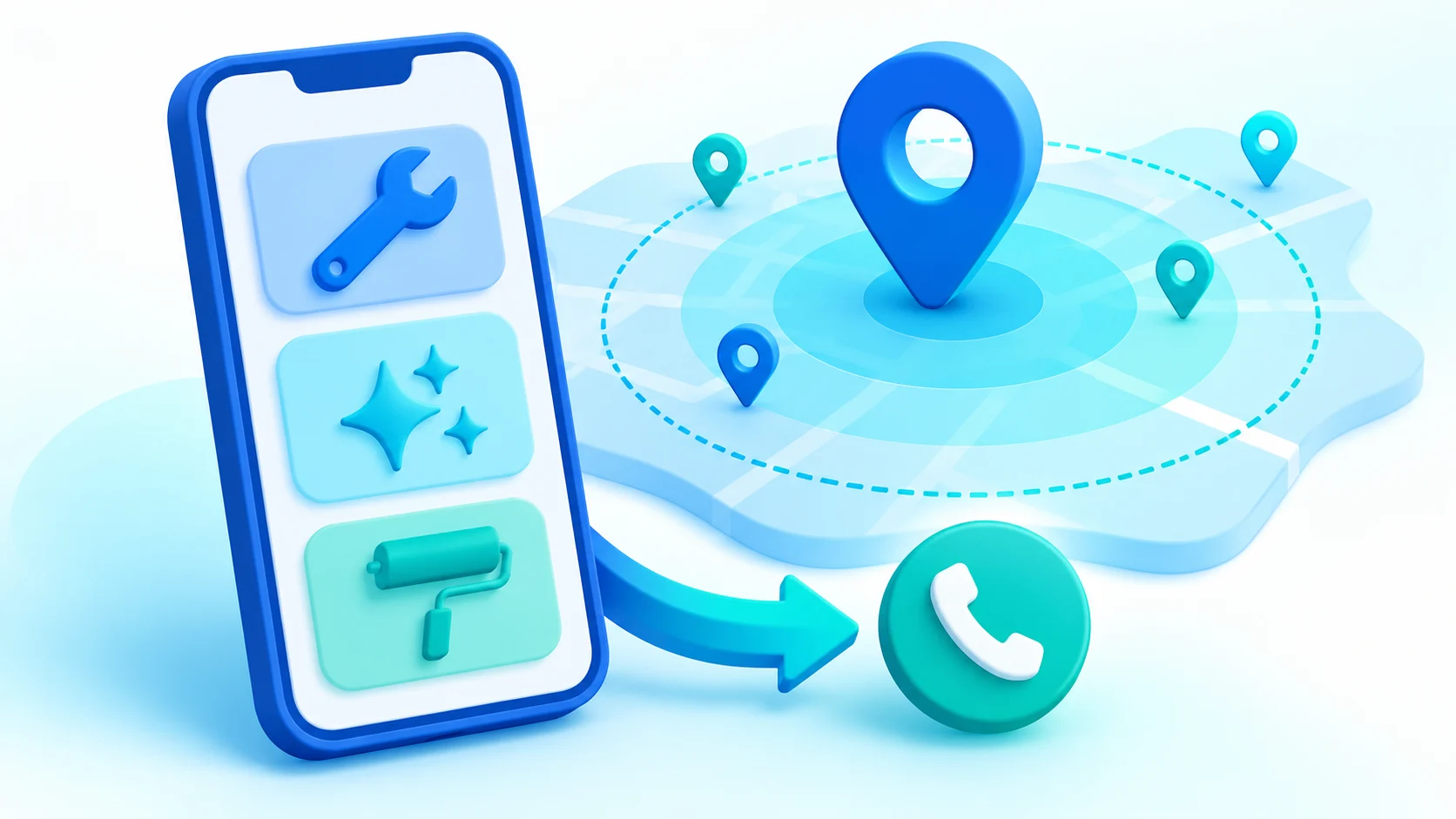
List only the Emirates, cities or neighborhoods the provider actually serves. If its confirmed area includes Dubai, Abu Dhabi, Sharjah, Ajman, Fujairah, Umm Al Quwain or Ras Al Khaimah, name the relevant locations in a natural service-area section. Do not copy all seven into a page when the team does not operate there. A truthful coverage statement helps avoid enquiries from places the business cannot serve.
If coverage depends on the task or team schedule, explain that a person must confirm the specific location. Do not suggest that a map pin or a general UAE label proves service in every neighborhood. When the provider changes its territory, update the public page and any linked document that repeats the old area.
Explain what the visitor should prepare
Tell a visitor what information helps the team understand a request. Depending on the service, it may be useful to identify the task, the general location and a convenient way to reply. Ask only for details the provider actually needs at that stage. Do not request information just because a form has a field for it.
If photos or documents help explain a situation, state that they are optional or required only when the team has confirmed that process. Give safe, simple directions for sending them through an approved contact channel. Do not imply that a photo alone establishes the scope, condition or outcome of a job.
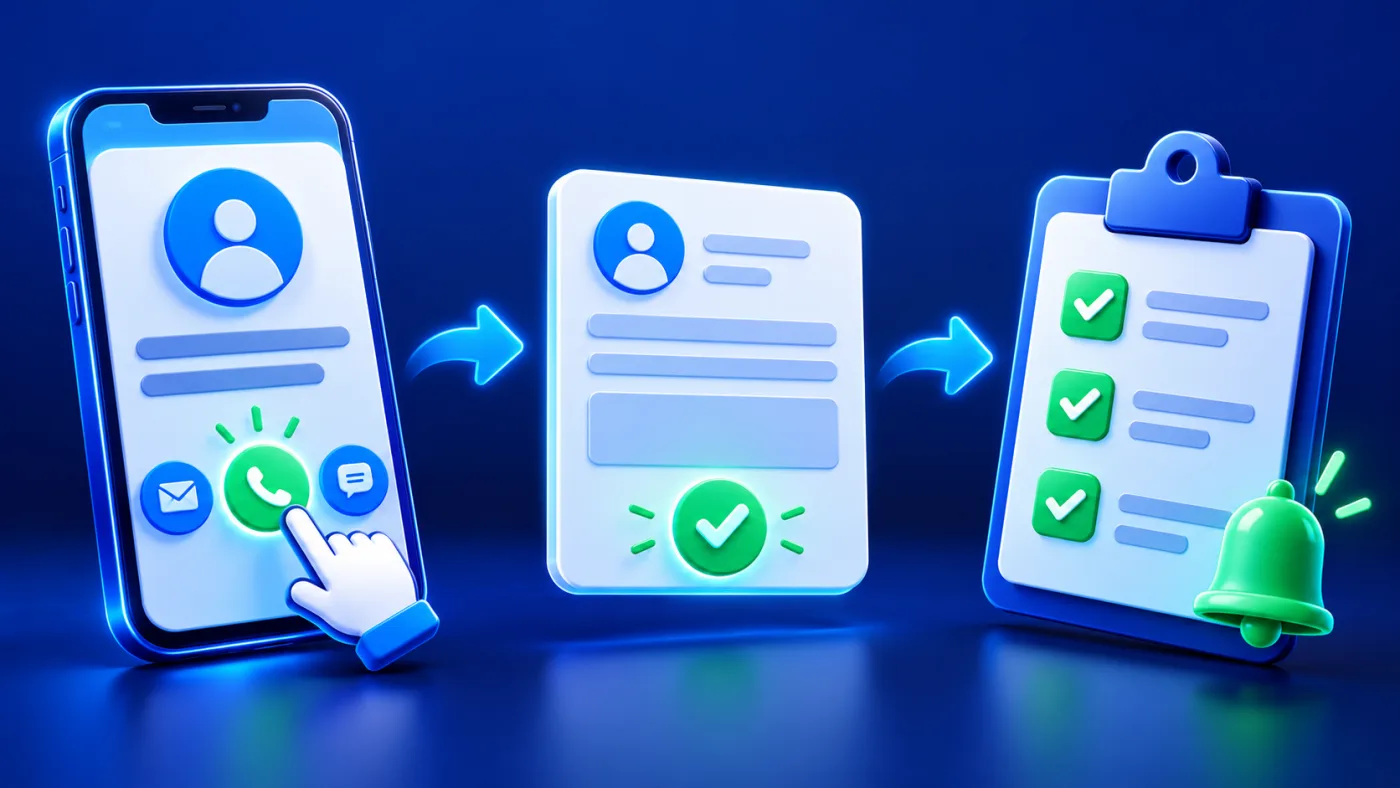
A short “What happens next” note can explain that the visitor contacts the team, the team reviews the information and responds through the chosen channel. Do not promise a specific response time or a completed service until the provider has approved those terms.
Make the next contact step specific
Choose the contact action that matches the provider’s process. A phone link, WhatsApp destination or website link should have a label that says where it leads. If a visitor must send a message, complete a form or wait for a reply, explain that step. A tap may open another application; it does not itself confirm a visit or complete a service request. W3C guidance on link purpose also explains how link text or its surrounding context can make a destination clear.
Keep the main contact route easy to find, and avoid several buttons with identical labels. If different services go to different teams, identify that difference. For guidance on naming direct actions and explaining what a tap does, see the related digital service contact-button guide.
Handle requests that do not fit the list
A visitor may describe a task that is not named on the page. Do not imply that the provider accepts it simply because the request seems related to a listed service. Offer a verified general contact route and explain that the team must review the details. If the business cannot confirm a suitable route, avoid directing the visitor to an unrelated team. Review repeated questions with the provider; they may reveal that a service description or coverage boundary needs clearer wording.
Separate service information from automated systems
A page can present service details and provide contact links without managing field schedules, assigning technicians or confirming appointments. State only what the provider’s actual process supports. If a separate system handles requests, link to it only after testing its destination and confirming that it accepts the intended task.
ADMAL’s menu guide describes page fields and contact destinations, but this article does not claim that a menu page is a dispatch, appointment or request-management system. A clear contact page sets expectations; a separate operation remains responsible for reviewing and confirming each request.
Organize multiple services for mobile reading
Group related tasks under clear headings and keep each description short enough to scan on a phone. If a page lists many services, put the most commonly requested or most important information first based on the provider’s own priorities, not an invented ranking. Use a separate document only when it improves clarity and is kept current.
For an Arabic and English page, pair each service name and description by meaning. Check the area list, contact action and linked document in both versions. A translated name should not imply a different task or broader coverage than the provider has approved.
Review the page when the operation changes
Assign someone to confirm service names, coverage and contact details when the business changes its operations. Remove old locations, outdated phone numbers and expired documents. If one team’s coverage changes, do not silently apply that change to other services. Review the public page on a phone after every update and ask a colleague to find a service and identify the next step.
Keep an internal record of the source and date for important operational facts. This helps the business review changes; it is not a claim that ADMAL automatically keeps the page synchronized with a dispatch or scheduling system.
Home service contact page checklist
- Name the services the provider actually handles.
- Separate tasks with different scope or teams.
- List only verified areas in Dubai, Abu Dhabi, Sharjah, Ajman, Fujairah, Umm Al Quwain or Ras Al Khaimah.
- Tell visitors what details are useful and request only what is needed.
- Label phone, WhatsApp and website destinations accurately.
- Explain what happens after a visitor contacts the team.
- Do not imply an appointment, dispatch or service-approval workflow unless verified.
- Check Arabic and English, then test the public page and links on a phone.
The ADMAL User Guide for menu setup documents current page fields and contact destinations. The digital menus and services guide explains how service information can be presented, and the contact-action guide covers the next step after a visitor taps.