A gym service page should explain what a facility offers. It should also show visitors how to ask a question. A clear gym service page can group verified services and explain who each option serves. It can then provide a real contact route. A menu does not book classes, check capacity or collect payment. It also does not confirm trainer availability without a separate verified system.
For each UAE branch, verify current activities, eligibility, first-visit details and the staff contact channel. Organize these facts so visitors can compare options without relying on an unverified promise. Name only Emirates where the gym operates: Dubai, Abu Dhabi, Sharjah, Ajman, Fujairah, Umm Al Quwain and Ras Al Khaimah. This list describes possible gym locations, not ADMAL’s coverage.
Separate gym services, facilities and membership terms
People often use “gym services” to mean several different things. A group class is an activity with a schedule and participation conditions. A weights area or pool is a facility with access rules. Personal coaching is a service that may depend on the coach, goals and an initial conversation. Membership terms describe access, duration, eligibility and cancellation. A gym service page should put these into distinct sections instead of combining them in one unclear list.
Start with the service names the gym currently uses. For each item, verify the branch, audience, prerequisites, session format and next step with the responsible team. If schedules change, link to the current schedule or say how to request it. Do not publish a session time, class capacity, trainer credential, age limit or included facility unless the gym has confirmed it and can keep it current.
Use plain descriptions. “Small-group strength session” tells a visitor more than “transform your life.” “Ask the branch whether a beginner orientation is available” is safer and clearer than promising a free assessment that the gym has not confirmed. The page should distinguish what is available now from what a visitor must ask the team to confirm.
Explain membership conditions clearly
Before contacting a gym, visitors need basic membership facts. State the branch, included access, any separate class registration and where to confirm current terms. Do not imply that all branches share one package or that a class is included unless the agreement says so.
Keep approved membership details in the gym’s current channel. Use the service page to explain categories, access rules and the next step. If terms vary or change, date the internal record and assign someone to review it. Remove outdated details promptly to avoid misleading visitors.
Avoid broad labels such as “all access” unless the facilities and exclusions are defined. Explain whether visitors need to book, bring equipment, complete an orientation or meet an eligibility condition. If a detail depends on the individual, ask visitors to confirm it with the branch. Collect health details only through a suitable, approved process, not a general contact link.
Build a gym service page around current services
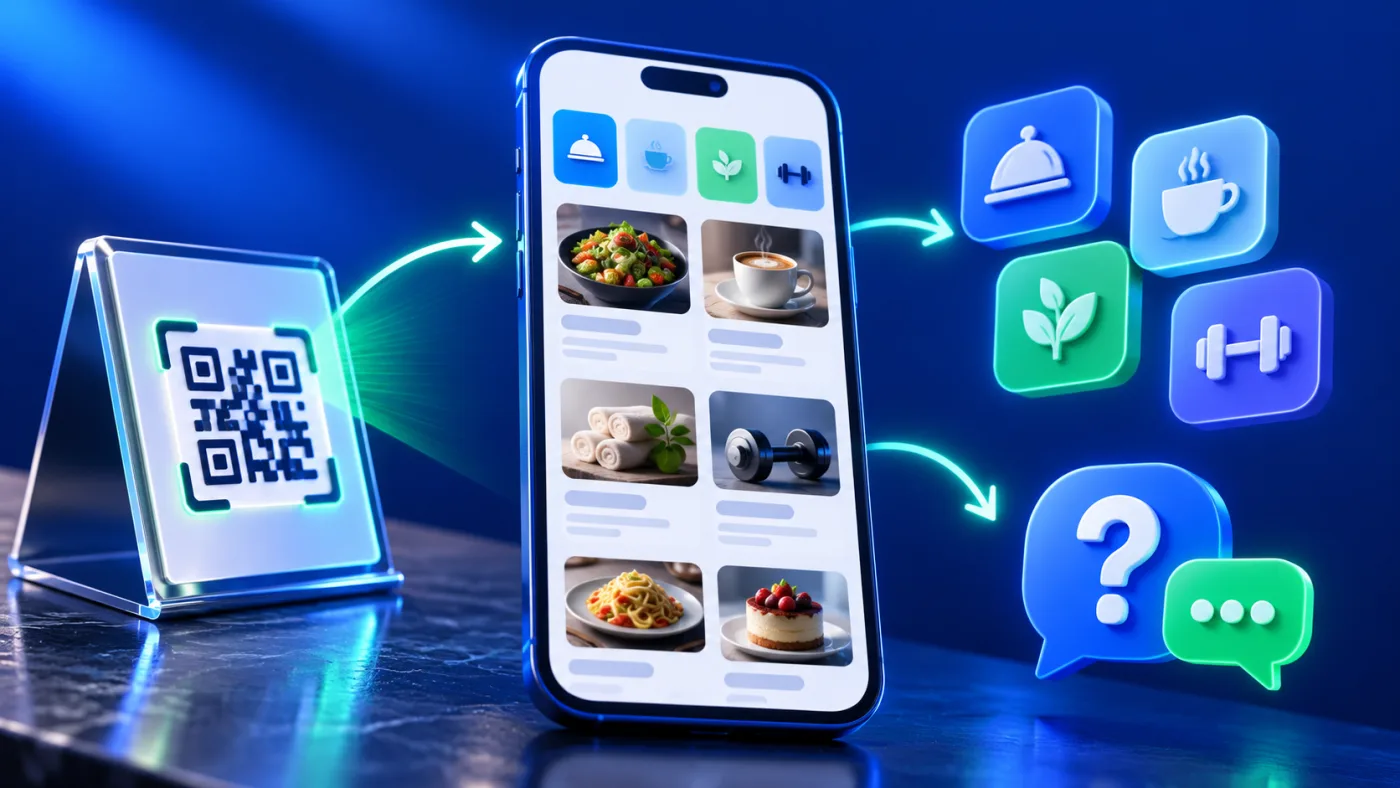
ADMAL’s User Guide describes two Menu page formats: Visual Menu and Quick Products. Visual Menu supports named PDF links and a gallery. The guide lists up to three named PDFs and ten images. Quick Products displays items in up to ten entries, as the inspected editor confirms. These are ADMAL page-format limits, not a gym’s service capacity or booking features. See the ADMAL Menu setup guide.
For a gym with a short list of clear offerings, Quick Products may make individual service descriptions easier to scan. A gym with a designed timetable can link the approved file in Visual Menu. Use images to orient the visitor. Neither format replaces a live class calendar or a confirmed booking workflow. Choose the structure based on the material the gym can keep accurate.
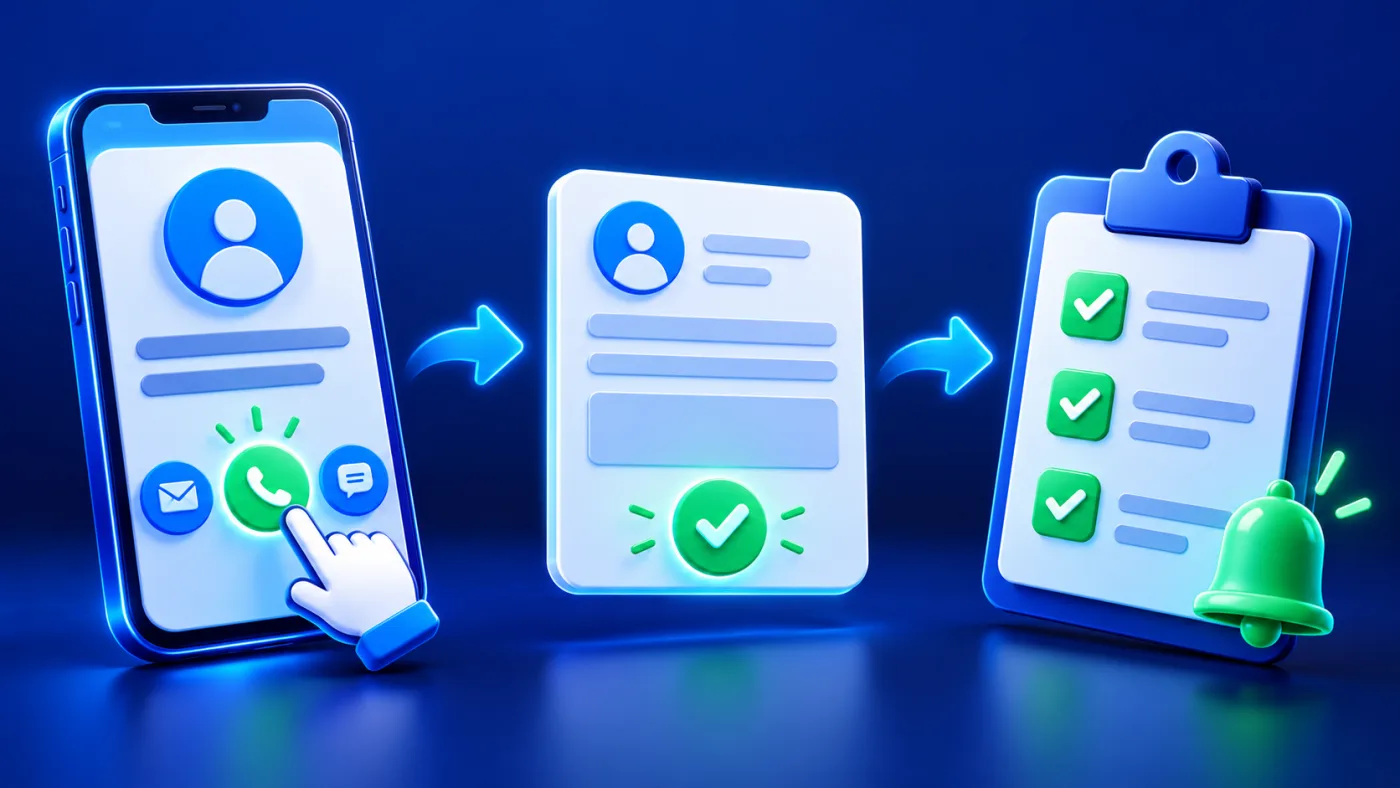
Keep each entry consistent: name, factual description, branch or audience, verified requirements and next action. Use a single, clear contact action such as calling the branch or opening its official WhatsApp destination. The ADMAL guide explains that WhatsApp and website fields take complete destination URLs. Test the final link on a phone; do not assume a label or number alone creates a working contact route.
Make the gym service page’s next step explicit
Visitors should be able to tell whether they are reading information, requesting a callback, asking about eligibility, or making a confirmed reservation. If the page only opens WhatsApp, say that the visitor is contacting the gym to ask a question. Do not label that action “Book now” unless the destination completes a booking and confirms it.
Before publishing, send a test message and check that it reaches the correct branch during its stated hours. Ask a new reader to find the class contact, first-visit details and correct branch. If the reader struggles, simplify the categories and put the next step beside the service.
Give each branch its own verified address, hours and contact route. Avoid a generic map or WhatsApp number if it sends visitors to the wrong team. Mention only confirmed branches and service areas; naming an Emirate for search visibility alone would be misleading.
Give each visitor a useful comparison point
People comparing gyms may be deciding between a class, facility access or coached support. Use the same small set of fields for comparable entries so the visitor can understand the difference. For example, describe the activity, who it suits according to the gym’s own guidance, the branch where it runs, and how to confirm the current schedule. Do not turn an illustrative category into a promise that every gym offers it.
Separate introductory information from membership conditions. A short “before you contact us” note can collect the questions the branch wants to answer, such as preferred location or the type of session. Do not request sensitive health details through an ordinary enquiry route. If a visitor needs an accommodation or has a question about safe participation, direct them to the gym’s established staff process rather than offering an automated answer.
Keep the gym service page useful on a phone
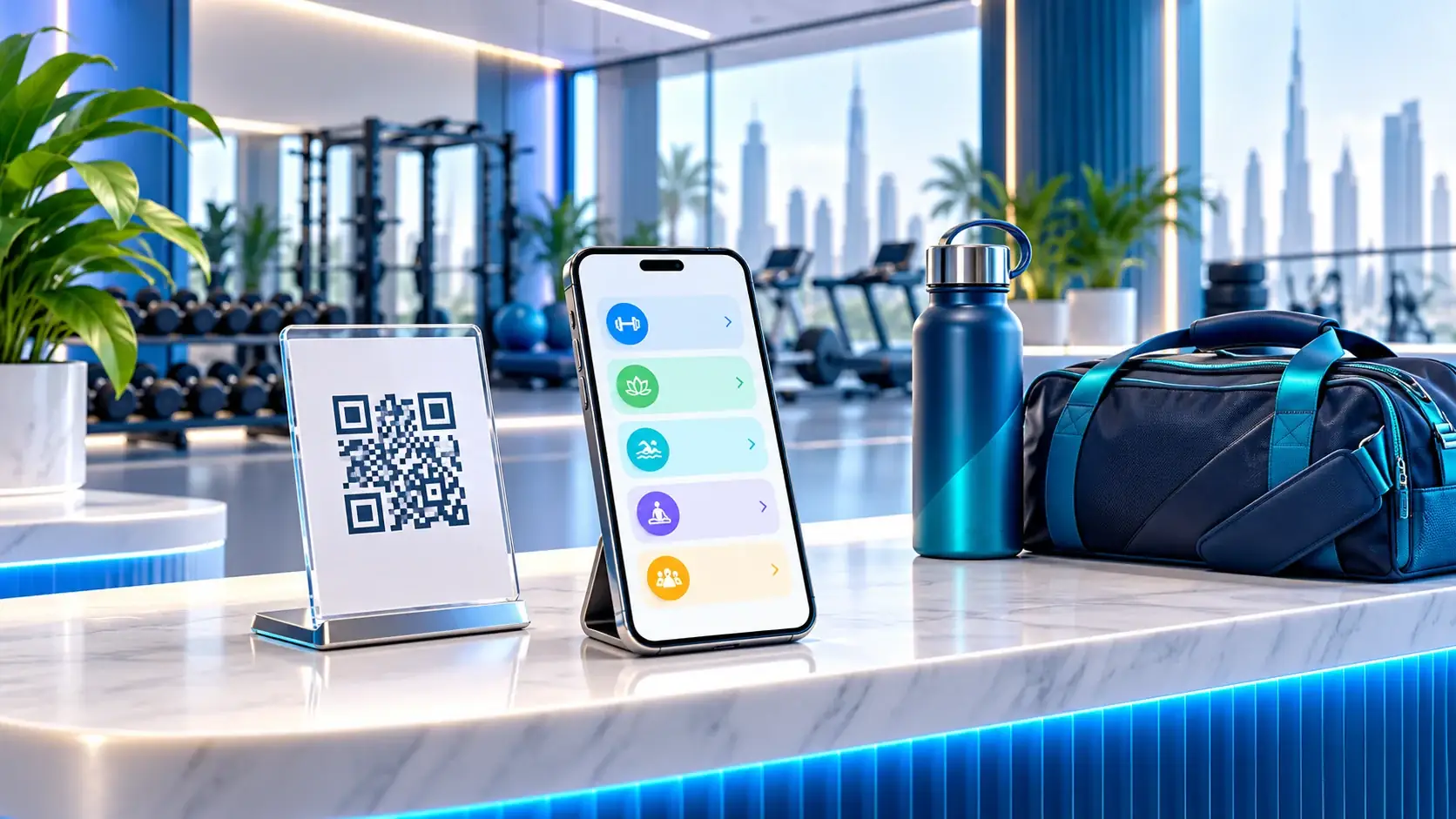
Use short headings that match visitor questions: classes, facilities, coaching, membership access, first visit and contact. Put essential information in text rather than embedding it only in an image or PDF. Use descriptive link labels, readable contrast and compressed images. If a timetable is provided as a file, name it with the branch and revision date, keep the share permissions open to visitors, and test it without an employee account.
Give every section a useful purpose. Provide enough context for visitors to decide whether to contact the gym. Explain terms such as “small group” only when the gym has a defined meaning; otherwise describe the format without suggesting a guaranteed group size. Avoid performance, health or body-transformation promises. A service page is an information and contact aid, not a substitute for a qualified professional’s assessment or the gym’s actual operating rules.
Review the content whenever the gym changes its services
A gym service page stays useful when one person confirms the menu with the branch team on a regular schedule and whenever a service changes. Check the page against the timetable, membership terms, front-desk instructions and official contact details. Remove discontinued activities, replace expired documents and correct old phone or branch links. Keep a simple record of the review date and the person who confirmed the details.
If the gym uses ADMAL Menu, the User Guide recommends saving, previewing and testing before activation. Follow that sequence on a phone: open every service, test each destination, inspect Arabic and English copy if both are used, and confirm that the public visitor view matches the approved information. ADMAL’s guide also distinguishes a Menu page from Profile, Review and Pet page types; selecting Menu presents business offerings rather than proving that the page can process a reservation or payment.
For an independent digital menu QR, compare ADMAL Digital QR Plans. If the gym needs a physical counter display, browse ADMAL Menu Stands. These options do not create a class booking or collect payment by themselves.