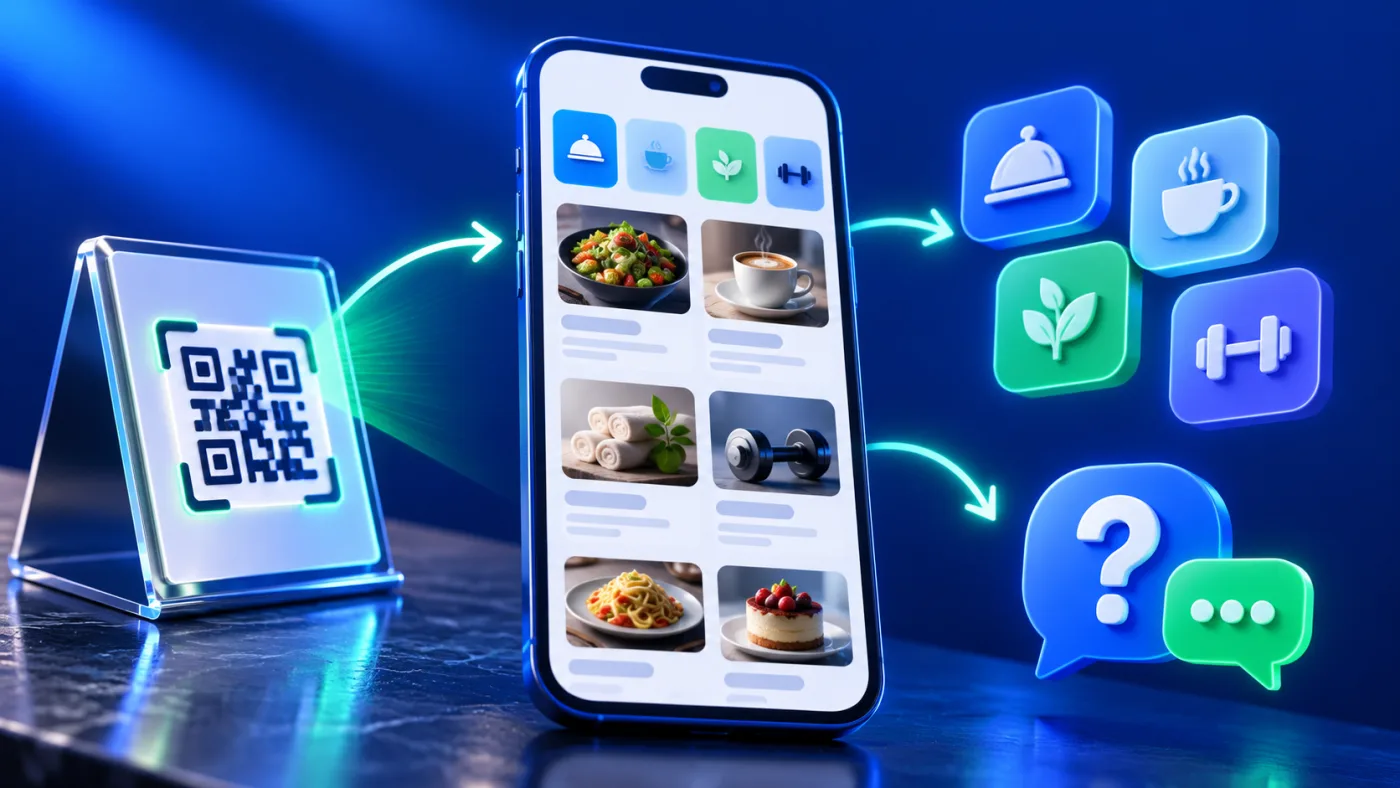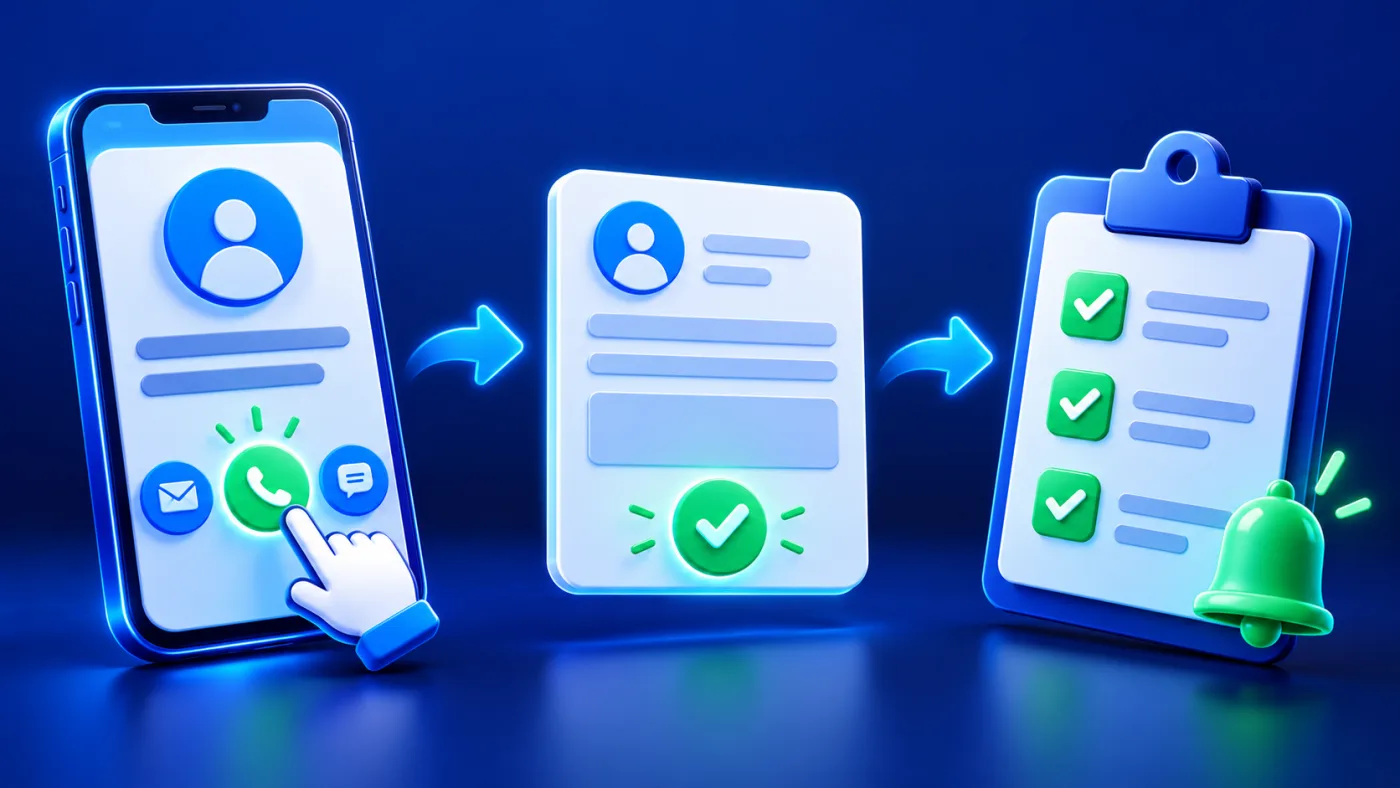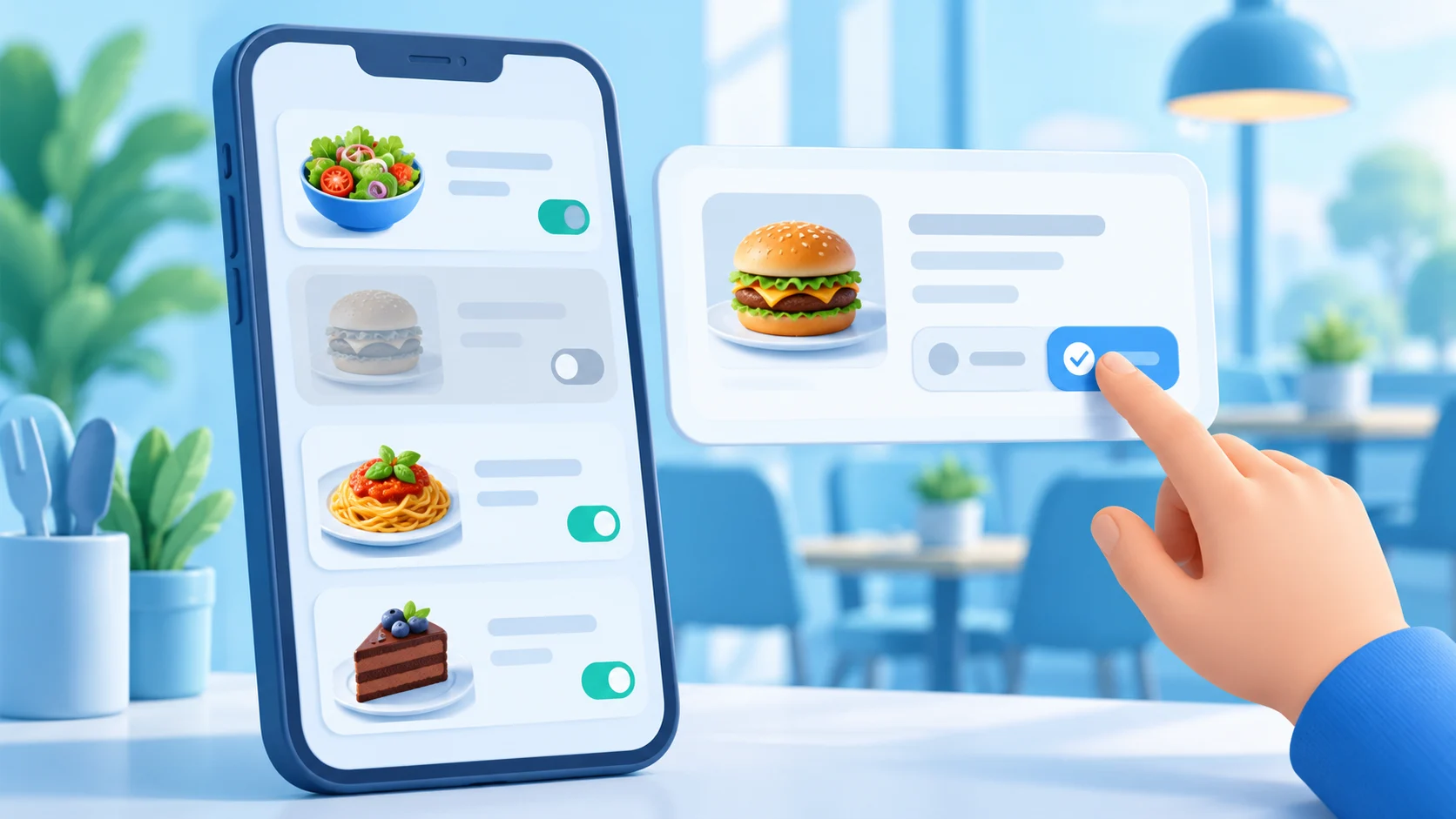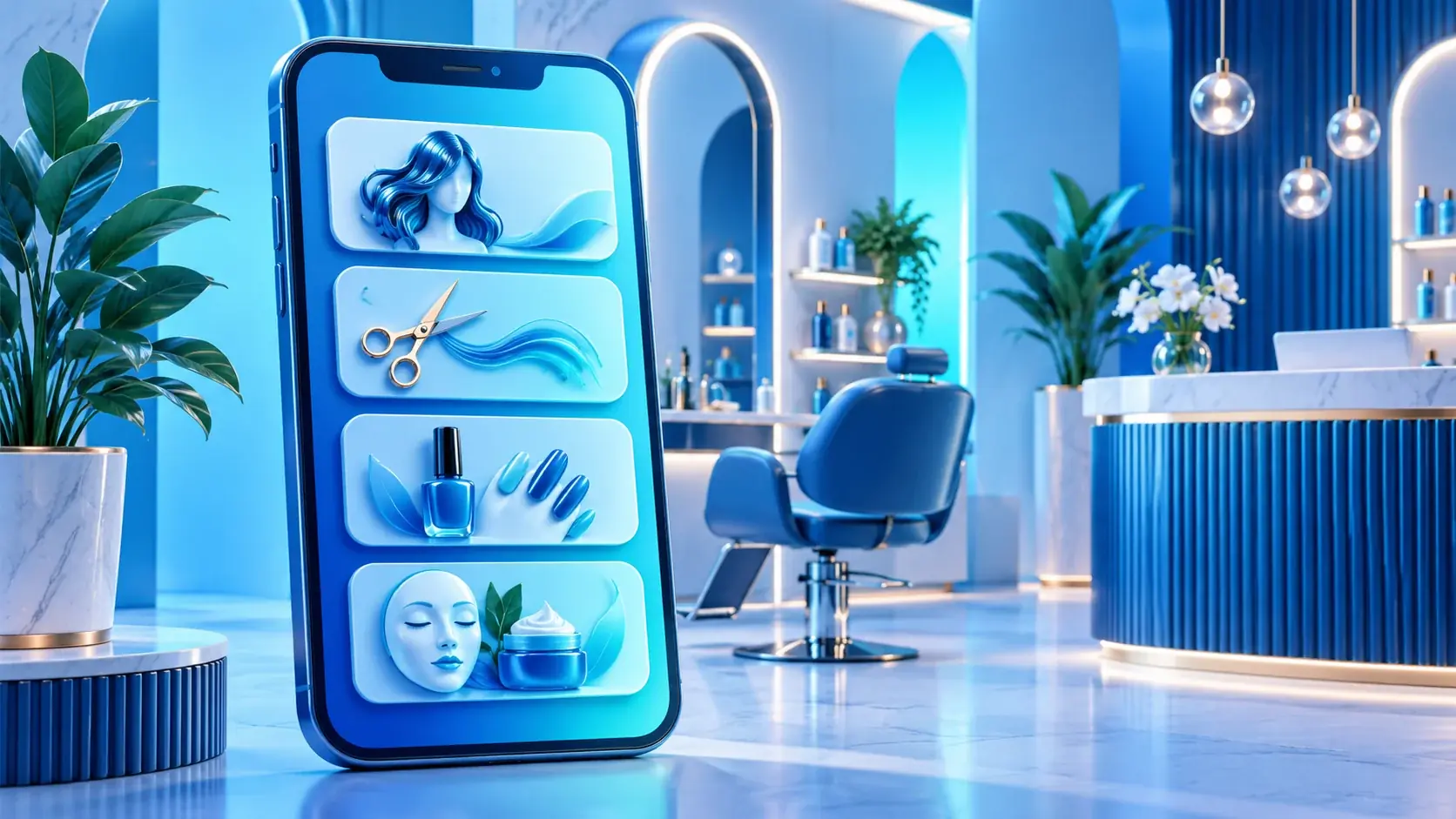
A digital salon services menu in the UAE should help a visitor understand the salon’s real service choices and find a clear way to ask a question. It does not need to reproduce every internal procedure. A concise menu can group related services, use plain descriptions and point to a contact channel the salon actually monitors. It should not imply that a visitor has booked an appointment, confirmed a treatment or secured a time slot.
A digital salon services menu is an information page, not a booking confirmation. This guide explains how to organize it clearly. It does not provide beauty or medical advice, make claims about treatment suitability, or promise that an online contact action creates a booking. The salon should confirm its service names, descriptions, customer instructions and contact details before publishing them.
Digital Salon Services Menu: Start with the Visitor’s Choice
Think about what a new visitor is trying to decide. They may be comparing hair, nail or skincare services, checking whether the salon offers a particular type of appointment, or deciding whether to call before visiting. Organize the page around those real questions. A visitor should be able to scan the menu and understand what each group covers without needing to decode internal abbreviations.
Use only categories that reflect the salon’s actual service list. If the salon has a small number of services, a short list may be easier to navigate than several empty or overlapping categories. If it offers distinct groups, give each group a clear label and keep related choices together. Do not create a category simply because a template has room for it.
Order the entries in a way that matches how visitors ask about them, then check that the first item is not simply the salon’s internal priority. A visitor who wants to understand the menu should be able to compare like with like. If a category needs staff explanation before a customer can choose, say how to ask rather than implying the page can assess the visitor’s needs.
Write service names that customers recognize
Use the name customers will hear from staff and see in the salon’s own materials. Avoid vague labels such as “package one” or internal staff shorthand. When two options have similar names, add a short distinguishing phrase that the salon has approved. Keep the language factual: describe the service, not an unverified result.
A helpful service description answers three questions. What does the service broadly cover? Who should the visitor ask if unsure? Where should they go next? Keep it brief. Detailed suitability questions belong with a qualified professional at the salon; a menu should not guess what is appropriate for a particular person.
Do not imply that a service is available on demand, suitable for every visitor or included in another service unless the salon verifies that wording. Avoid before-and-after guarantees, health or safety claims, or statements about results that the business has not substantiated. A clear description builds trust by setting accurate expectations.
Use a menu format that matches the content
ADMAL’s current User Guide describes two Menu approaches. Visual Menu presents documents or images. Quick Products uses entries with image, name and description fields. The guide’s current form shows up to ten product entries; actual fields can depend on the selected setup. A salon should use the available editor as it appears in its account and avoid assuming that every format or action is enabled.
For a short list, text entries can make names and explanations easy to scan. A visual menu may help when the salon already has approved service imagery or a well-designed document. Images should support the explanation rather than obscure the service name. Make document text readable on a phone. Test its link as a visitor without access to the salon’s file account.
The digital menu is not automatically a booking system. If a WhatsApp, phone or website button is available, label the destination accurately and test it. A contact button can let someone ask a question; it does not prove that the salon has received, accepted or scheduled an appointment. Explain the next step in plain language, such as “Contact the salon to ask about availability,” only if the salon uses that process.
Keep the menu current without creating confusion
Service lists can change. Choose a person at the salon to confirm wording and remove or update entries when the business changes its actual offering. Review the page after staff update, service renaming, temporary suspension or branch changes. Do not leave a former service on the menu simply because its old image or description is still available.
If the salon has more than one location, make clear which branch the menu describes. Do not combine services from different branches unless customers can see which location offers each one. If availability varies, route the visitor to the salon’s real contact process for confirmation rather than suggesting that the page has live availability data.
For a salon operating in Dubai, Abu Dhabi, Sharjah, Ajman, Fujairah, Umm Al Quwain or Ras Al Khaimah, use the actual branch name and verified location. These emirates are examples of UAE locations, not a claim that a particular salon or ADMAL service covers each one.
Make Arabic and English versions equivalent
If the salon serves visitors in Arabic and English, prepare both versions from the same approved service list. Keep service scope, branch details and contact instructions aligned. Do not make one translation sound more certain, promise a different result, or add an appointment action that does not exist in the other language.
Use wording that salon staff can explain consistently. Ask someone who did not write the menu to compare the two versions and identify any service that appears in only one. Update both versions when a name, description or contact link changes. This small review can prevent an outdated translation from sending customers to the wrong action.
Test the menu on a phone
Before sharing the page, open its public link on a phone and test each destination. Check that headings are readable, descriptions are not cut off, images support the service, and every phone, WhatsApp, website or file link reaches the stated destination. If the page is reached through a physical QR or NFC product, test that route too.
ADMAL’s User Guide recommends saving, reviewing the live preview, opening the public URL and testing actions from another device. A useful final review asks:
- Can a first-time visitor identify the salon and branch?
- Are the service groups easy to understand?
- Does each description match what the salon currently confirms?
- Is the contact action described accurately?
- Does anything imply booking or live availability without proof?
- Do the Arabic and English versions say the same thing?
- Does the menu work on a phone without requiring the owner’s login?
If a link or service detail fails, correct it before distributing the page. Do not depend on a visitor to report a broken destination.
A concise menu is easier to use
A digital salon services menu works best when each entry has one clear purpose. Help the visitor recognize a service, understand its scope and choose the next step. Keep the list focused on verified services. Use supporting images selectively and make the real contact route obvious. This gives visitors a useful introduction without implying functions the menu does not provide.
If the salon needs a hosted QR destination for its services, compare ADMAL Digital QR Plans. For a physical counter display, browse ADMAL Menu Stands. Neither option confirms or schedules an appointment by itself.