Choosing ADMAL’s matte PVC NFC card for use in the UAE starts with how you plan to use it, not with the word NFC alone. Will you hand it over in a one-to-one meeting? Do different people on your team need their own information? Should a visitor reach a digital profile or one specific destination? Once you define the task, you can review the product options and prepare the right details for design.
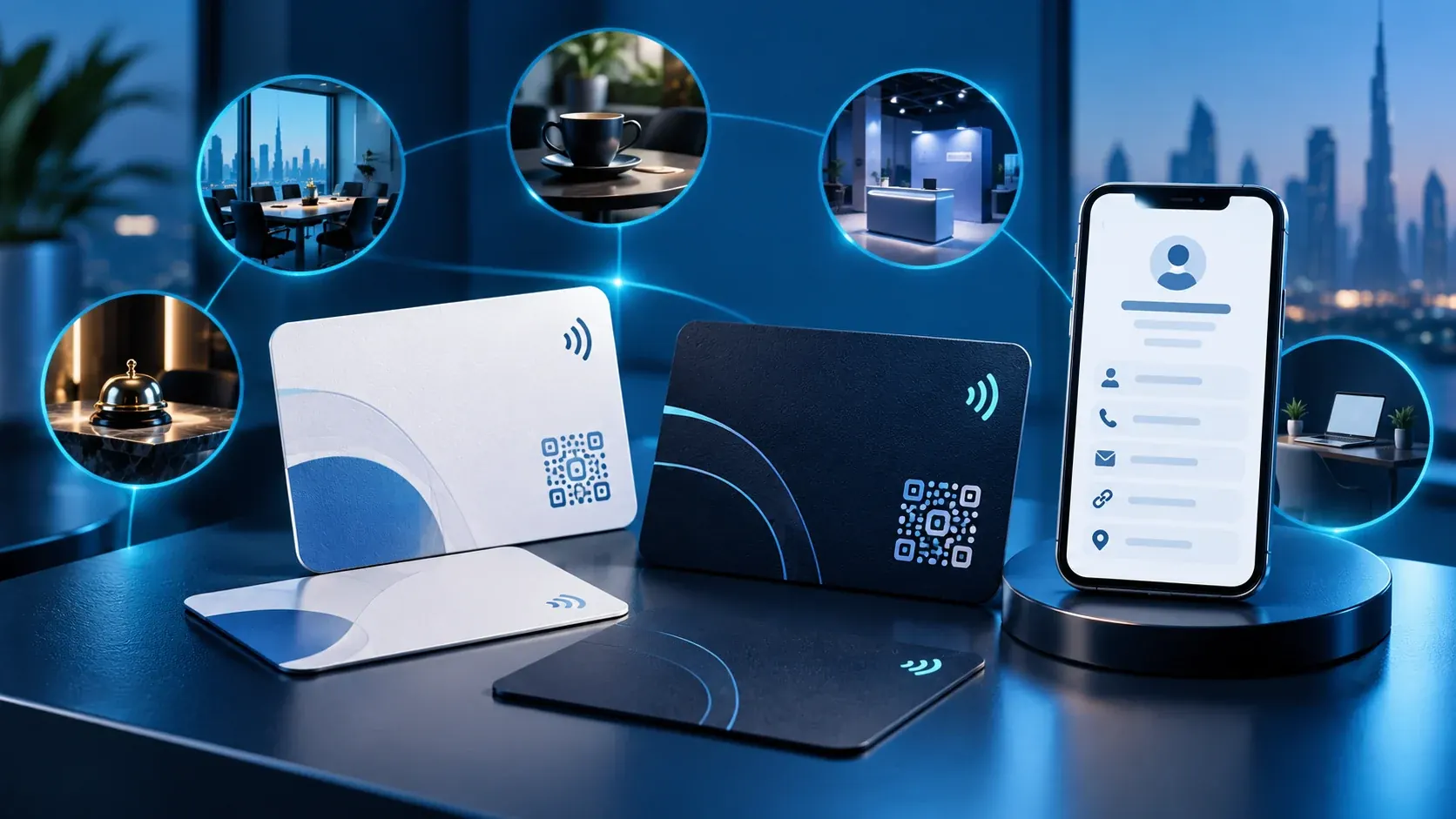
The current ADMAL listing for a matte PVC NFC card specifies a matte PVC product measuring 85.6 × 54 mm and 0.8 mm thick, with UV printing on both sides. It shows options for black or white cards with black, white or custom-colour printing according to the current selection. Start with the live listing because materials and options can differ by model.
Matte PVC NFC card: define its task first
Before choosing a product, write a simple use case: “I hand the card to someone after a meeting,” “I use it to introduce a visitor to my professional profile,” or “I need separate information for several employees.” These examples help define what to confirm; they do not mean that every use or setup automatically comes with every product option.
Then identify the destination. It may be an ADMAL Digital page or another URL you select. Open the link on a phone that is not signed in to your account and check the language, name and visible information. A QR code or NFC chip does not define the content by itself; each is a route to a destination that needs checking.
What the current PVC card listing specifies
The live product page lists a standard 85.6 × 54 mm size, 0.8 mm thickness, a matte finish and UV printing on both sides. It also shows colour combinations for printing on black and white cards. Use these facts for this specific product only. Do not copy them to a metal card, review card or stand.
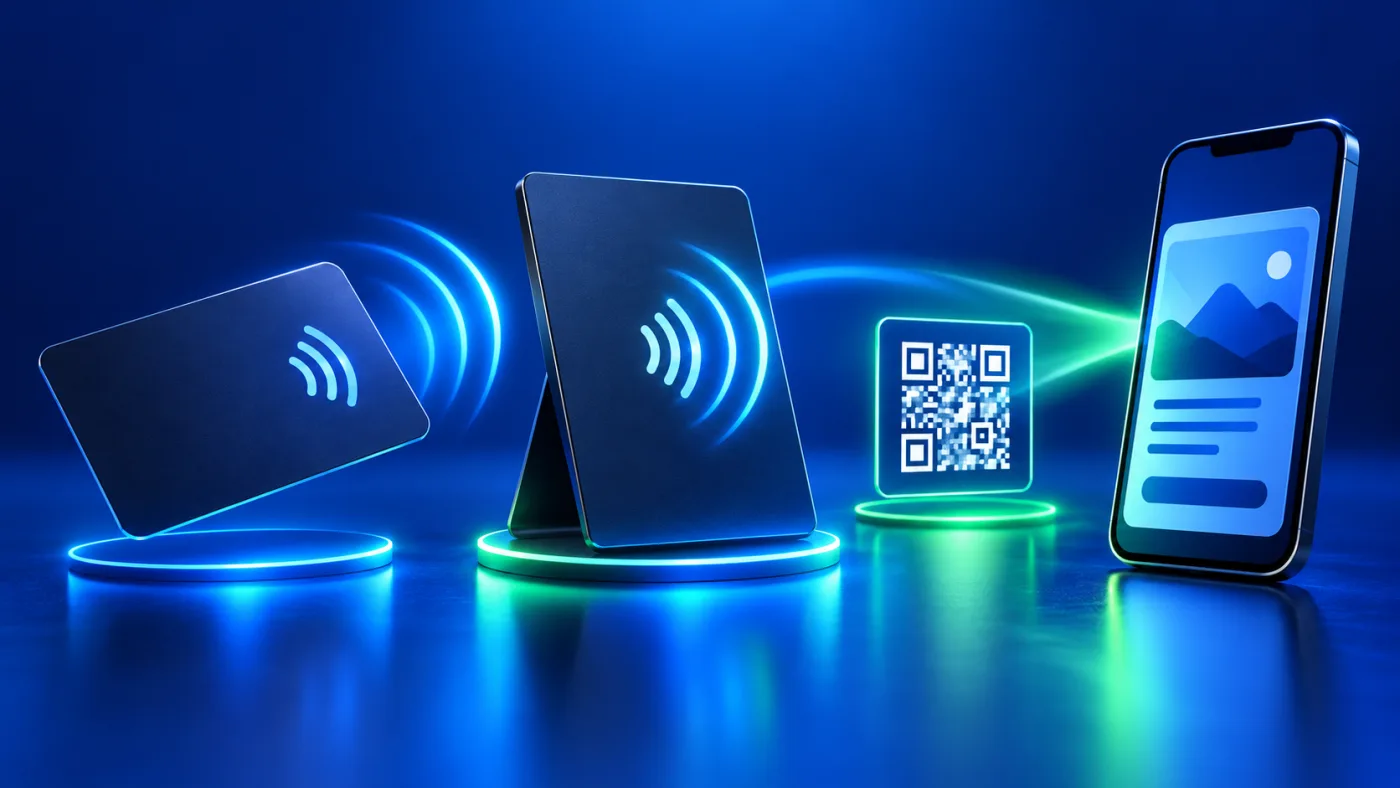
The listing identifies NFC and a printed QR code. It describes the QR code as static after production, so review the destination before approving the design. Digital-profile content can be updated within the ADMAL Digital setup, but that does not change printed text or rewrite the QR code. For general context, the NFC Forum explains how NFC works as a short-range technology; this overview does not identify the chip or encoding used in an ADMAL card. This NFC business-card guide explains the visitor route generally, while the product-family overview compares broader options. Use the current PVC listing for the facts about the card you are choosing.
Plan the front and back of a matte PVC NFC card
Prepare the text before sending the design request. Write the exact name, company or role, contact route and required language or languages. Read phone digits and URLs carefully, including right-to-left and left-to-right text where relevant, and ask to review them in the proof. If you choose a QR code, provide the exact final URL rather than only the name of a platform.
Use two sides without crowding them. Place essential identity details where they can be read, and keep other information on the digital page when that makes sense. Do not assume that every design needs a QR code or that every element will remain clear when reduced. Review the proof at card scale and ask ADMAL to confirm technical requirements that the listing does not publish.
Keep a copy of the content list you sent, so you can compare the final proof with the request rather than relying on memory.
Decide whether cards need separate information
If you need multiple cards, decide in advance whether they should repeat the same details or carry different information for each person. The listing offers Duplicate and Unique modes and explains that Unique gives each card its own ADMAL Digital profile, NFC link, QR code and information. Choose based on the number of names, destinations and profiles you need, then confirm the selected option before checkout. Do not leave staff names or destinations for the designer to guess.
Keep a separate data list for each person when information differs, and label each file clearly. Review the name, contact number and destination in each proof individually. Do not assume that three employees’ files can be combined in one design or that changing one person’s profile will update the others.
Keep the physical card and digital profile distinct
The printed item carries the information approved for production. The digital page has separate content and settings. Make two decisions: what information must remain on the card even when the visitor is offline, and what information belongs on the page where it can be maintained?
If a phone number or job title changes after printing, review the printed details and digital page separately. Editing the page does not update the physical card. For NFC, follow the selected product’s description and ADMAL’s instructions for that item; do not assume that permission to edit one page lets you change a different card. These boundaries help prevent a gap between what the cardholder expects and what a visitor sees after scanning or tapping.
A quick decision before choosing
Use these questions to decide whether the current PVC card fits your task:
- Do you need a physical item to hand over in a meeting, or is sharing a link enough?
- Do the matte finish and listed size fit your planned use?
- What must be printed on the two sides, and what can stay on the digital profile?
- Do you need a printed QR code? If so, is its destination final?
- Will several cards use the same details or different details? Check the current Duplicate/Unique option.
- Can you review the design and destination before approving production?
If the listing does not answer an important question, such as design-file format or small-detail limits, ask before approving the proof instead of applying a generic internet specification. Print requirements can vary by product and artwork. Do not add a durability or performance claim that the product page does not make.
Test the matte PVC NFC card before distribution
After receiving the card, open the digital page manually, scan the printed QR code and test NFC on the physical item if you need to verify that route. Record the results separately; a successful scan does not prove a successful tap. Check the name, contact details, destination and language, then correct any discrepancy through the appropriate route for the product or page.
These steps do not prove commercial performance or compatibility with every phone. They are a decision checklist to match the currently listed product to your use, prepare accurate information and confirm the setup before distribution.
Frequently asked questions
What size is the listed PVC NFC card? The current page lists 85.6 × 54 mm and 0.8 mm thick. Check the live product and option before ordering.
Does the card include NFC and QR? The current listing identifies NFC and a printed QR code. Confirm the selected option and destination.
Can the printed QR be changed after production? No. The current listing describes it as static after production, so confirm its destination before manufacturing.
Does Unique give each card separate setup? The listing says each card receives its own profile, NFC link, QR code and information. Choose based on the number of people and details you need.
Does editing the digital profile change printed information? No. Digital-page content and physical printing are separate decisions.