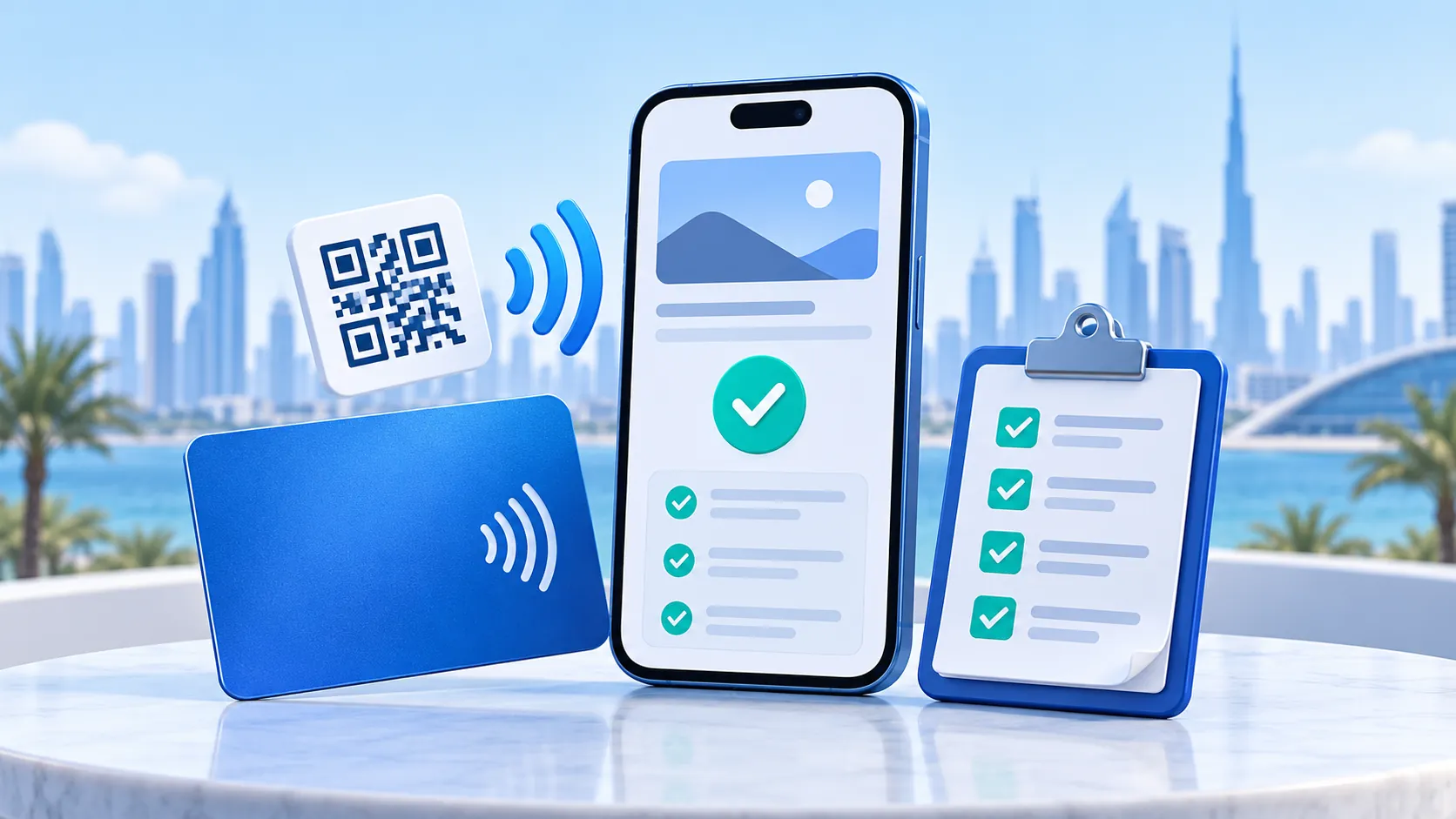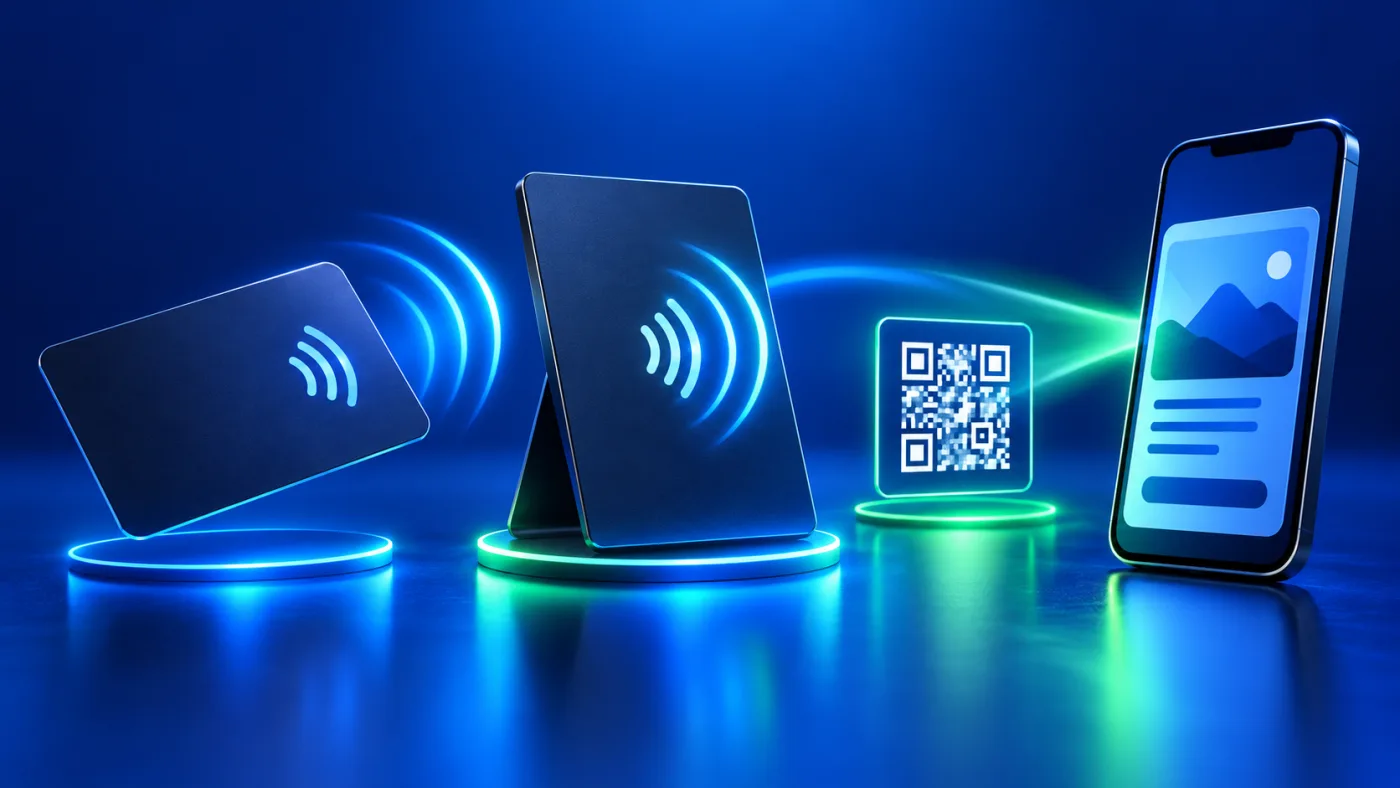
A static vs managed QR business card decision starts with one question: if the destination changes later, will the scan lead somewhere else? The answer depends on the address encoded in the code and whether it points directly to a page or to an intermediate address that an owner manages. The appearance of a QR code alone does not tell you which route it uses.
ADMAL’s current PVC NFC Business Card listing says its printed QR code is static after production, so confirm the destination before manufacturing. That statement applies to the listed card. Do not assume every QR service or every product on the site behaves the same way, and do not describe “dynamic QR” as a confirmed feature of this card.
Static vs managed QR business card: direct and redirected routes
With a direct route, the QR code contains the destination page’s address. When scanned, the phone tries to open that address. If the page is removed or moved to another URL, the code may lead to an error unless the old address remains active or a suitable redirect is configured on that domain.
With a managed redirect route, the code contains a stable address on an intermediary domain. The phone reads that address and is then sent to a destination selected by the redirect-system owner. Where the architecture permits, the owner can change the redirect destination without reprinting the code. GS1 describes this pattern through a GS1 Digital Link URI and a resolver or redirection system. That guidance describes GS1’s architecture; it does not mean every code called “dynamic” uses GS1 or offers the same controls.
| Question | Direct URL QR | Managed redirect QR |
|---|---|---|
| What does the code contain? | The destination page URL | An address handled by a redirect service |
| What must keep working? | The page and its URL | The redirect address, service and final destination |
| Can the destination change after printing? | Not by editing the printed code; the original URL must remain or redirect | Possibly, if the owner can manage the redirect and the service stays available |
| What should you verify? | Correct URL, branch and language | Domain ownership, redirect control and the page that actually opens |
“Possibly” matters. An intermediary address alone is not enough. The owner must control the redirect rule, and the domain and service must remain available. If a provider stops maintaining the redirect address, a scan may no longer reach the expected content. Before selecting this model, find out who owns the domain, who can change the destination and what happens if the service stops.
Static vs managed QR: The code and destination page differ
Even when the QR destination URL stays fixed, the content at that URL may change if the page is editable. Conversely, editing page text does not change the URL encoded in a QR code or repair a printed code that points to the wrong address. Keep two decisions separate:
- What address is encoded in the QR code? A direct page URL or a managed redirect address?
- What appears at that address? A fixed page or content that can be updated within its setup?
ADMAL’s current PVC listing describes its printed QR as static after production, while the digital profile is described as editable within the ADMAL Digital setup. Updating profile details does not rewrite the printed QR or make its destination rewritable. If you are considering another product, check that product’s own listing and options instead of carrying PVC wording over to it.
Choose the destination before submitting artwork
Start with the action you want a person to take: view a business profile, open a menu or reach a specific review destination. Open the link on a phone that is not relying on your administrator sign-in. Confirm the page name, language, branch and visible actions. If the QR will open Google Reviews, use ADMAL’s pre-print review-link checklist to confirm the destination.
Then write down whether the design uses a direct link or a redirect link, who controls the address and whether you can test a scan before approving production. Do not replace the final address with a temporary short link or test QR unless you have documented how it will be changed or removed. Keep the final URL with the design proof, branch name and language so your team can review it later.
If you are unsure which QR behavior applies to the selected product, ask ADMAL before approving the design. The ADMAL User Guide documents separate management areas for ADMAL Digital pages and QR plans; do not confuse a printed card QR with an independent QR link in another account or plan. Check the actual item you have.
Practical checks before printing and after delivery
Before printing, scan the code from a clear proof or open the URL directly, then confirm the destination and content. A design-file check does not prove that the finished printed code scans correctly. After delivery, scan the code on the actual item and record the URL it opens. Test QR and NFC independently if the listing includes both. Passing one route does not prove the other.
To make a static vs managed QR decision auditable, keep two facts in your work record: the URL you approved and the result of checking the finished item. If you later need a change, decide first whether you want to edit the page or change the QR destination. With a direct QR, you may need to keep the old URL active or print a new item. With a managed redirect, confirm that your account still controls the redirect. Do not assume ADMAL can remotely change a printed QR code.
A hypothetical decision example
Imagine a consultant printing a card for meetings. If the code points directly to an official website, the owner needs to keep that page and URL active and review the page over time. If the owner wants to change the destination itself later, they first need a redirect system they control and a way to verify that it remains available. This is an educational example, not a customer story or a description of an ADMAL service.
For ADMAL’s current PVC card, treat the printed QR as a fixed destination after production, then review the separate digital page that the route opens. The printed URL can remain unchanged while editable page content changes within its setup. Record that distinction in the order notes so the team does not expect a profile-text edit to rewrite the code.
Frequently asked questions
Can a QR code be changed after it is printed? The printed pattern itself does not change. Its destination may change only if it uses a redirect address the owner can manage; verify the actual product architecture.
Does editing a digital page change the QR destination? No. Page content and the address encoded in a code are separate functions.
Does ADMAL’s PVC card have a rewritable printed QR code? The current listing describes it as static after production. Confirm the destination before manufacturing.
Does every QR code called dynamic use GS1? No. GS1’s guidance describes the GS1 Digital Link architecture and does not prove that another service uses it.
Does scanning QR prove NFC works? No. Test both routes independently on the same item if both are present.