A card and a stand can lead to a review page, but they solve different placement problems. Compare how customers encounter each item and what the specific product actually supports. Do not assume that every card or stand has the same material, dimensions, link count, or tap behaviour.
Review card vs review stand: the main difference
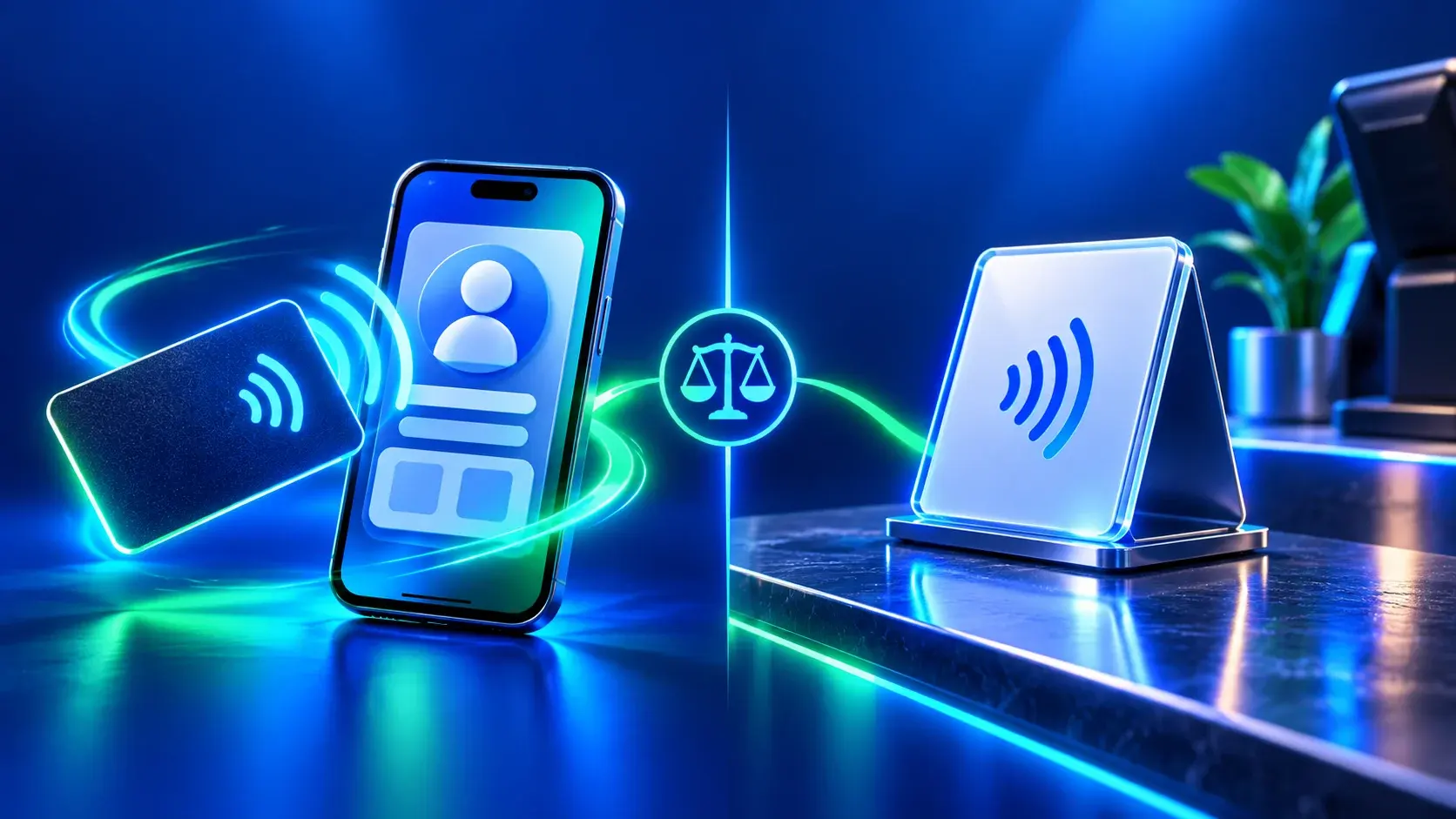
A review card is a portable item a team member can present or hand over during a suitable interaction. A stand stays in a chosen location, such as a reception desk or service counter, where visitors can see it without asking staff. These are placement patterns, not guarantees about every product. For a specific fixed-stand example, see the MODEL 01 Acrylic NFC Review Stand listing; its specifications apply to that model only. Check the chosen product page for its exact format, finish, QR placement, NFC support, and included digital destination.
| Decision | Review card | Review stand |
|---|---|---|
| Placement | Portable; staff can offer it at different service points. | Fixed; visitors can find it at a selected counter or desk. |
| Best operational fit | A team member controls when and where the touchpoint is presented. | The business wants a visible option available at one stable location. |
| Staff involvement | Usually needs a brief, neutral handoff. | Needs a clear placement and staff awareness, but may be self-discovered. |
| Destination setup | Verify the exact destination and any product-specific limits before approval. | Verify every displayed destination and the allowed configuration on its own listing. |
| What to test | Test the printed QR and NFC separately, if the selected card includes both. | Test each visible QR and NFC route separately, if supported by the selected stand. |
Choose by where the customer meets the request
Map the service journey before choosing a form. If staff meet each customer and a personal handoff feels natural, a portable card may fit. At a single counter, a stand may make the option easier to find while customers wait, check in, or pay. For a business serving several locations, choose either a fixed stand at each site or a portable item based on daily operations.
Keep the request optional. The card or stand should not become a prompt to leave a positive rating, a condition of receiving service, or a way to separate satisfied customers from dissatisfied ones. Google permits neutral invitations to customers with genuine experiences and prohibits incentives, pressure, and selectively soliciting positive reviews. See the Google Maps content policy before preparing staff instructions.
Verify the destination before choosing a layout
Decide which public page the customer should reach. For a Google review card or stand, confirm the correct business profile and branch. If a product can display several actions, confirm the exact number and destination rules on that product’s live listing; do not infer them from the word “stand,” a size label, or another model. A design approval is a useful point to check the final destination before any printed code becomes fixed.
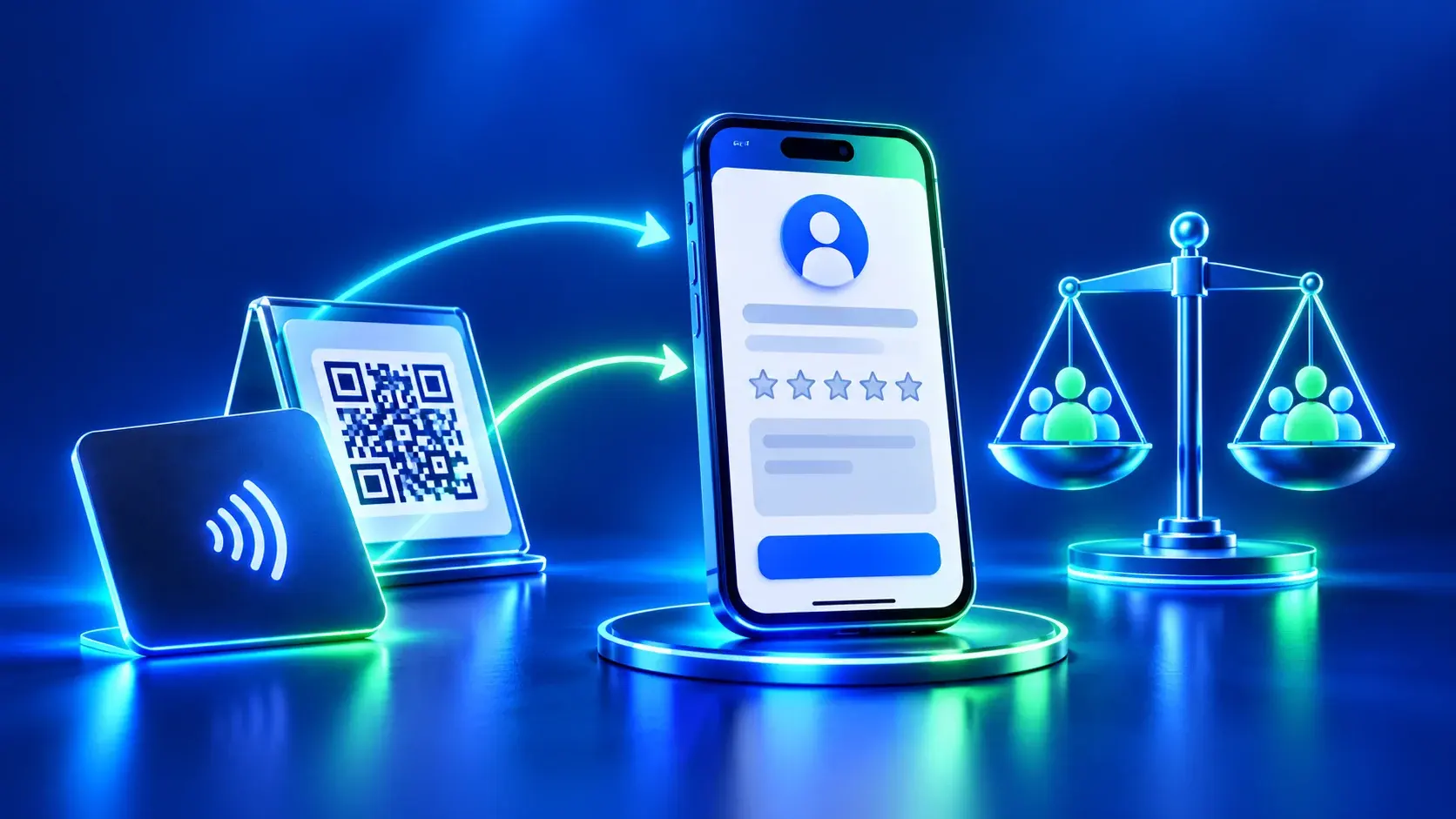
Keep QR and NFC separate in your test record. Scan the printed code with a phone camera, then test an NFC tap on a compatible phone if that product includes NFC. Confirm the business name, branch, public destination, and next action. A QR scan does not test NFC, and an NFC tap does not prove that a QR code is correct. The review-link and QR handoff checklist explains how to verify the Google destination.
Check the exact item, not just its category name
Before ordering, read the selected product’s current specifications and options. Confirm dimensions, material, finish, orientation, printed content, code placement, and any setup requirements shown on that page. Variations can differ. If a specification or destination is not shown, ask the business to confirm it before approving the design rather than relying on a different item’s details.
Think through cleaning, visibility, reach, and accessibility at the intended point of use. A stand should not obstruct payment or queue movement. A card should be easy to offer without interrupting service. Place a digital profile or review action where its purpose is clear, and check that a visitor can use the link without needing access to the owner’s account.
Choose a fair invitation and train the team
Use the same neutral language with customers who had different experiences. One example is: “If you would like to share an honest review, this link is available. Feedback is optional, and any rating is welcome.” Do not offer a benefit, ask for specific wording, or watch the customer submit. A good touchpoint reduces navigation work; it does not create pressure.
Decide who checks that the link still opens the intended branch, who moves or cleans the stand, and who replaces a damaged item. Keep a short record of the public destinations and test them after a change. If a printed QR has been produced, verify it before production and again on the finished item. For broader choices among NFC and QR products, see the ADMAL NFC and QR product guide.
Set realistic expectations for measurement
Some setups can record a page opening or a click on a review button. Such an event only describes the measured step. It does not prove that the customer submitted a review, reveal the review’s content, or identify the person. Compare the available interaction data with the public profile over equal time periods, and avoid treating a change as proof that the physical item caused it.
Neither a card nor a stand guarantees more reviews, a higher rating, or better search position. Local visibility also depends on the business profile and other factors beyond the physical touchpoint. The Google Maps visibility audit covers profile checks beyond review access.
Frequently asked questions
Is a review card better than a review stand?
Neither is best for every business. A card fits a portable handoff; a stand fits a fixed point where visitors can find the option themselves. Choose by service flow and the exact product configuration.
Can I assume every card or stand supports both QR and NFC?
No. Check the selected product’s current listing and verify each method separately. Product names alone do not establish which technology or destination is included.
Can a stand display several review links?
Only when that exact stand’s configuration and product information confirm it. Do not infer link capacity from its category or size label.
Should the card or stand ask for a positive review?
No. Keep the invitation neutral and optional. Google prohibits selectively soliciting positive reviews, pressuring customers, and offering incentives.
Does scanning a QR code test NFC?
No. Scan the QR with a camera, then separately test an NFC tap on a compatible phone if the selected item includes NFC.
When should a printed destination be checked?
Confirm it before approving production and test the finished printed code afterward. A printed QR destination may be fixed, so resolve any branch or URL uncertainty first.
Do review cards or stands improve Google rankings?
They do not guarantee a ranking outcome. They provide an access route; the business profile and other search factors remain separate from the physical item.