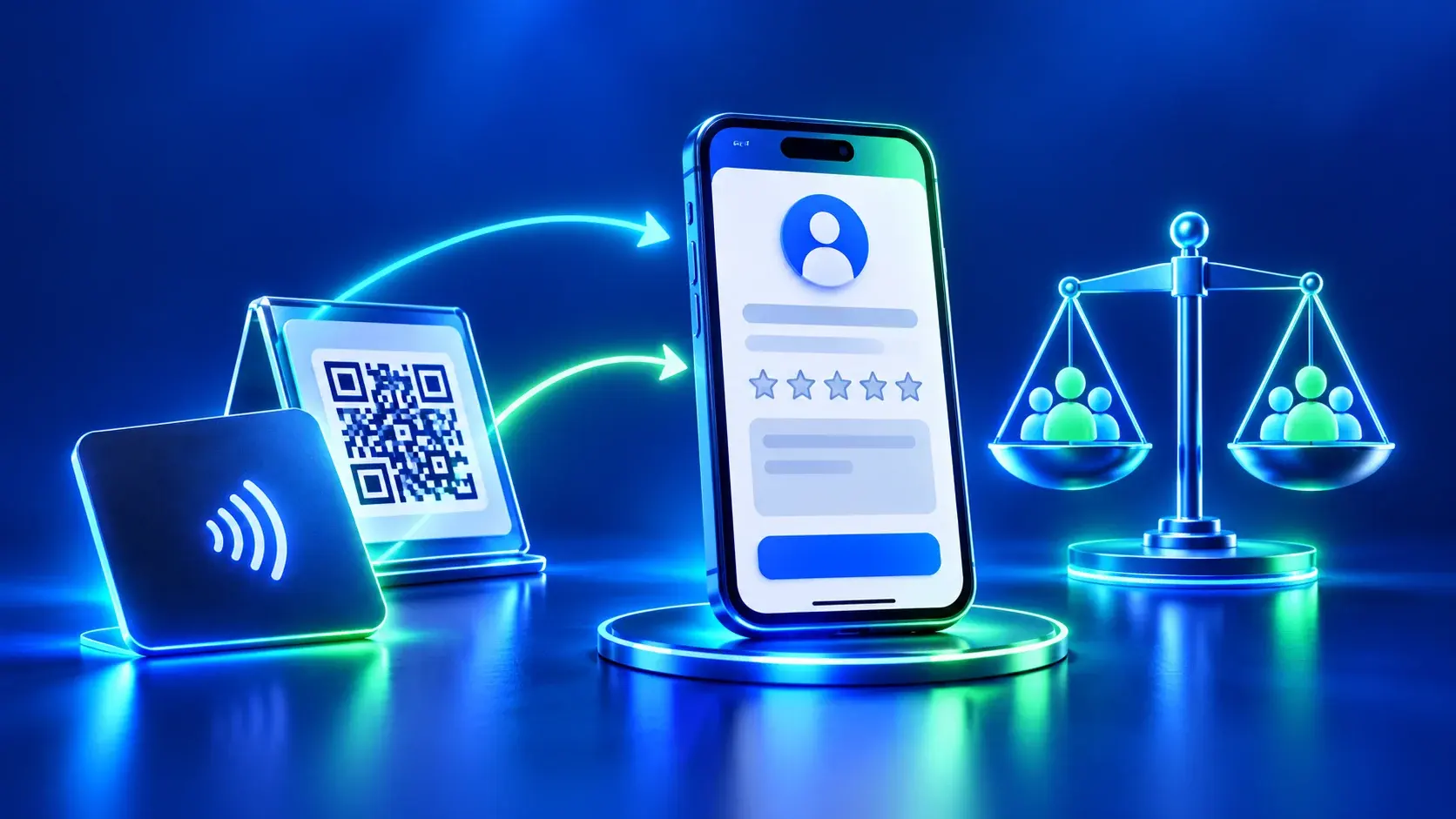
A comparison of QR vs NFC review touchpoints starts with a practical question: which route makes the correct business profile easier to reach on the product you actually have? This article does not report an ADMAL device test or claim that either technology produces more reviews. If the selected product does not list one of the routes, do not assume it is present; check that product’s own page and specifications first.
Google explains how to share a review link or QR code in its Business Profile guidance. NFC is a short-range communication method that works when a compatible device is brought near a tag or touchpoint; NFC Forum explains the general concept. Those general facts do not prove that a particular card contains NFC or has been tested with a specific phone.
Evaluate QR vs NFC review touchpoints separately from review outcomes
During a comparison, record only what you can directly observe:
| What to test | QR route | NFC route |
|---|---|---|
| Route exists on the item | Check the printed or displayed code on the product itself | Confirm that the selected product lists an NFC touchpoint |
| Starting the route | Open the phone camera and scan the code | Bring the phone near the product’s designated touchpoint, following its instructions |
| Destination | Does it open the intended Business Profile? | Does it open the stated NFC destination? |
| Instruction clarity | Can a visitor tell that scanning is possible? | Can a visitor tell where to tap the phone? |
| Fallback | Is there another way to share if scanning is unavailable? | Is there a visible QR or link if the phone does not detect the tag? |
These are test fields, not pre-filled results. Do not write “works on every phone,” and do not treat the absence of a prompt as definitive proof of a fault; device settings and reader location can differ. Record the model and operating system only when needed to diagnose an issue, and do not collect visitor names or details.
A repeatable test method
- Choose the physical item that will actually be used and confirm its own QR and NFC specifications.
- Open the stated destination for each route manually once to confirm that it is the right business profile.
- Use two or more phones available to the team and note the device type and general settings when relevant.
- Scan the QR at a normal use distance, then test NFC according to the item’s instructions.
- Record observations such as “detected,” “phone needed repositioning,” “correct destination opened” or “did not open.”
- Repeat after changing a link or item, and do not treat one check as a universal performance result.
Do not use customer reviews as a test variable or ask one group to review differently from another. The purpose is to test access and destination, not whether QR or NFC changes a business’s search position or review count.
What if one route does not work?
Check whether the phone supports the function and whether it is enabled according to the manufacturer’s instructions. Clean the code surface if scanning is obstructed and check for damage or strong glare. For NFC, try the reader position described by the product instructions instead of moving the phone randomly. If the issue continues, separate possible phone, item and destination problems before drawing a conclusion.
For a printed QR that opens the wrong destination, review the source artwork before printing again. When NFC opens an unexpected link, verify whether that product’s route can be changed locally or needs another setup step; do not assume ADMAL can change it remotely. Consult the product’s User Guide before changing a setting.
Choose for the actual environment
QR may suit a visitor who expects to scan with a camera, while NFC may feel direct to someone who recognizes the tap point. Do not turn the comparison into a contest. Ask: are the instructions visible? Is the destination correct? Is there a fallback? Can visitors use the route without awkward assistance? Select the route that passes your real test on the actual item and available devices, and describe any uncertainty.
Before printing, use ADMAL’s Google review link check. To compare physical formats, see the review card and stand comparison. Do not request positive reviews or offer incentives; see Google’s review policy.
Separate a destination failure from an access failure
When something goes wrong, note the exact step: did the phone fail to read the code, did the NFC tap do nothing, did a browser open an intermediate page, or did the route reach the wrong Business Profile? Each symptom points to a different check, so do not redesign everything before locating the failure. Test with more than one device available to your team, but do not generalize the result to every phone or operating system.
Repeat the test after changing a destination or printed artwork. Record the item version, test date and setting, while removing customer or personal-account details from notes and screenshots. The goal is to confirm that the specific route worked under the stated test conditions, not to prove that either technology creates more reviews.