A public review reply has two readers: the person who wrote the review and anyone deciding whether the business handles problems responsibly. The goal is a clear, truthful response, not a debate or a promise you cannot keep. Google’s Business Profile review guide explains how a verified business replies and notes that approved replies appear publicly under the business. The cover of this guide is a conceptual illustration; it depicts no ADMAL customer, café or real review.
Separate the public review from the private case
Read the review in the verified profile and identify the issue it describes: timing, product, service, communication or something else. Check only the business records you are authorized to access. A shared name or a familiar story is not enough to identify a reviewer with confidence. If you cannot connect the review to a case, do not invent an explanation or write that the customer is wrong.
Keep a private case note for the responsible team: the public review URL, the concern, facts actually checked, the person handling the follow-up and the date. Do not copy private records into Google. If the matter touches safety, harassment, discrimination, financial information or another sensitive issue, route it to the appropriate human owner before replying. This article is an editorial workflow, not evidence of how any particular ADMAL customer case was resolved.
Write a useful public reply in three parts
| Part | What it does | Check before posting |
|---|---|---|
| Acknowledge | Recognize the concern in plain language without assuming facts. | Does it reflect the actual review rather than a copied template? |
| Clarify or act | Give a verified fact or a realistic next step the business can own. | Can the team actually take that step? |
| Private follow-up | Offer an existing private contact route when details are needed. | Is the channel staffed, and does the reply avoid publishing personal data? |
Keep the answer short enough to be read on a phone. Google’s guidance recommends a professional, relevant and concise tone. Draft the reply away from the public form first if the issue is emotional. Ask another team member to check factual claims and privacy before publication. If you cannot verify a claim, leave it out. A reply should not ask the reviewer to change a rating as a condition of help.
Adapt the words to the actual concern
Illustrative example, delayed service: “Thank you for telling us about the wait. We understand why that was frustrating. Please contact our service team through the contact route shown on our profile so we can identify the visit and review what happened.” This is a writing example, not a real review or a claim that a particular business has that service route. Replace the final sentence only with a contact channel the business really operates.
Illustrative example, detail you cannot verify publicly: “We take your concern seriously. We cannot confirm a specific case from this public review, and we do not want to discuss personal details here. Please use the contact details on our profile so the responsible team can investigate privately.” Do not add “we have checked your order” unless a check occurred and public mention is appropriate.
Illustrative example, useful positive feedback: “Thank you for describing what helped. We will share your comments with the team.” A positive review does not require a reply every time; Google advises responding when you have something relevant to add. Avoid identical replies across many reviews, because a copied answer can fail to address what each person said.
Know when reporting is appropriate
A difficult or unfair-sounding review is not automatically a policy violation. Google’s reporting guide says that only reviews violating its policies are eligible for removal and that a business should not report a review simply because it dislikes or disputes it. Read the relevant Maps contribution policy before choosing a reporting reason. Keep the public reply and policy report as separate decisions.
If you believe a review violates policy, follow the current reporting controls from the Business Profile and preserve the case reference privately. Google makes the removal decision; neither ADMAL nor the business can promise that a flagged review will disappear. If there is no policy basis, focus on a fair public reply and a real service investigation.
Check the published result and close the loop
- Confirm accessOpen the correct verified Business Profile and the correct location.
- Record factsSeparate the reviewer’s public statement from internally verified information.
- Draft and reviewUse acknowledgment, an owned next step and a safe private contact route.
- PublishPost through Google’s reply control, then reopen the public review to check the exact wording.
- Follow upAssign any promised investigation to a team member and keep private records outside the public reply.
Google says replies may undergo review before they appear, so a submitted answer is not the same as a visible answer. Revisit the public profile after publication. If a later investigation changes a material fact, use the current editing controls to correct the reply and check the public view again. Do not claim the issue was solved merely because a reply was posted.
Where the ADMAL review card belongs
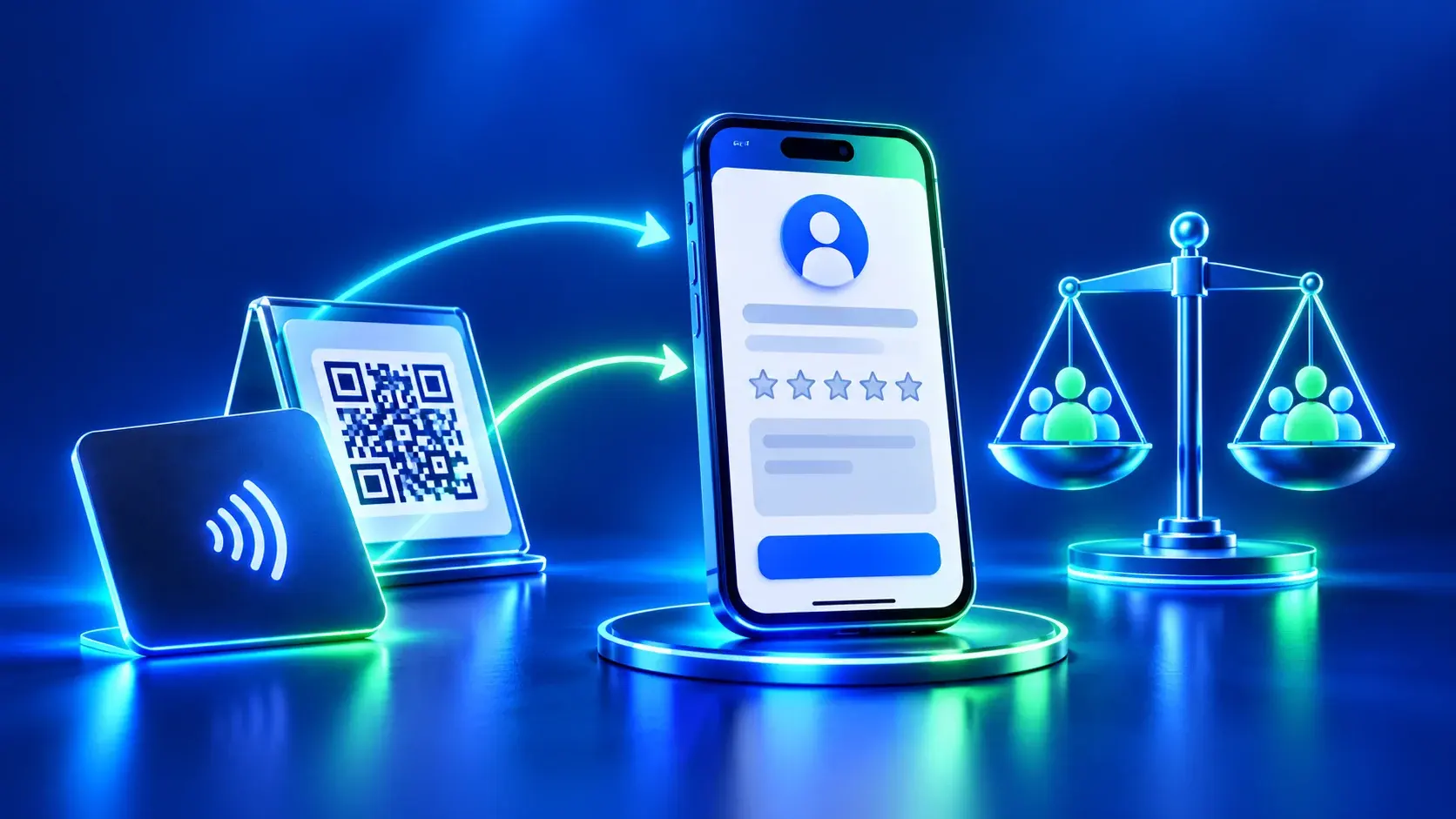
An ADMAL review card can help a visitor reach the business’s confirmed review destination through its QR or NFC route. It does not write replies, verify a reviewer, resolve a complaint or remove a review. The business manages those tasks in its own verified Google Business Profile. If a card is being prepared, use our review-link checklist to check the correct business and branch before printing. For wider profile accuracy, use the Business Profile audit.
Frequently asked questions
Should we answer every negative review immediately?
Read and verify the concern first. A quick answer that exposes private information or promises an unapproved remedy can make the situation worse. Assign a responsible person and publish a factual reply when ready.
Can we ask the customer to delete or change the review?
Do not make help conditional on changing a review. Handle the issue fairly and follow Google’s current contribution policy. The reviewer controls their own contribution.
Can we publish order or contact details to prove our side?
No. Keep account and contact details in an appropriate private support channel. A public reply can invite the reviewer to use that channel without identifying them.
Will reporting a negative review remove it?
Only Google decides whether a review violates policy and qualifies for removal. Mere disagreement is not grounds for removal; read Google’s reporting guidance before submitting a report.