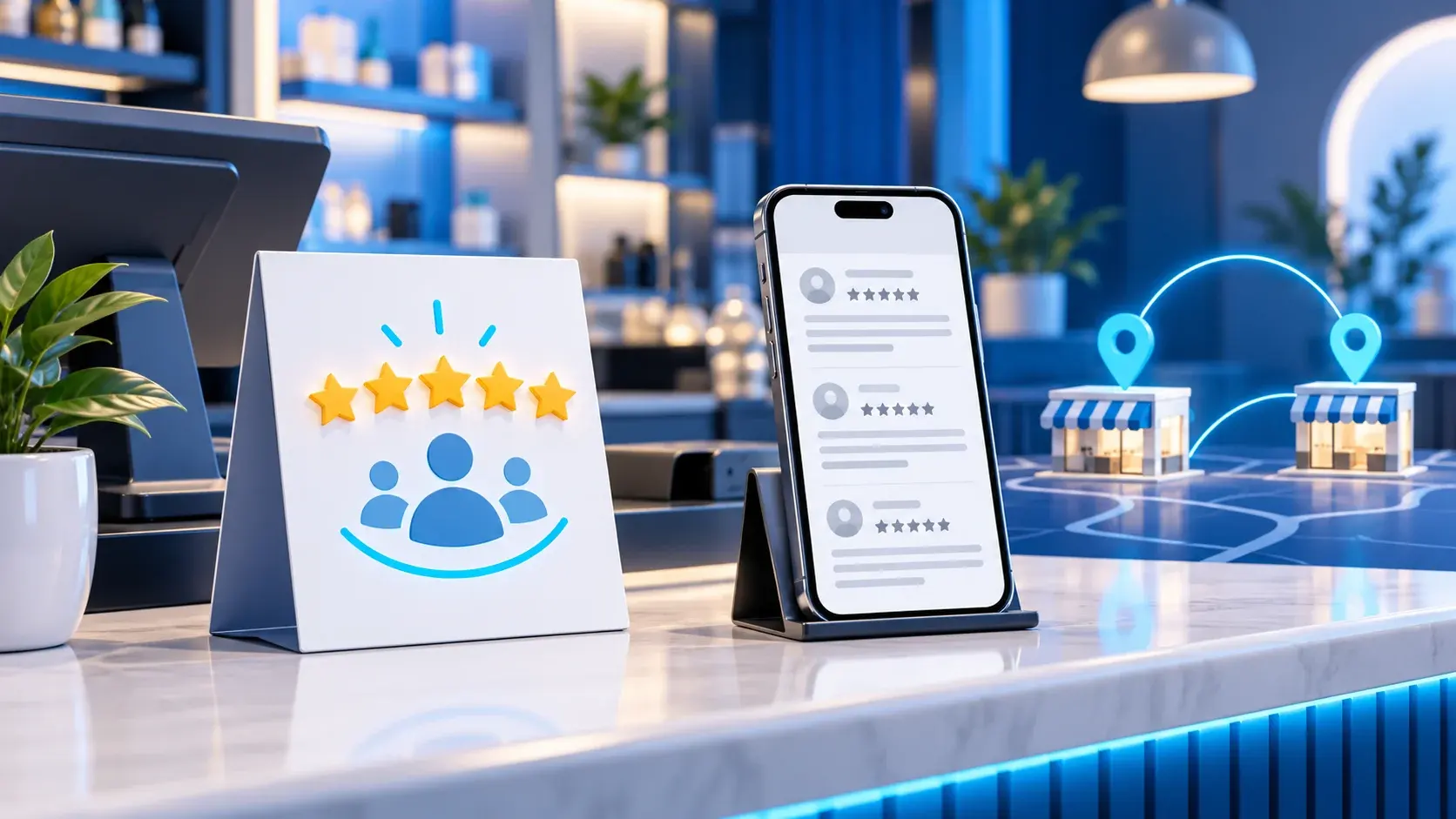
For clear Google review card placement in a UAE shop, start with the moment service ends, not with the spot that attracts the most attention. Make the invitation easy to notice after the transaction while keeping it optional. A card or display does not guarantee more reviews or improve search position simply because it is present; it gives customers access to a review link selected by the business.
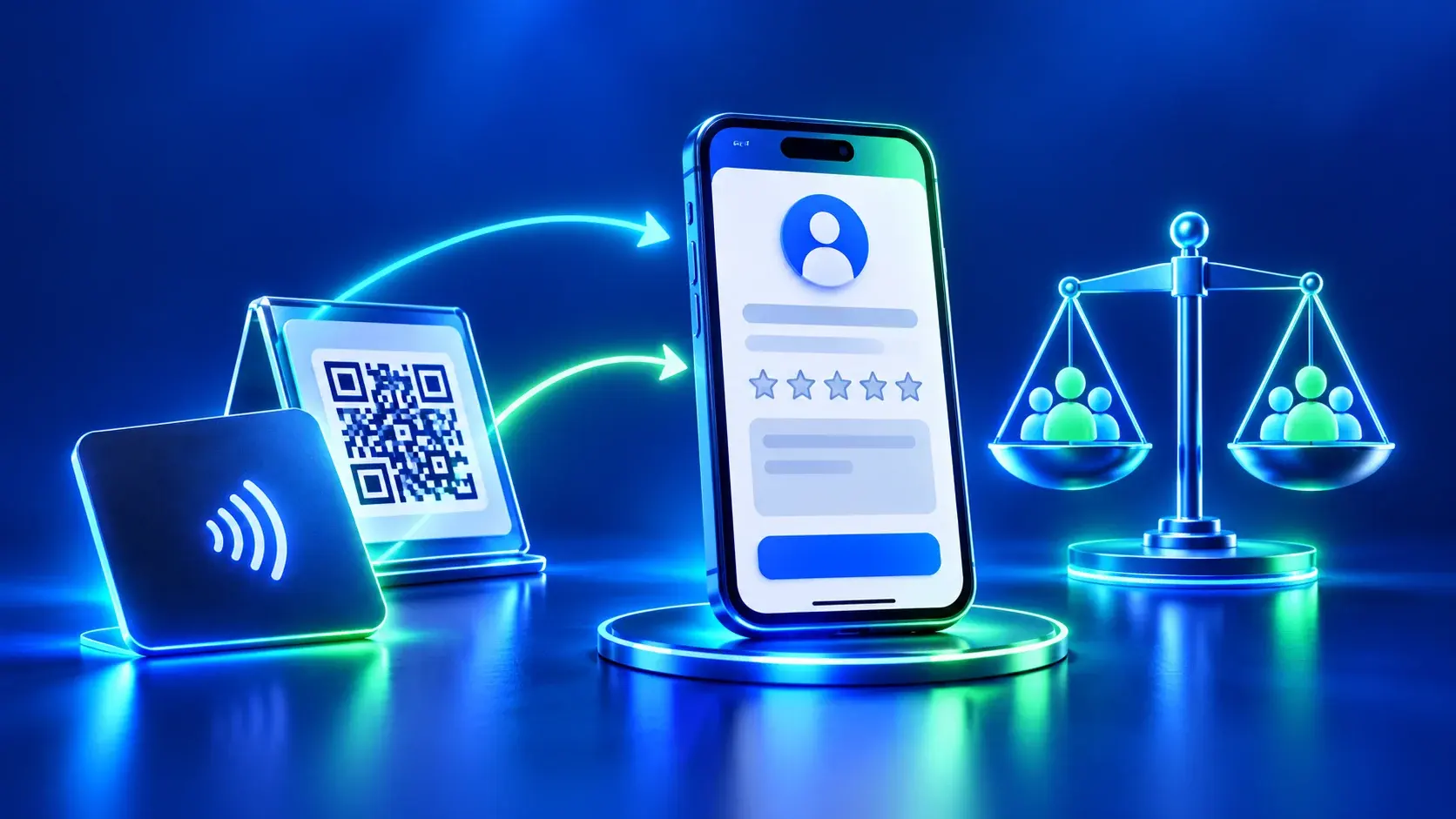
Google Business Profile lets eligible businesses share a review link or QR code. Before printing or placing anything, confirm that the destination opens the correct business profile and that the invitation is neutral. Google explains how to share a review link or QR code in its Business Profile Help.
Google review card placement: map the customer journey
Sketch the visitor journey on paper: entry, selection or order, service, payment, then exit. Mark when the service actually ends, then compare possible locations against the shop’s layout:
| Possible location | When it may be clear | What to watch for |
|---|---|---|
| Near checkout | When the interaction usually ends after payment | Keep the request from looking like part of payment or a condition for receiving a receipt. |
| At order collection | When a separate collection point exists | Do not block the queue or mix the review prompt with collection instructions. |
| On a table or near departure | When visitors pause briefly after service | Keep the choice visible without asking staff to watch the customer’s decision. |
| In a post-visit message | When the business follows up later | Use a channel the business is entitled to use and avoid repeated or pressuring messages. |
These are planning examples, not a report of an installation in a real shop. The suitable position depends on traffic, service style and visitor needs. In a compact or fast-moving shop, a clear card near the end of service may work better than one at the entrance, where visitors may not yet know what they are being asked to do.
Choose the moment before choosing the holder
Ask three questions before fixing the card’s location:
- When does the visitor know the service is complete? Choose a point after the work or handoff, not a moment when the visitor must decide while being served.
- Can the visitor ignore the invitation comfortably? A review must remain optional. Staff should not block the exit, repeat the request after a refusal or ask for a positive rating.
- Does the visitor know what the link opens? Use a short line such as “If you wish, share an honest review.” Avoid wording that suggests a reward or asks for five stars.
If you are considering different physical formats, review the details of each product before choosing how to display it. ADMAL’s review card versus review stand comparison can help frame that choice; it cannot determine the right location for a particular shop.
A field check without unsupported claims
Test clarity and comfort instead of assuming a location will produce a certain number of reviews. During a short walk-through, observe the path without recording visitor names or filming them:
- Is the card visible after the service ends?
- Can a visitor read it from the normal standing position?
- Does it interfere with payment, collection or staff movement?
- Is it clear that scanning is optional?
- Does the link open the correct business profile?
- Is there a reasonable alternative for someone who does not want to scan or cannot use a phone at that moment?
Record observations such as “clear,” “blocked by a display,” “interrupts the checkout queue” or “destination needs correction.” Do not turn an observation into a claim that the placement increased reviews, and do not collect personal information just to test a location. If you move the card, change one factor at a time so you can tell what actually improved.
Respectful wording for staff
Give staff one short sentence to use, such as: “If you wish, you can share your feedback through this link; it is entirely up to you.” If a customer declines, thank them and continue the service. Do not ask staff to find out what a person wrote, and do not use individual review counts as a staff performance target. This keeps the request voluntary and avoids turning it into social pressure.
Do not ask only satisfied customers to review, direct unhappy customers to a private channel to keep them from posting publicly, or offer any benefit in exchange for a review. Google’s prohibited and restricted content policy disallows incentives and review manipulation.
Google review card placement checklist for a UAE shop
- Identify where the service actually ends.
- Choose a spot that does not stop a queue or block a route.
- Write a neutral invitation that says participation is optional.
- Open the Google link and confirm the business name and location.
- Test a printed sample before approving a print run.
- Agree that staff will not pressure visitors or offer incentives.
- Review the position in use for clarity and safe movement.
If the shop does not yet have a confirmed Business Profile or review link, complete that setup before printing an unverified code. You can explore the ADMAL Smart Reviews archive for related guidance on product choices, link checks and visitor experience.
Observe the journey, not an assumed ranking effect
Try one location at a time and leave it in place for a period that reflects the shop’s normal operating pattern. Ask staff about friction: is the card hidden by a display or payment device, does it appear before the service is complete, or do employees need to explain it repeatedly? Record operational observations such as visibility and clarity. A scan count does not establish customer satisfaction or improved search visibility; those are separate outcomes.
For shops with different service types, avoid placing the invitation where it appears before a customer knows what they received or where it can feel like a condition of completing the transaction. A collection point may suit one shop, while an exit area suits another. Follow the actual customer journey rather than copying a generic placement diagram.