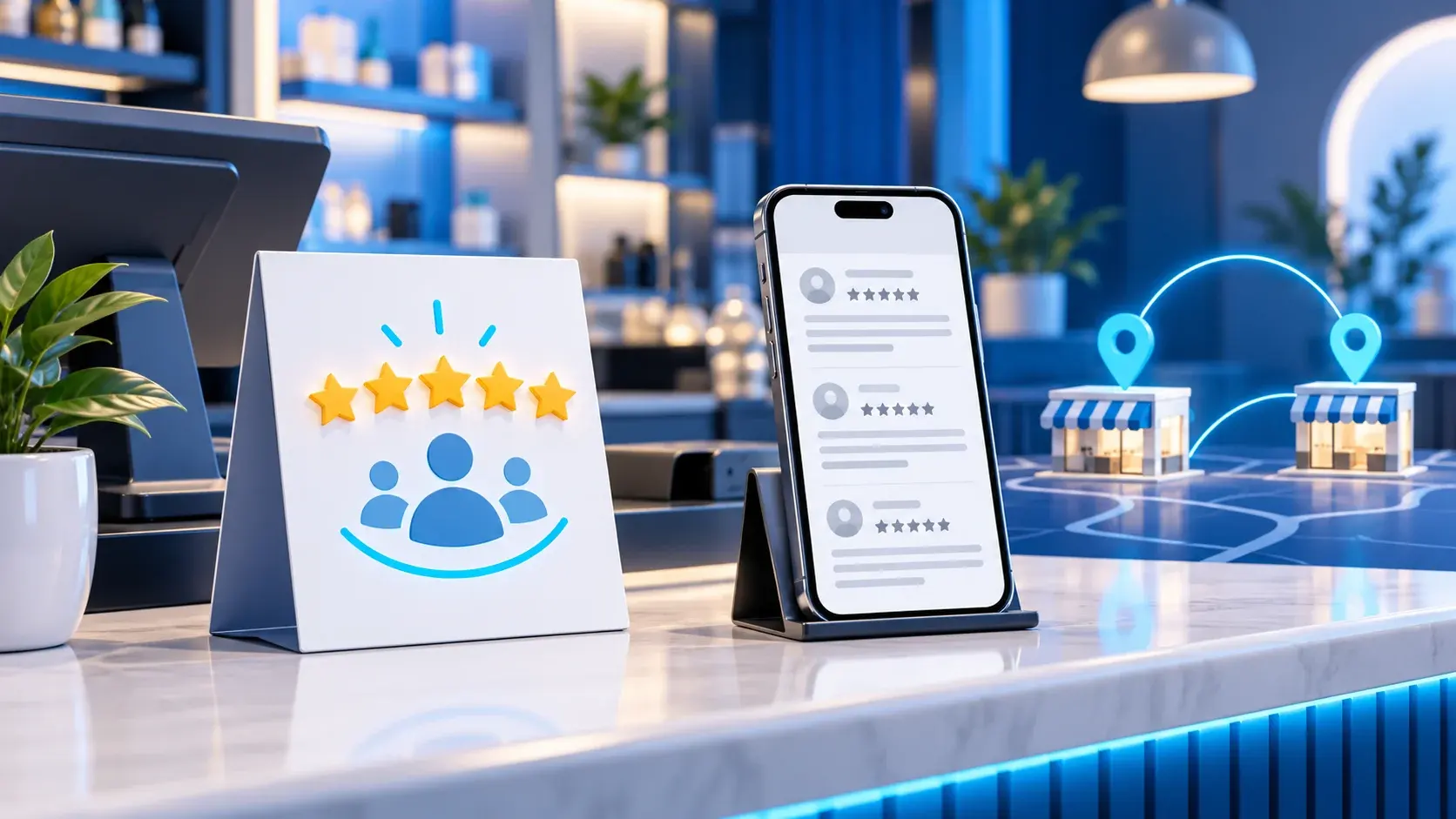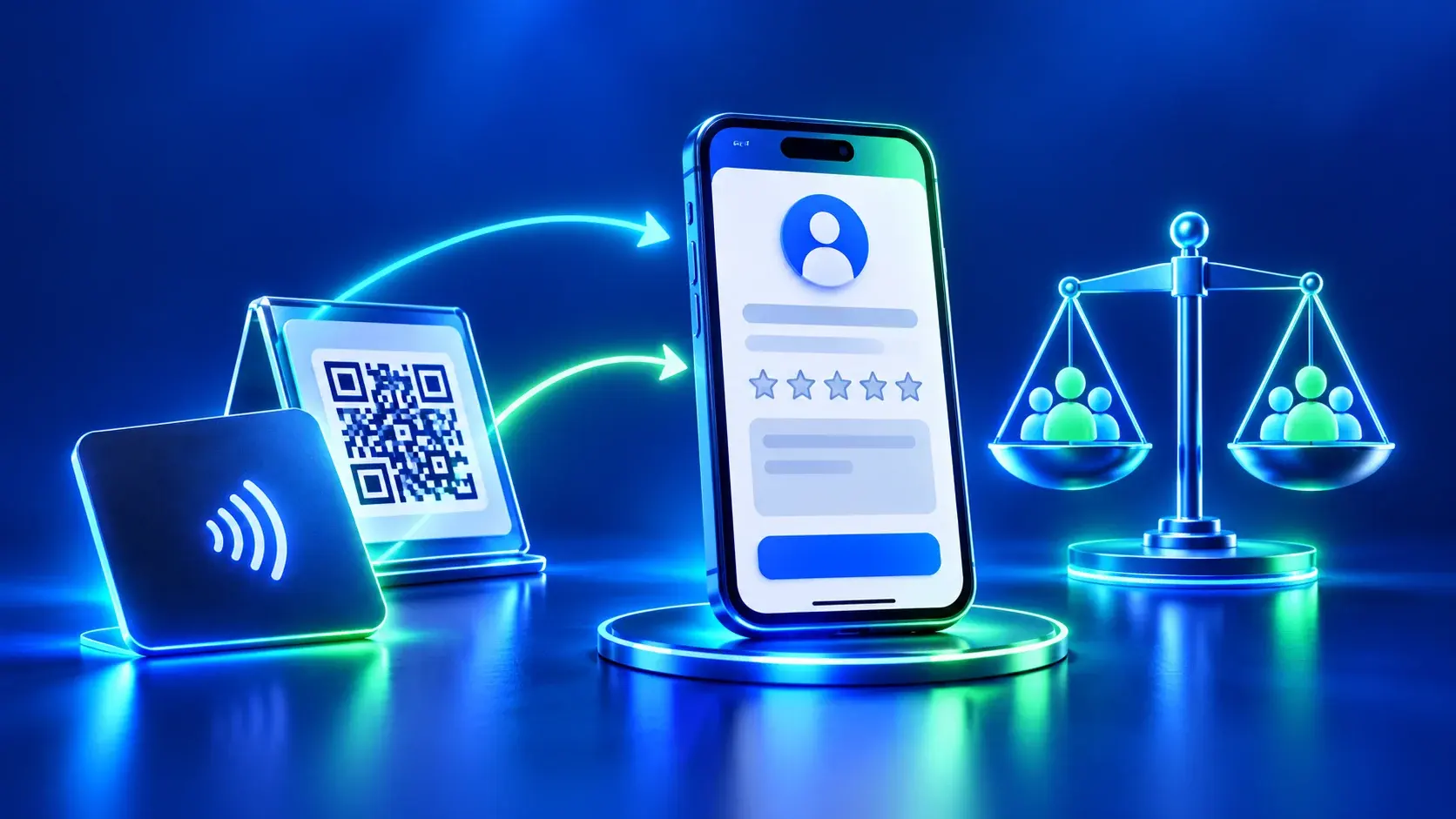
An auto service review card should help a UAE customer reach the correct workshop after a real service visit. It should not turn vehicle collection into a test, delay the handover, or imply that the customer should leave a particular rating. The useful task is simple: verify the destination, make an optional feedback route easy to find, and let the customer decide whether to use it.
This guide is about the review touchpoint after service. It does not claim that a review card increases a workshop’s rating or local search position. Reviews should reflect genuine experiences, and Google says businesses may invite genuine feedback without offering incentives or trying to influence the rating or review content.
Auto Service Review Card: Verify the Workshop Listing
An auto service company may have several locations. Before printing or sharing a card, open the correct Google Business Profile. Confirm the business name, branch and review destination. A company-wide listing may not suit a card for one workshop. A map link and a review link serve different purposes. Label each button for the page it opens.
Test the destination from a phone that is not signed in to the business account. Check that the page identifies the branch. Confirm visitors can reach its review screen without passing through unrelated pages. If a link redirects, test the final destination too. Record each card or QR with its branch. This helps staff avoid giving customers the wrong location’s card.
Each auto service review card should point to the confirmed listing for one workshop. If the business changes a branch’s listing or review URL, treat the physical QR as a separate check. A printed code is not proof that the current destination is correct. Re-scan the actual code and test the decoded URL before using a new batch of cards or stands.
Separate service completion from feedback
Vehicle collection can involve keys, paperwork, questions about the completed work and the customer’s next steps. Keep those operational tasks first. Staff should explain the service record and answer appropriate questions without using the review request to replace a proper handover.
Give customers room to leave. Google’s policy says merchants should not require or pressure people to leave a rating or review while they are on the premises, and should not request specific review content. A safer process avoids a staff member waiting while the customer scans, watching the screen, or asking for a five-star result. If the centre shares a review link, present it as optional and let the customer decide later.
Use the same invitation for customers regardless of whether they appeared happy or unhappy. Do not send the link only to people expected to leave positive feedback, and do not divert dissatisfied customers to a private channel while directing satisfied ones to Google. A public review route should not depend on a staff member’s guess about the customer’s likely rating.
Make the invitation neutral and genuine
A short, plain label is enough. For example: “Share an honest review of your visit if you choose.” The message should not ask for a particular score, mention a desired number of stars, prescribe phrases, or suggest that a review is part of the service. Avoid incentives such as discounts, gifts or free services in exchange for a review, a changed review or removal of a negative review; Google prohibits those incentives.
Do not treat the review link as a way to collect complaints that should have been addressed during the service. The workshop can maintain its own direct contact route for service questions and corrections, but that route should be offered consistently and should not be used to suppress honest public feedback. A customer can choose either channel, both, or neither.
Put the card where it supports, not interrupts, the visit
The touchpoint can be a counter card, a QR display or another link-bearing item the centre actually uses. Let the customer notice the card without pressure and choose whether to scan. Avoid placing it where it blocks payment, paperwork, safety notices or workshop instructions. At vehicle pickup, staff can complete the handover and then point out where optional feedback information is available, without waiting for a response.
For repeat service customers, a neutral post-visit message may also be appropriate when the customer has agreed to that contact channel and the centre’s process permits it. Keep the message short and do not repeatedly chase someone who does not respond. A public review invitation is not a substitute for a service update, repair documentation or a customer support record.
Keep branch identity and language clear
If the centre operates in several UAE emirates, do not assume one review link represents every location. Use the verified listing for the branch the customer visited. Dubai, Abu Dhabi, Sharjah, Ajman, Fujairah, Umm Al Quwain and Ras Al Khaimah are location examples only; naming an emirate does not prove that a particular workshop or ADMAL product is available there.
Where the card or digital page is bilingual, keep the business name and branch information consistent in Arabic and English. Translate the invitation neutrally; do not make the Arabic version more forceful or request a different rating. Check that the destination itself opens the same branch listing regardless of the language in which the card is presented.
Label each button by the action it actually opens. Use “Review on Google” only when it opens the review destination. Do not label a link “Call us” or “Book” if it does not perform that action. If the centre uses separate Maps and review links, test both so a customer does not expect to leave a review and land only on a map.
Test a real customer path
ADMAL’s User Guide advises testing the public page and actions from another device. Apply that to the review route:
- Scan the actual QR or open the real public link.
- Confirm the destination belongs to the correct workshop.
- Check that the action is a review route, not a generic Maps homepage.
- Read the invitation in both languages.
- Confirm that the customer can ignore it and still complete vehicle collection normally.
- Repeat the check after changing the card, link or branch listing.
A scan or tap confirms only that the destination opens; it does not show that the customer posted a review or that the review is positive. Keep service-completion records and review activity separate. Measure only what the tools actually report, and do not describe clicks as reviews or as new customers.
Assign someone at the centre to recheck the branch destination when its public listing changes. If the location name, operating address or review route is updated, tell the staff who prepare handover materials, remove obsolete printed items from circulation, and test the replacement route before distributing it. A small link register with the branch name, destination and last checked date can prevent a card intended for one workshop from being reused at another. This is an internal quality check, not a claim that a particular platform reports completed reviews.
A practical handover standard
Before using an auto service review card at a workshop counter, check three things: the link identifies the correct workshop, the invitation requests honest optional feedback without steering its content, and vehicle collection remains complete even if the customer never scans. That simple separation protects the usefulness of both processes: the service handover stays focused on the work, while public feedback remains the customer’s choice.