For pet owners in the UAE preparing a wooden pet tag, confirm three things in one place: the exact pet name or other approved text, any clear logo file the selected design needs, and the NFC destination. ADMAL’s current Model 05 listing describes a rounded diamond wooden tag with a key-ring hole, three wood-colour options and one NFC touchpoint. Its product page says ADMAL checks the submitted details, prepares a design and requests approval where required before production. This guide helps pet owners in the UAE prepare a clear brief and catch avoidable mistakes before approving the design.
This is a design-preparation guide, not a claim that every custom mark or file format can be produced. The exact Model 05 page is the source for its current options. If a request goes beyond the listed pet name or approved text, supplied logo, colour, size and NFC setup, ask ADMAL to confirm it before treating it as available.
Wooden pet tag in the UAE: start with the physical model
The current Model 05 listing identifies it as a wood NFC pet tag. The public specifications describe a rounded diamond shape with a key-ring hole and engraved design areas. Model 05 offers Dark Wood, Light Wood and Natural Wood. The Small option is 45 × 4–5 × 45 mm and the Large option is 60 × 4–5 × 60 mm, measured L × W × H. These dimensions belong to Model 05; do not transfer them to another tag model.
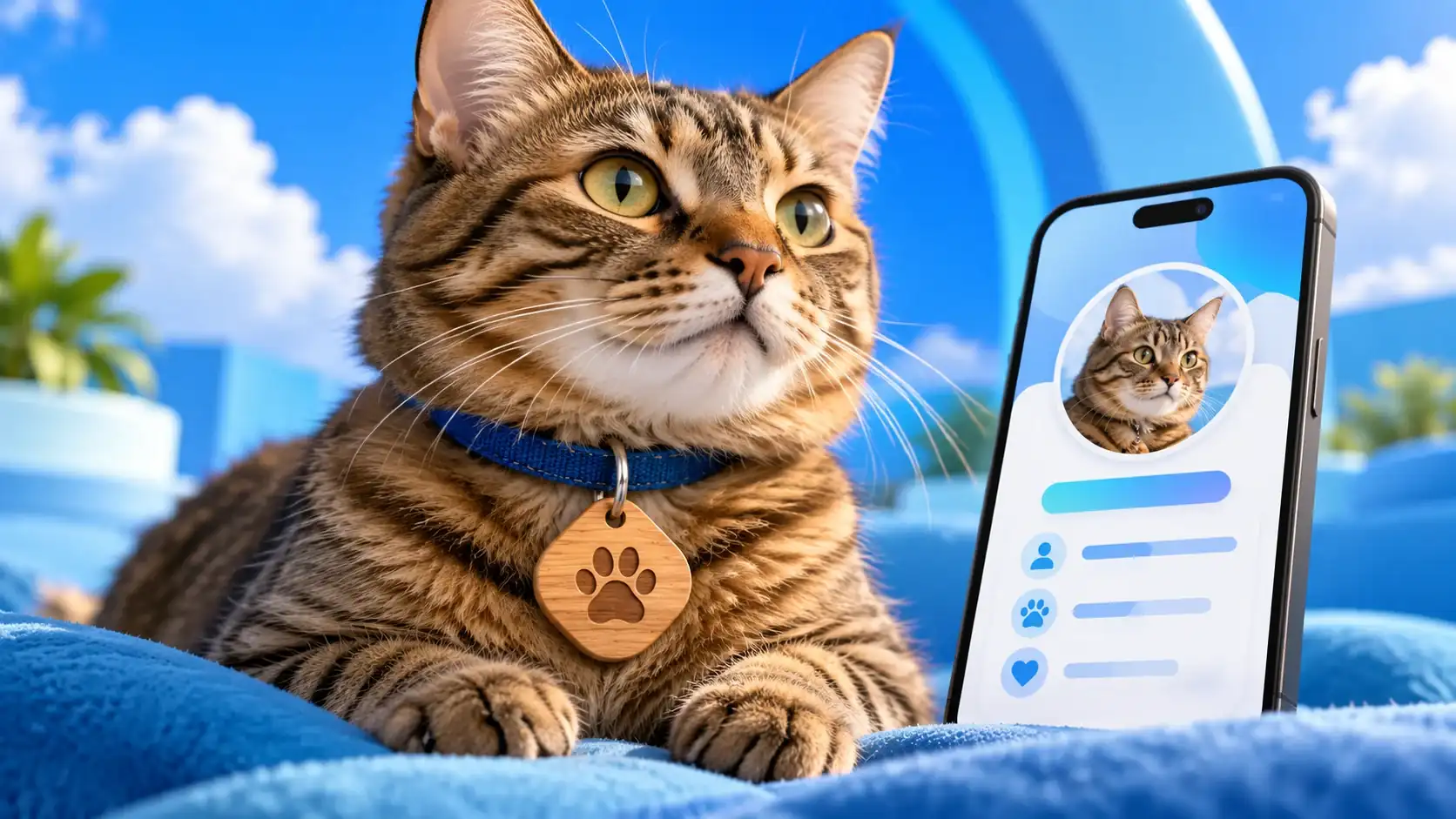
The product page also shows cat and dog profile-style examples. The product page labels the visible examples as sample data, not real animal records. They can help explain the digital page style, but they do not prove a live profile, a specific engraving layout or a performance test. Base your decision on the current product specifications and the design proof prepared for your order.
For a wooden pet tag, treat the NFC function and physical engraving as separate decisions. The verified Model 05 listing specifies one NFC touchpoint that opens the confirmed digital destination on a compatible phone. It does not list a printed QR code for this model. Do not assume that NFC includes a printed QR code; confirm any different physical marking with ADMAL before production.
For a plain-language overview, the NFC Forum explains what NFC does. The current Model 05 listing remains the source for the tag’s verified features.
Write the pet name exactly as it should appear
Send one final version of the pet’s name or approved text. Check spelling, Arabic letters, English capitalization, spacing and punctuation. If the tag needs both Arabic and English, provide each line separately and show the preferred order. This gives the design team a clear source to copy and makes the proof easier to review.
Avoid sending several alternatives without identifying the final choice. If you want a nickname, write it exactly as approved. If a name includes a special character or a less common spelling, highlight it in the brief and compare it carefully on the proof. Never assume that a small engraved line will remain legible simply because it looks clear on a large phone screen.
The public listing does not promise a fixed character limit, font catalogue or text-position menu. Therefore, do not invent one. Ask ADMAL whether a longer phrase or a particular layout fits the selected design before submitting it as a confirmed requirement. Keep the text focused on identifying the pet; use the digital profile for additional information that is appropriate to publish.
Prepare artwork for a wooden pet tag without guessing
The Model 05 FAQ says customers may include a logo when the selected design needs it, provided they supply a clear file. Send the clearest original file you have and identify the exact version to use. If several logo variants exist, label them so the designer does not have to guess between a dark, light, stacked or icon-only version. Ask before assuming a format, colour treatment or fine-detail reproduction is supported.
Think about contrast against the wood colour you selected. A detailed logo may lose small features when reduced to a tag-sized area. The goal is not to squeeze every brand element onto the surface. It is to present the approved mark clearly within the available design. If the logo is optional, decide whether it improves identification or competes with the pet’s name.
Do not send a screenshot from a messaging app if you have a cleaner source file. Do not combine a logo and several lines of text into a single flattened image unless ADMAL asks for that treatment. A separate text instruction and the original logo file make it easier to spot a spelling change or an outdated mark before approval.
Wooden pet tag size and colour: check the exact listing
Use the Model 05 options shown on its current page: Dark Wood, Light Wood or Natural Wood; Small or Large. Review the actual product photographs and specifications together. A colour name describes the available selection; it does not promise an exact grain pattern or identical appearance on every piece of wood.
For size, compare the listed dimensions with the collar hardware and the way the pet’s existing tag hangs. The listing gives the measurements above, but does not state that one size suits every cat, dog, collar or activity. If you are unsure, compare the physical dimensions with a tag you already use and ask ADMAL about the selected model. This is a practical product check, not veterinary guidance or a guarantee of fit.
| Decision | Model 05 information to verify | Your check |
|---|---|---|
| Wood colour | Dark, Light or Natural Wood | Select the option shown on the product page |
| Size | Small 45 × 4–5 × 45 mm; Large 60 × 4–5 × 60 mm | Compare with the collar ring and current tag |
| Text | Pet name or approved text | Copy the final spelling into the brief |
| Logo | Included if the selected design needs it and the file is clear | Identify one approved logo version |
| Digital destination | One NFC touchpoint and a confirmed destination | Verify the exact profile before approval |
Treat the design proof as a decision point
ADMAL’s page describes a sequence: choose the product options, provide required pet/profile and design information, allow the team to check requirements and prepare the design, approve it when approval is requested, then production, quality checks and NFC verification follow. Production should not be treated as started while a required detail or approval is still unresolved.
When you review the proof, compare it against the brief line by line:
- Is the pet name copied exactly, including Arabic spelling and English capitalization?
- Does the proof show the selected wood colour correctly?
- Is the correct logo version present, if one was requested?
- Can you distinguish the text and mark at the actual tag scale?
- Is the NFC destination the intended pet profile?
- Does the proposed shape and position leave the key-ring hole usable?
Ask for a correction before approval if anything is wrong. The listing allows revision requests before production and notes that they may extend the calendar timeline. Once manufacturing has started, a physical engraving or shape cannot be edited like a web page. Keep a copy of the approved proof and final destination with your order details.
Keep a wooden pet tag’s digital link separate from its engraving
Model 05 has one NFC touchpoint, and the customer confirms its destination during setup. The product FAQ explains that after delivery the customer may change the NFC destination locally while holding the tag. That does not remotely change the physical engraving. The tag also does not include a printed QR code according to its current product configuration. If you need a different physical mark, ask about that exact request before production.
This distinction prevents a common brief error: a customer approves the name on the wood but assumes the linked page is also permanently fixed, or approves a profile but forgets the physical spelling. Review both outputs. First inspect every character in the design proof. Then open the digital profile and confirm the destination that the NFC will use.
A short handoff checklist
Before you send the design details, prepare one concise message containing:
- The selected Model 05 wood colour and size.
- The pet name or approved text, copied exactly as it should appear.
- The single logo file and version to use, if required.
- The confirmed NFC profile destination.
- Any special spelling or layout note that ADMAL has already agreed to review.
Then compare the returned proof against the same message. If a field is missing, ask before approval. If you request a revision, identify the exact line or element that must change rather than sending a vague “make it better” note. Clear inputs reduce avoidable back-and-forth; they do not promise an instant design or delivery time.
For the current specifications and options, read the Model 05 wooden NFC pet tag listing. The ADMAL Pet and Animal user guide describes pet-profile fields, while the existing pet identification and care guide focuses on the finder’s view, public information and contact readiness. Keep the order brief focused on the physical tag and proof; use those pages for their distinct purposes.