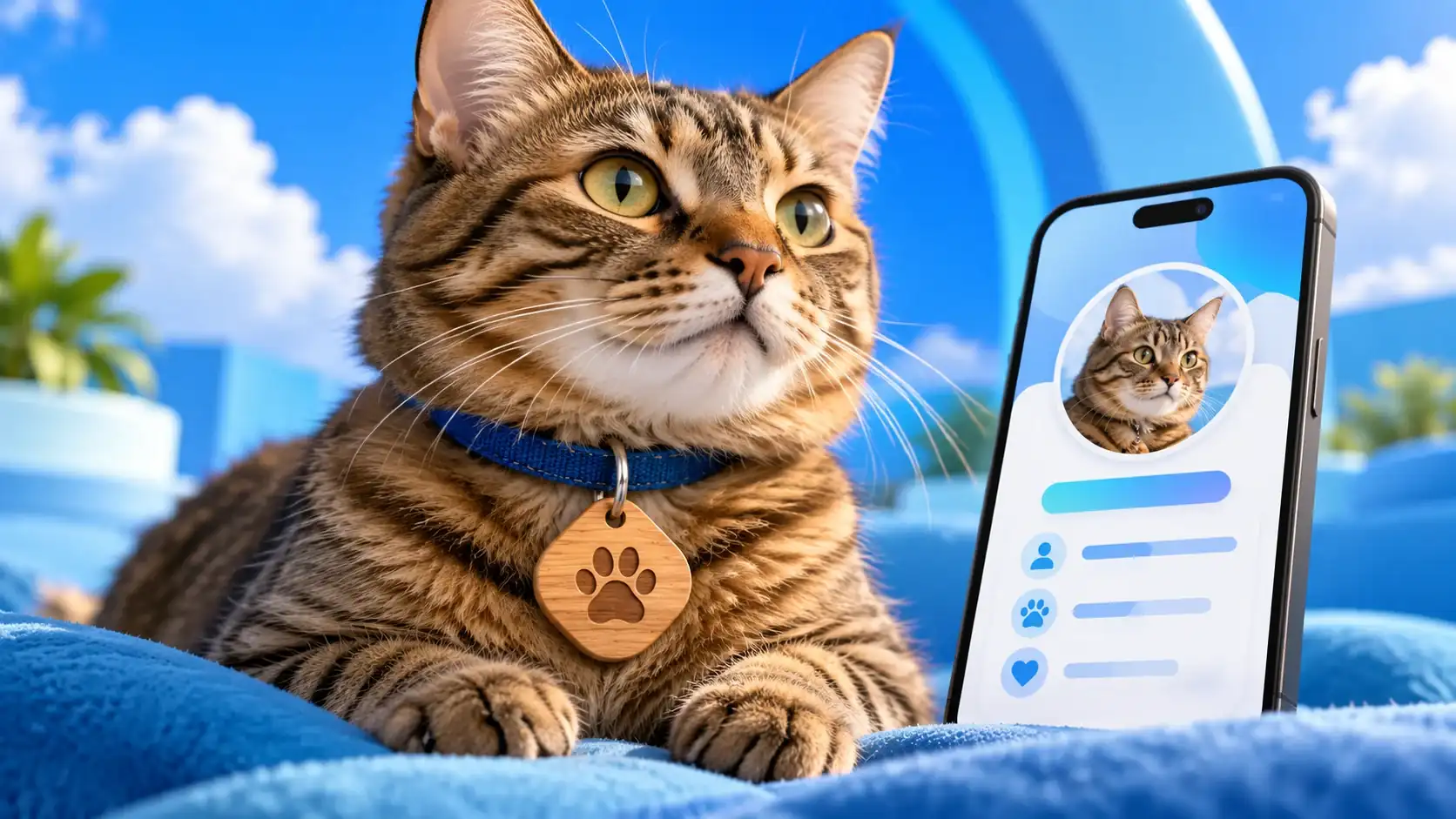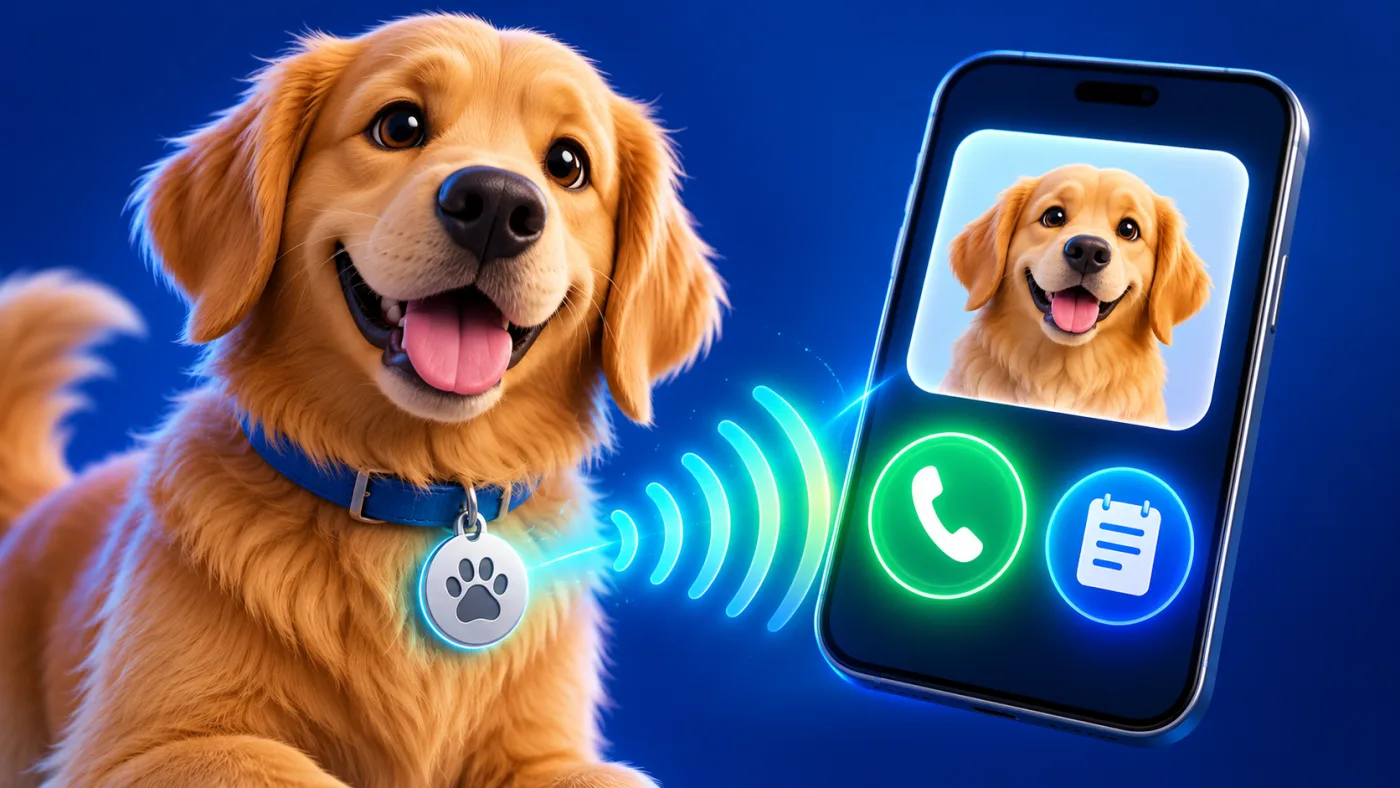
For pet owners in the UAE, this digital pet identification page can help someone who finds an animal recognize it and reach its owner. Its value depends on the quality of the public information and the contact route, not on a claim that the tag can locate the animal. A finder may be outdoors, using a phone with limited time. Put recognition and contact first, then decide whether any other detail truly helps.
Pet identification page: what should it show first?
Use a clear recent picture and the name the pet responds to. A short physical description can help when several animals look alike. Provide an owner contact action that can be used from an unfamiliar phone. If the first person may not be available, add a second contact only when the current page offers that field and the person agrees to be listed.
The public ADMAL Pet and Animal guide documents a required Pet Name in the inspected form, plus fields such as image, behaviour, age, gender, breed and color. It also documents Owner 1 and an optional Owner 2 toggle. Use only the fields your current editor shows. Do not publish a detail just because the form has room for it.
Choose pet identification details by usefulness and privacy
| Information | Why it may help | Decision before publishing |
|---|---|---|
| Photo, name and visible description | Helps a finder recognize the animal. | Use current, accurate details. |
| Owner phone or contact link | Provides an immediate route to return the animal. | Confirm consent and test the public action. |
| Behaviour note | May help a finder approach safely. | Keep it factual, brief and current. |
| Medical or chip detail | May help in a specific emergency. | Publish only what is accurate and safe to expose publicly. |
Any person with the link or a scan may see the public page. Avoid publishing a home address or sensitive household information unless its benefit is clear and the owner accepts that visibility. A private detail can be given directly after contact when appropriate. A microchip identifier, if entered, is not itself a live location signal.
Handle medical notes with care
The guide describes fields for medical condition, allergies, blood group, vaccinations and notes. These fields are public-facing when the pet page is published. Include only details confirmed by the owner and relevant to a finder or care professional. Do not use the page to diagnose an animal or promise that a stranger can provide treatment from a note. If information changes, update it promptly and check the public version.
Keep a short emergency instruction actionable: whom to call and what important condition to mention. Longer records belong with the owner or veterinarian. If a note is uncertain, verify it before publishing; an inaccurate warning can be worse than an omitted one.
Make the owner contact route work
For each owner contact, check the current phone number. The guide says the WhatsApp field expects a URL, not just a phone number or handle. Copy the complete destination and open it from another phone. If Owner 2 is enabled, ask that person to test their route as well. Decide who should receive a call first and avoid presenting an unreachable number as the primary action.
Where gallery or web-link fields are useful, choose them carefully. The guide documents four gallery image positions and up to three labelled web links in the inspected editor. Additional photos should improve recognition, not repeat the same pose. A clinic link should lead to the intended public site or map place; it should not imply the clinic is monitoring the tag.
A six-step tag readiness check
- Confirm the petCheck the name, recent photo and visible distinguishing details.
- Review privacyRemove household details that a finder does not need to see.
- Confirm contactsAsk each listed person to accept and test their phone or link.
- Check care notesKeep only accurate, useful information and verify changes.
- Open the pageUse a second phone to read the actual public view.
- Test the tagScan a printed QR only if the chosen item has one; tap NFC on an NFC model, then confirm its destination.
ADMAL’s sharing guide recommends testing the real public URL and QR before a physical product is put into use. A printed QR destination must be checked before production. If the tag has NFC, test the tap too; QR and NFC are separate technologies and may require separate checks. For a general explanation, see the NFC Forum’s overview of what NFC does; then verify the exact destination on the selected tag.
Keep a pet identification page useful after the first day
Review the page after an owner changes phone, the pet’s appearance changes or a care note is updated. Reopen the public page and verify the link on the physical tag still leads to the intended destination. The tag cannot replace a secure enclosure, supervision, a veterinarian or local identification processes. It is one contact route for someone who finds the animal.
Read the exact pet-tag listing before choosing a model
One current example is ADMAL’s MODEL 05 – WOOD NFC PET TAG. Its Specifications panel describes a rounded diamond wooden tag with a key-ring hole and engraved design areas. The live product page lists:
- Wood options:
- Dark Wood
- Light Wood
- Natural Wood
- MODEL 05 dimensions only:
- Small — 45 × 4–5 × 45 mm (L × W × H)
- Large — 60 × 4–5 × 60 mm (L × W × H)
- Touchpoint: one NFC point that opens the confirmed destination on a compatible phone.
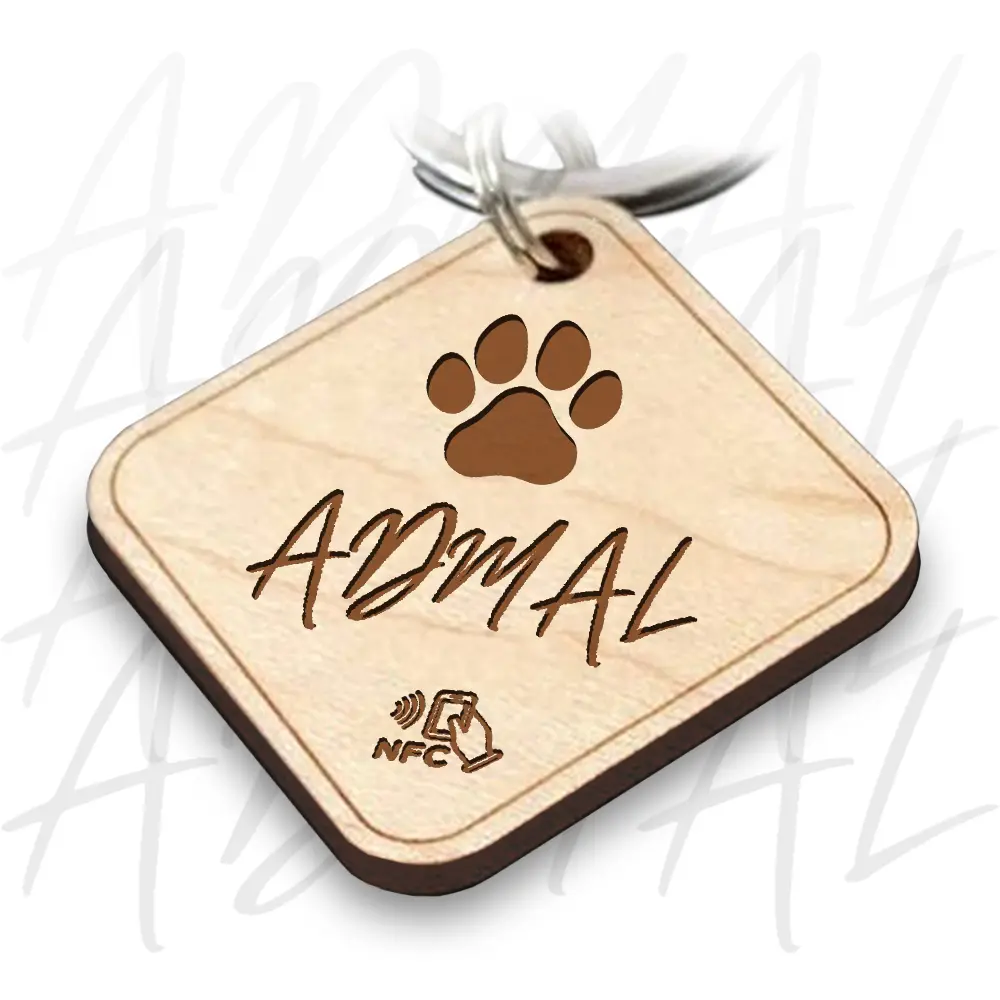
The same listing distinguishes Unique, which uses separate pet details or an NFC destination for each tag, from Duplicate, which repeats the same details or destination. Check the exact model’s current Specifications and selected options: size names and appearance belong to that listing, so do not carry them over to another pet tag. A model-specific check also helps you confirm whether the physical touchpoint you plan to use is NFC, printed QR or another configuration.
Frequently asked questions
Can a pet tag show where my pet is right now?
The identification page and tag do not by themselves locate an animal. They help a finder open information and contact the owner when the destination works.
Must I publish every medical field?
No. Add only accurate details that are useful in the public context and safe for anyone who opens the link to see.
Can I list a second owner contact?
The inspected ADMAL pet editor documents an optional Owner 2 toggle. Use it only when your current form offers it and that person agrees to be contacted.
What should I test before using the physical tag?
Open the public page on another phone and test owner contact links. Test the touchpoint on the exact model: scan a printed QR if present, or tap NFC when the product has NFC.
Are Small and Large the same size across ADMAL pet tags?
No. Size labels belong to each model. Read the Specifications and selected-variation details on the chosen product page before choosing; do not infer measurements from a different tag name or photograph.