A Google review request message for a UAE business should be short, honest and sent after service is complete. It should not ask for a positive review or connect the request to a reward or condition. The scripts below are editable examples; ADMAL has not used them with actual customers, and they do not promise a particular review outcome.
Google allows businesses to share a review link or QR code for their Business Profile, while its policies prohibit incentives and review manipulation. Check Google’s guidance on sharing a review link or QR code and its prohibited and restricted content policy before using a communication campaign.
Google review request message: should it be sent?
Before copying a script, check four things:
- The service or handoff is complete; the request is not framed as a condition for finishing it.
- You have a proper basis for using the chosen communication channel and respect the customer’s preferences and your business practices.
- The link opens the correct business profile, not a generic page or a different location.
- The message invites honest feedback without suggesting a star rating or steering the customer toward a positive review.
If you cannot verify the destination or the channel, do not send the message yet. Test the link yourself and review your business communication settings. Do not ask staff to send the request only to satisfied customers or discourage unhappy customers from posting.
Google review request message scripts after service
Arabic message after a shop visit “شكرًا لزيارتك [اسم النشاط]. إذا رغبت، يمكنك مشاركة رأيك الصادق عن تجربتك هنا: [رابط Google]. المشاركة اختيارية، ونقدّر وقتك.”
English message after a shop visit “Thank you for visiting [business name]. If you wish, you can share an honest review of your experience here: [Google link]. It is optional, and we appreciate your time.”
Arabic message after an appointment “نشكرك على وقتك اليوم. إذا أحببت مشاركة ملاحظتك العامة عن الخدمة، فهذا رابط ملفنا: [رابط Google]. لا تذكر معلومات خاصة في مراجعتك.”
English message after an appointment “Thank you for your time today. If you would like to share general feedback about the service, here is our profile link: [Google link]. Please avoid including private details in a public review.”
Arabic follow-up after collection “نتمنى أن يكون استلام طلبك قد تم بسهولة. يمكنك، إذا رغبت، كتابة رأيك بصراحة عبر [رابط Google]. لا يلزمك ذلك للاستفادة من الخدمة.”
English follow-up after collection “We hope collecting your order was straightforward. If you choose, you can share honest feedback at [Google link]. A review is not required to receive service.”
Replace the bracketed text only with accurate details and remove any line that does not fit your business. Do not include a customer’s name or appointment details in a public-facing prompt, and do not send a different location’s link without checking it.
What should you remove from the wording?
Avoid lines such as “leave five stars,” “write a positive review to receive …,” or “if you are unhappy, contact us instead of reviewing.” The first steers the result, the second offers an incentive, and the third selectively diverts unhappy customers from a public review. Invite honest feedback consistently and leave the choice to the customer.
Do not send a repeated reminder sequence. If a customer does not respond, leave the decision with them. Also avoid staff rewards tied to review counts; they can turn a simple invitation into pressure on customers or employees. Google’s policy explains the rules for incentives and fake engagement.
Choosing a channel and timing
Use a channel the customer expects from your business and can comfortably ignore. For example, a printed prompt at a service point may fit an in-person visit, while a single message after a completed order may fit an existing follow-up relationship. That does not mean every business should send a message. A visible, neutral invitation may be sufficient.
Do not send the request while an unresolved issue is being discussed, while the customer needs urgent support, or before the service is complete. Address the original request first. If your business handles sensitive information, do not use a review invitation to reveal the reason for a visit or details of a service.
A pre-send checklist
- Confirm the business and location that served the customer.
- Open the link and verify its destination before sending.
- Apply the same invitation approach consistently; do not target only satisfied customers.
- Invite honest feedback and say participation is optional.
- Remove rewards, five-star requests and outcome steering.
- Keep private customer information out of public messages and links.
- Do not repeat the request if the person does not respond.
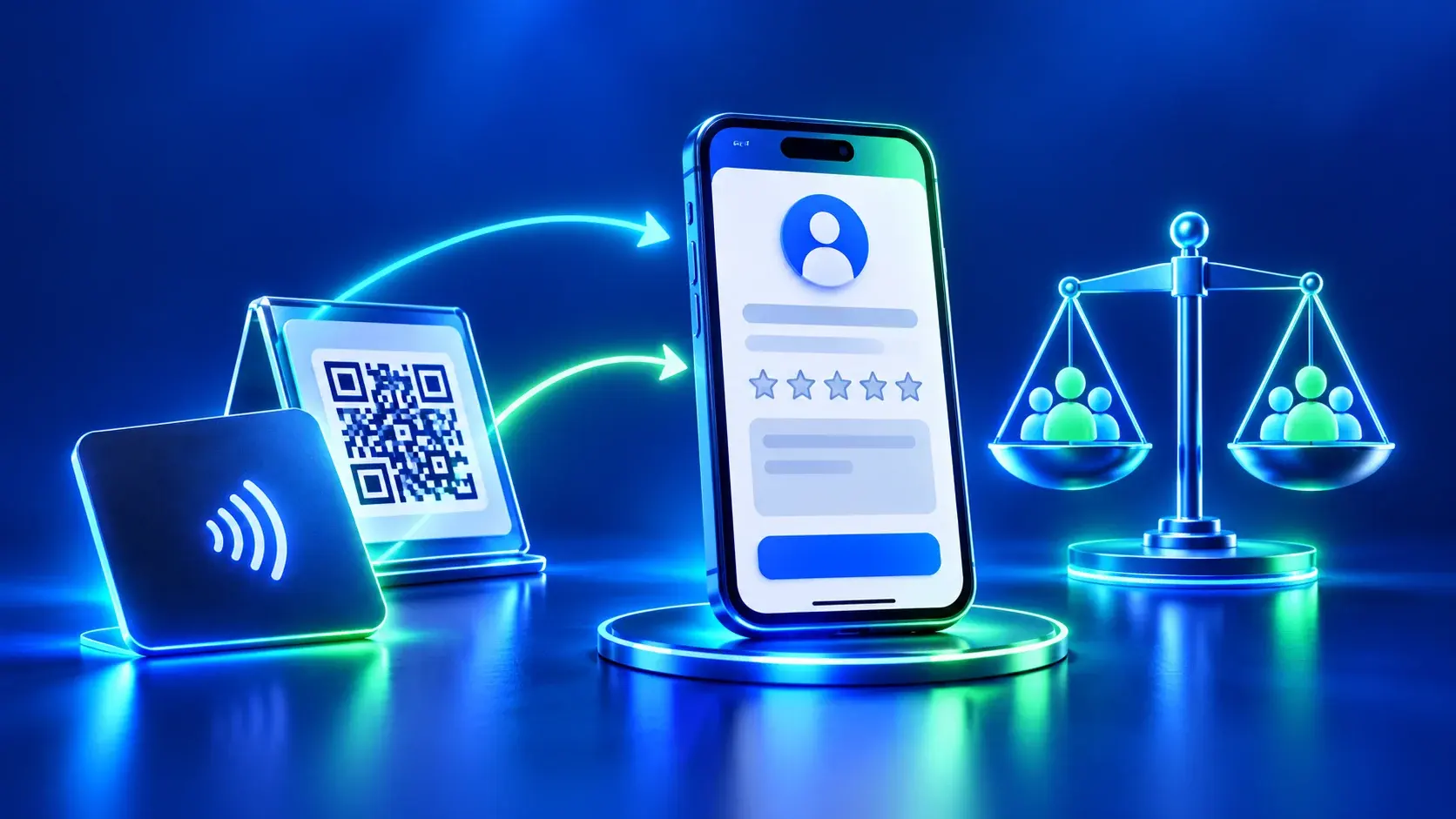
Google explains how to create a shareable link in its Business Profile guide. You can also review the ADMAL Smart Reviews archive for guidance on connecting a link to a printed or digital touchpoint; verify the selected product’s own specifications before ordering.
Personalize the language, not the expected opinion
You may adapt a greeting, service name or language to help a customer understand the invitation. Do not change who receives it based on how satisfied you expect them to be. Use the same neutral approach for eligible customers under your business process; do not invite only people who praised the service or exclude those who raised a concern. Language adaptation improves clarity, while selecting likely positive reviewers distorts the request.
Before sending a link, open it in a clean browser session and confirm the business name and location. Leave unnecessary identifying details out of the message. Make the invitation easy to ignore, and do not send repeated follow-ups when someone does not respond. A neutral request gives the customer control over whether to take part and what to say.