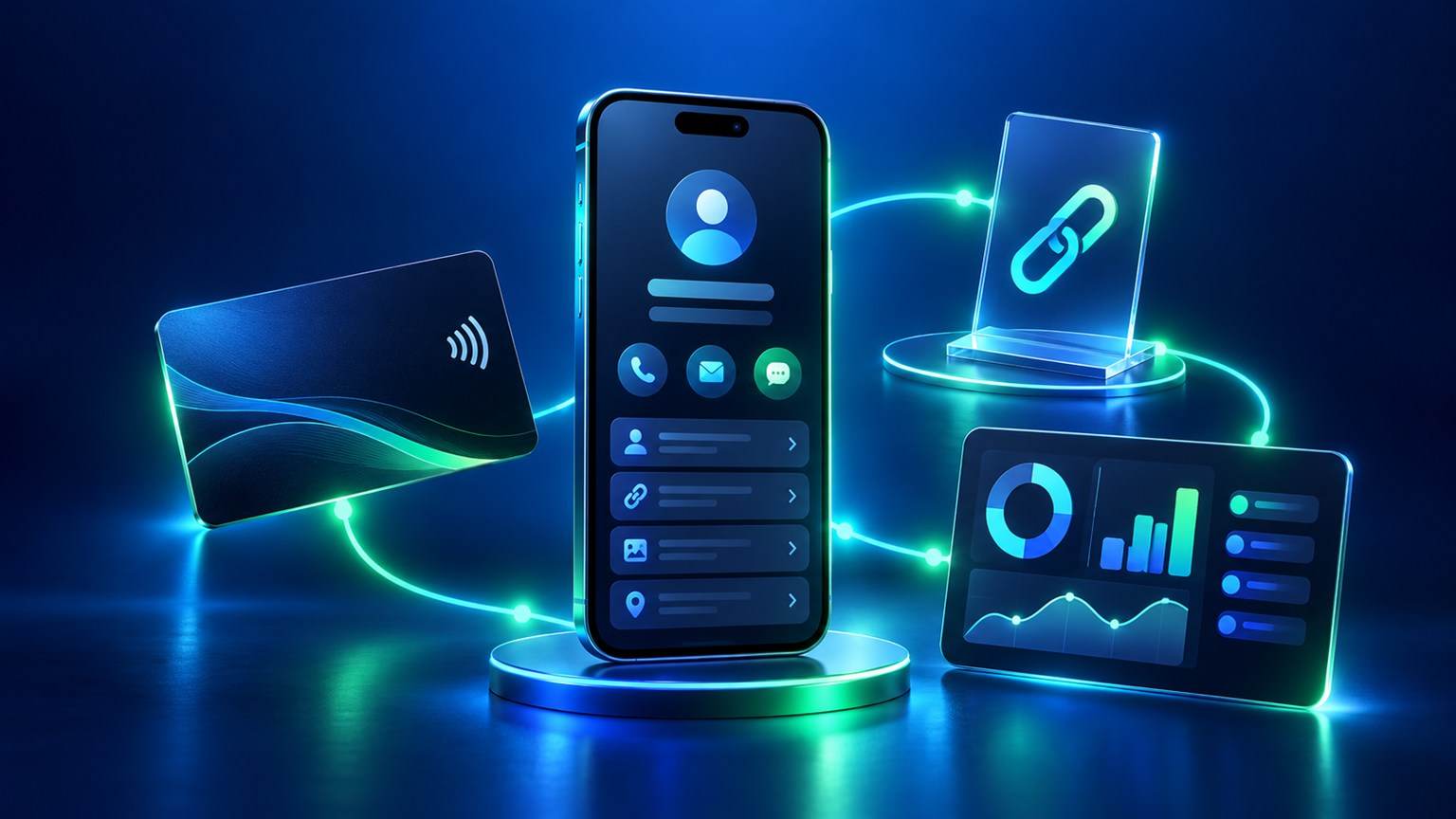
A digital identity for people and businesses is a public starting point, not a replacement for every website or conversation. For example, someone may reach it by link, QR or NFC, often without knowing you beforehand. Make the first screen answer the visitor’s basic questions. Then provide the details and links that support a sensible next step. A page full of icons but little context makes the visitor work too hard.
What should a digital identity do for the visitor?
Decide whether a visitor needs to learn about a person, evaluate a business, browse a menu, leave a review or contact a pet owner. ADMAL’s page-type guide separates function from visual style. Profile / Business is suited to identity and contact information; Menu, Review and Pet have different functions. Choose the function first and inspect the actual style preview second. A visual preference should not force the wrong page type.
For a person, a name, role, short introduction and reliable contact action may be enough. By contrast, visitors to a business often need the activity, location or service area, a useful description and the right public destination. Add only facts that your current page can show clearly. The Profile / Business guide documents fields including name, subheading, description, phone, email, skills, links, files and gallery; visibility can vary by style and account.
Compare personal and business digital identity needs
| Decision | Personal profile | Business profile |
|---|---|---|
| First message | Who the person is and what they do. | What the business provides and whom it serves. |
| Proof and detail | Relevant experience, work or public links. | Current services, location and official channels. |
| Main action | Contact, connect or view work. | Ask, book or visit an appropriate destination. |
| Maintenance | Update role, contact and portfolio changes. | Update services, operating information and links. |
These are editorial choices, not separate promises about features. The actual editor determines which fields appear. Avoid copying a company description into an employee’s biography or using a personal photo where visitors expect to identify the business.
Write the first screen for a new visitor
Start with the public name. Follow it with a short line explaining the role or service in plain language. A visitor should not need to decode internal titles. Make the primary action visible and label it honestly. “View portfolio” should open work, and “Message us” should open the intended messaging route. If a button sends the visitor to another site, keep that destination current.
- Name: use the spelling people will recognize elsewhere.
- Short description: explain the value in one or two useful sentences.
- Contact: use a channel that is monitored for the intended audience.
- Links: copy full public URLs rather than usernames or platform homepages.
- Media: choose images and files that clarify the identity, not fill empty space.
ADMAL’s URL guide recommends opening each exact public destination before copying its link. Test files while signed out. A visitor should not meet a permission request that only the page owner can pass. Also, give each link a clear purpose in its surrounding text; the W3C guidance on link purpose in context explains this accessibility practice.
Use optional sections with a reason
Experience, skills, gallery and file links can deepen trust when they answer a visitor’s real question. They can also bury the main action when copied without editing. For that reason, choose a few relevant examples and explain them. However, if a field is missing in your selected style, follow the current editor rather than assuming a feature is broken. Some styles or account states expose fewer fields.
In addition, if the audience reads more than one language, review the content itself in each needed language. Listing a language you speak does not translate your description. The multilingual identity guide provides a separate test for text, direction and links.
Check the public journey before sharing
- Choose the purposeSelect the page type that matches the visitor’s task.
- Write the coreAdd public name, useful role or service and the main action.
- Add proofChoose relevant links, images or files where available.
- Save and previewCheck layout and wording at phone width.
- Test actionsOpen every contact and file destination from another device.
- Share carefullyTest the real public URL, QR or NFC route you will distribute.
The public save, preview and test guide treats saving as the start of validation. Therefore, check the visitor-facing page, not only the editor. Also, recheck after any phone, role, service or link change. A printed QR destination deserves particular care before physical production.
Maintain a digital identity as details change
Assign a person to own updates. At the same time, a business with several profiles should keep names and contact routes consistent without flattening each person’s real role. Remove stale links and old descriptions. If a destination is no longer public, replace or disable the action before more visitors reach it. The strongest digital identity is one that remains accurate after the first launch.
Frequently asked questions
Should I choose a page type by its visual style?
Choose the function by the visitor’s task first, then review the available styles. Profile, Menu, Review and Pet serve different purposes.
Do I need to fill every optional field?
No. Include details that help a visitor identify you or decide on the next action. Verify which fields your actual editor and style provide.
Can a link, QR and NFC share the same public destination?
They can be used as sharing methods for a verified public URL when the specific product and setup support them. Test each physical method separately before distribution.
When should I review my digital identity again?
Recheck after contact, role, service, image or link changes. Open the public page and test the actions from a visitor’s device.