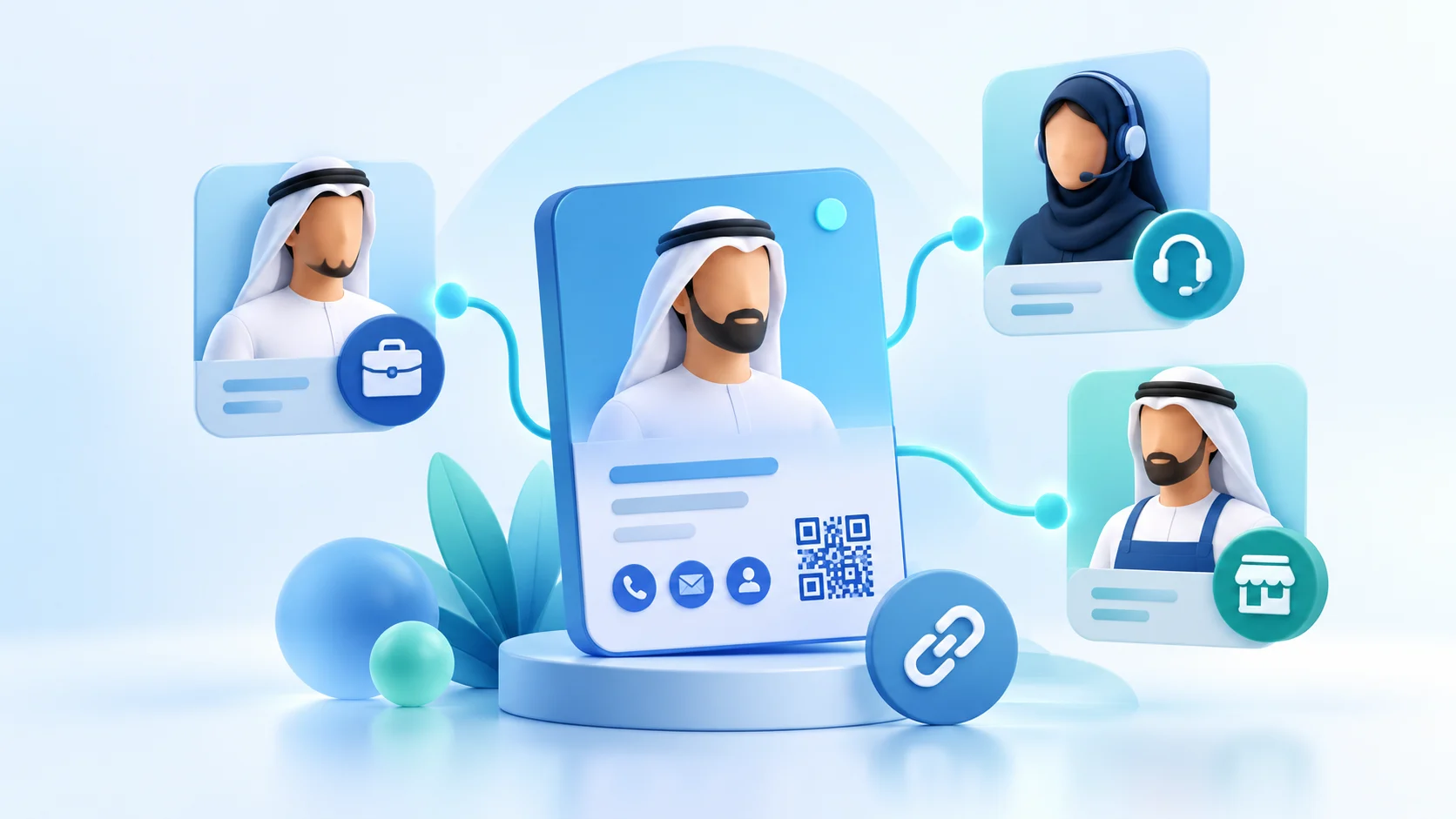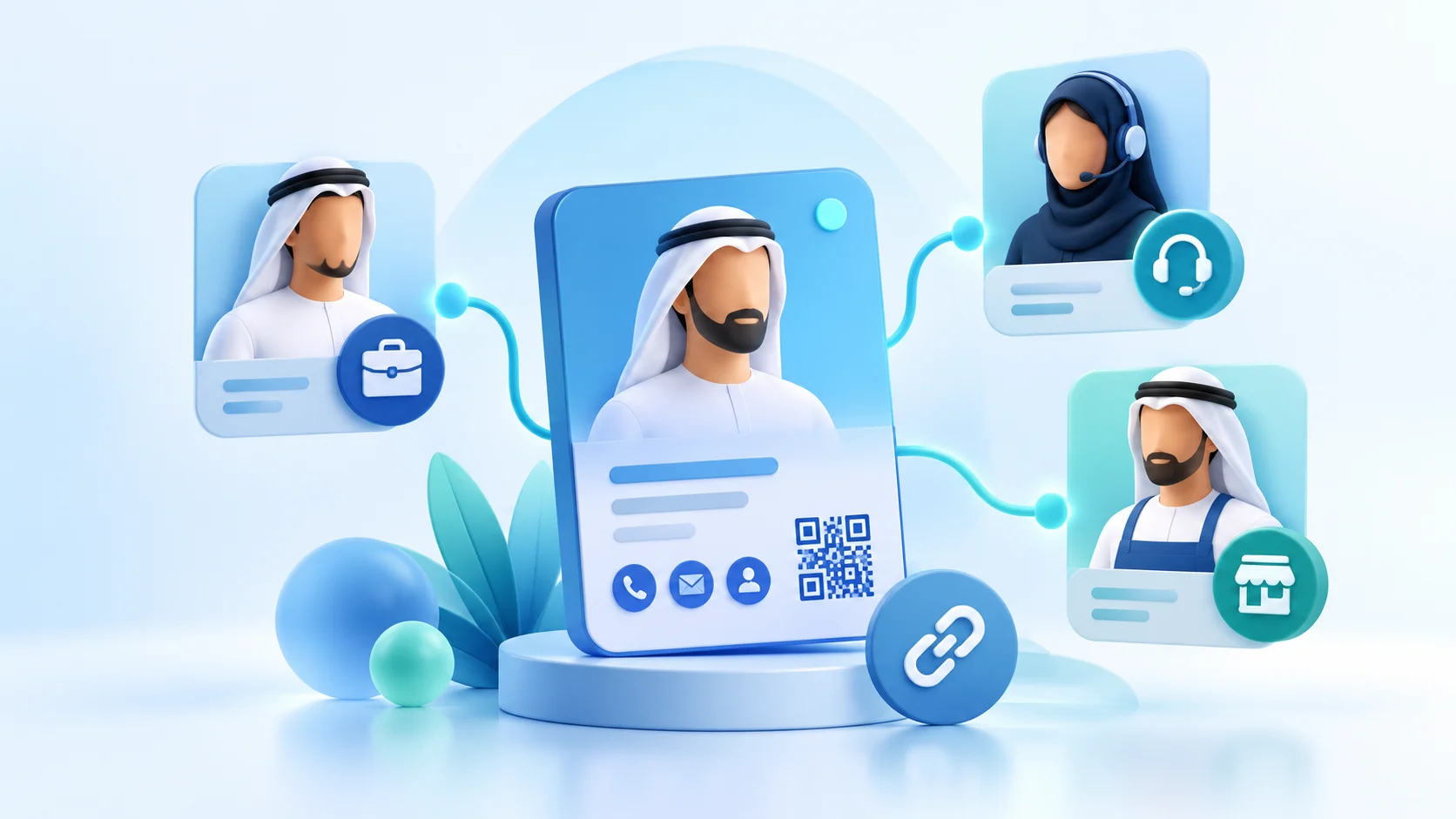
Digital sales team profiles work best when every colleague can explain what they do, who they help and what the visitor should do next. A shared layout gives the team a consistent starting point; role-specific details keep each profile relevant. This guide shows how a UAE business can define those differences without claiming that its card system automatically manages staff, customer records or sales follow-up.
The examples below are planning examples, not ADMAL customer results. Adapt them to the company’s real roles, service boundaries and approved contact routes. A digital profile is public information, so check every person’s name, title, links and language before sharing.
Plan digital sales team profiles around visitor tasks
Write down the moment when someone receives a team member’s card. Did they meet at a site visit, ask about a service, attend an event or need an existing contact? The role should help the visitor understand why this person is the right next contact. Avoid job titles that mean little outside the company. Add a short description that names the person’s area of work in customer language.
For digital sales team profiles, a simple role map might distinguish a first-contact representative, a product specialist and an account contact. These are examples only. Use roles that exist in the business and clarify where one person’s responsibility ends. If a request belongs to another department, name the correct route instead of implying that every salesperson handles every issue.
Design digital business cards around distinct visitor tasks
Do not create a separate card merely because a team uses several internal titles. First ask whether the visitor needs a different action or destination. If the same person owns the conversation, one profile may explain several related responsibilities. If different people answer distinct enquiries, each profile can identify its owner and provide the appropriate contact route.
For each proposed role, finish this sentence: “Contact this person when you need ___.” Then name one useful next action, such as calling, sending a message, viewing relevant work or opening an approved company page. A label should tell the visitor what a tap opens. The W3C guidance on link purpose explains how context can clarify a destination. It should not promise that the action itself books a meeting, submits a full brief or guarantees a response.
Digital sales team profiles: separate shared identity from role-specific details
Agree on the details that should remain consistent across the team: the approved company name, logo treatment, core description, terminology and public website. Then list the information that changes by person, such as name, verified job title, direct contact details, language, specialism or portfolio link. Keep a clear owner for approving each type of information.
ADMAL’s User Guide describes Profile pages as a broad page type for identity, contact, experience, links, files and gallery. Use only the fields that fit the role. A sales profile does not need every available section; irrelevant links make the important contact step harder to find. The guide explains how to edit an existing Digital ID, preview it and test it before sharing.
Build digital sales team profiles with a role-to-content matrix
Use a short matrix with one row per role and columns for visitor, purpose, public information, primary contact action, supporting link, languages and reviewer. For example, a product specialist may need a technical overview, while an account contact may need a concise service summary. Keep such examples only if the company actually provides those services and the linked material is approved.
Mark every field as shared, role-specific or not needed. This prevents a common mistake: copying a full profile and changing only the job title while leaving the old person’s phone number, experience or file link. After copying any approved structure, verify all personal details and destinations independently.
Use language and geography accurately in the UAE
If the team serves Arabic- and English-speaking visitors, write both versions as complete customer-facing profiles. A translation must preserve the role, service boundary and contact destination. Check Arabic reading direction, phone formatting and link labels on a phone. Do not rely on a language skill label to translate the rest of the profile.
For teams operating across the UAE, mention only actual territories or offices. Dubai, Abu Dhabi, Sharjah, Ajman, Fujairah, Umm Al Quwain and Ras Al Khaimah may be relevant to a company’s coverage plan, but listing an emirate does not prove the team serves every area within it. Assign a person to confirm the specific locations before publishing a territory statement.
Keep customer contact details deliberate
Decide whether the profile should show a direct work number, a company contact route or both. Tell visitors what each action does. Use a shared company route when the organization wants enquiries reviewed centrally; use a person’s direct route only when that person is expected to receive and handle the message. Do not expose a private number or personal account without the owner’s approval.
If a profile includes files, forms or external links, test that each destination opens the intended material and is accessible to the intended audience. A contact button is not a customer relationship management system. Do not tell readers that ADMAL synchronizes profiles with a staff directory, assigns enquiries or transfers sales activity unless those capabilities have been independently verified.
Review changes without losing ownership
Set a practical review routine. The employee confirms personal details; the role owner confirms scope and contact destination; a brand reviewer checks shared naming and appearance. Record who approved the version and when. Review a profile when a role changes, a contact route becomes inactive, a linked document changes or the person leaves the team.
ADMAL’s guide points users to the existing item for editing rather than creating a duplicate simply to make a change. After editing, save, preview and test the public page and its links. Confirm that the right profile opens from the physical or digital card. Treat that check as a quality step, not evidence that the page is connected to a company directory.
Measure profile activity without calling it a sale
Before reviewing activity, decide what question the team wants to answer: are visitors opening the right page, selecting the intended contact action or viewing a useful link? Use the available analytics as interaction signals. A page open or button click does not prove that a person became a qualified lead, attended a meeting or purchased.
Keep each profile’s purpose and review period consistent when comparing activity. Note meaningful content or route changes so the team understands what changed during the period. ADMAL’s User Guide describes card-level Analyze and the Analytics area; use the controls shown in the live account and avoid inventing a team-wide dashboard or sales attribution feature.
Digital business cards for sales teams: pre-share checklist
- Does the profile explain the person’s real role in plain language?
- Can a visitor identify the right person and the next contact action?
- Are company details consistent while personal details are correct for this employee?
- Do links, files and phone actions open the intended destination?
- Do Arabic and English versions match in meaning, role and service area?
- Are UAE locations limited to territories the company has confirmed?
- Has the employee and the assigned role or brand reviewer approved the public information?
- Have you saved, previewed and tested the actual card and page before sharing?
For current page fields and the save-preview-test workflow, consult the ADMAL Profile User Guide and the save, preview, test and activate guide section. Confirm team policies and destinations with the company before applying this framework.