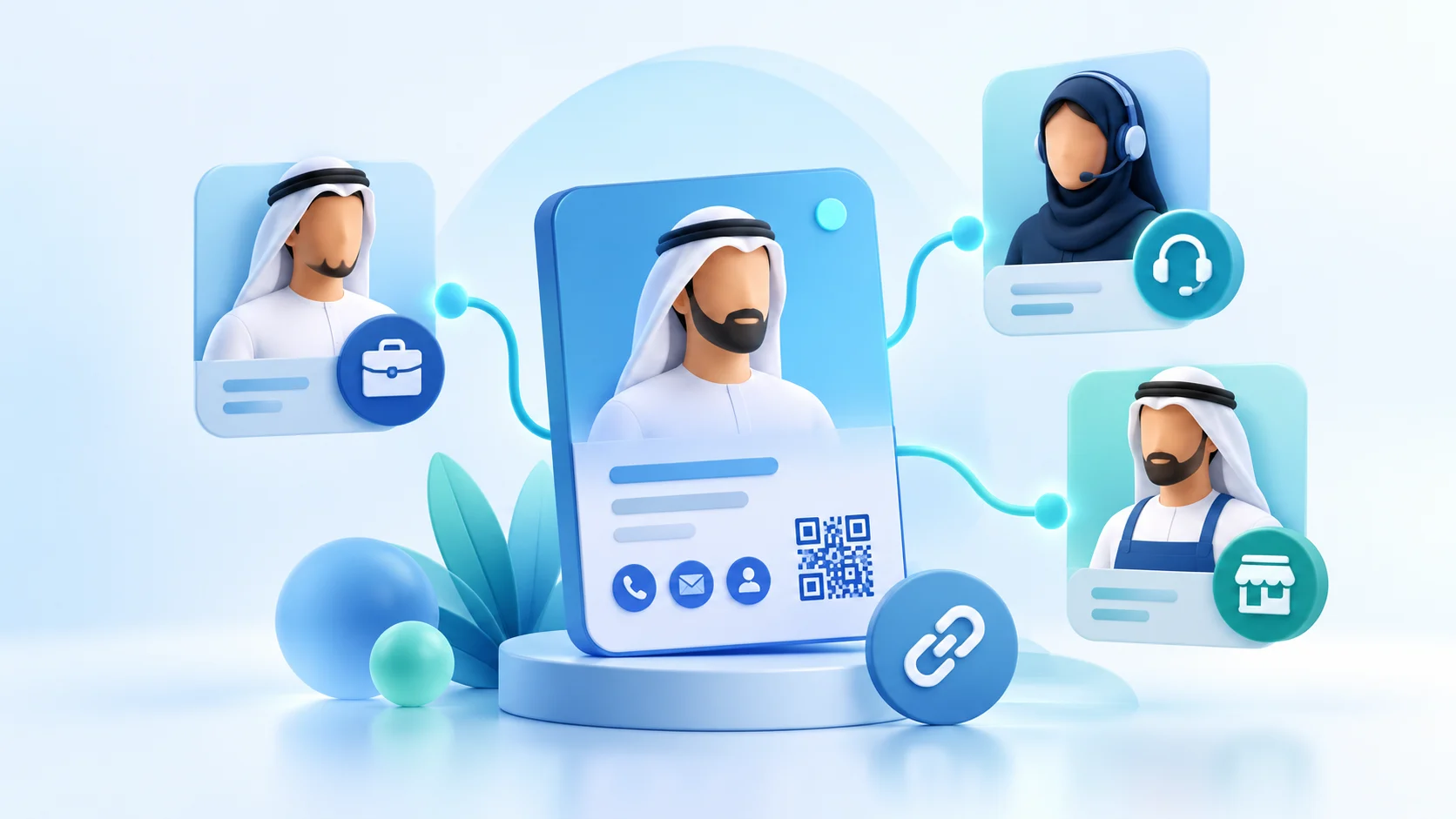
A company contact directory in the UAE helps visitors reach the right business route when a small team handles sales, service, reception and general enquiries. The page is useful only if a visitor can tell which route fits the question and the company keeps those destinations current. This guide provides a simple structure for planning department contacts without implying that ADMAL supplies an automatic directory or routing system.
ADMAL’s Profile and link guides document content fields and destinations that can be used in supported pages. The exact options depend on the selected style and account. Check the current editor and public page before promising a menu, department filter, staff lookup or automatic assignment.
Plan the company contact directory around visitor questions
List the questions a visitor actually brings: “Who can explain this service?”, “Where should I send a general request?”, “How do I reach the business?” or “Which page explains this department?” Then decide whether a department route, a named employee or a shared company channel answers it best. The visitor’s need should determine the label.
Some organizations use different team names internally and externally. Translate internal language into words that a customer understands. If a visitor cannot tell what “Operations” or “Customer Success” handles, add a short plain description or use a more recognizable public label. Do not publish a department name that the company does not use.
Choose the directory level your team can maintain
A small business can begin with one official company contact page and a few clearly named destinations. A larger team may choose a separate page for each department or for a specific contact. These are content patterns; the company must confirm which structure its account and available product actually support.
Keep the first version narrow. Include only departments that receive a distinct visitor question and have a verified destination. If two labels open the same inbox and explain the same purpose, combine them. A long list may look comprehensive but can make the visitor choose between options that do not differ.
Map each department to a verified destination
Build a working table with five fields: visitor question, public label, destination type, destination owner and date checked. For example, a general question may open a shared company contact route, while a service question may open a confirmed service page. A specific employee route should use the person’s approved professional contact details. The table is maintained by the business; it does not imply that ADMAL connects departments automatically.
Test each destination from a phone. Confirm the page name, language, access requirements and action. A contact button should not imply a direct person if it opens a general inbox. A website label should not link to a different department page. If the owner cannot verify the destination, leave it out until they can.
Separate public contacts from internal ownership
For every route, name a person who will confirm the public information and a backup who can review it when responsibilities change. This is a company process, not an ADMAL permission setting. Do not show an employee’s private number, personal account or internal email unless the person and business approve its public use.
Keep private work instructions out of the visitor page. A public directory should answer where a visitor goes next; it should not reveal internal escalation notes, staff schedules or confidential records. If the company shares a file, check the original file’s access settings separately. A link being visible on a public page does not make a restricted file public.
Label locations and service coverage carefully
A business may have confirmed offices, staff or events in Dubai, Abu Dhabi, Sharjah, Ajman, Fujairah, Umm Al Quwain or Ras Al Khaimah. Mention a location publicly only when the company can substantiate the office, event or service coverage. Do not list all seven emirates just to make a contact page appear broader.
If a route serves only one office or region, say so in the label or short description. If it serves the whole company, make that clear. Do not imply that a central contact can handle a service in a location unless the company confirms that responsibility and coverage.
Keep Arabic and English routes aligned
Compare the language versions side by side. Match the department purpose, contact destination, public availability and geographic scope. A translation should not turn a general channel into a direct employee route or imply that a department serves every emirate. Ask a bilingual reviewer to verify the wording and then open the public links in both languages.
Keep labels concise and specific. “Sales” and “المبيعات” may be suitable if both routes serve the same team; do not translate a title into a broader service promise. If the destination itself has one language, explain what it opens so the visitor is not surprised.
Test the directory with realistic questions
Ask a colleague who does not know the setup to find the right route for three tasks: a general company question, a service enquiry and a request for a named employee. Observe the label they choose. If they hesitate or select the wrong link, revise the description before adding more choices.
Then test the public route on a phone and in each language. Check that it opens without unexpected access, the page identifies its owner or purpose, and the intended contact action works. A saved URL in an editor is not evidence that the visitor reaches the correct destination.
Review the company contact directory when something changes
Set review triggers for a department rename, shared inbox change, office move, new service page or staff departure. Ask the route owner to confirm the new destination and test the public page after updating it. Keep a note of the review date and who verified the route. Do not assume automatic synchronization or a notification unless the current account actually provides and documents it.
When a department closes or changes scope, remove or relabel its route so visitors do not keep using an outdated path. If a destination is maintained by another team, obtain its confirmation before publishing. This small human review prevents a directory from becoming an unmaintained list.
Company contact directory checklist
- Each public option answers a distinct visitor question.
- Labels use language customers understand.
- Every destination has a named human owner and a check date.
- Public contact details have been approved by their owner.
- Location and service scope are company-confirmed.
- Arabic and English routes reach equivalent destinations.
- Links work on a phone without unexpected access.
- The team knows which change will trigger the next review.
Review the ADMAL Profile guide and ADMAL link guide for documented fields and link setup, then test the route in the actual account.