Digital page experience after opening a link
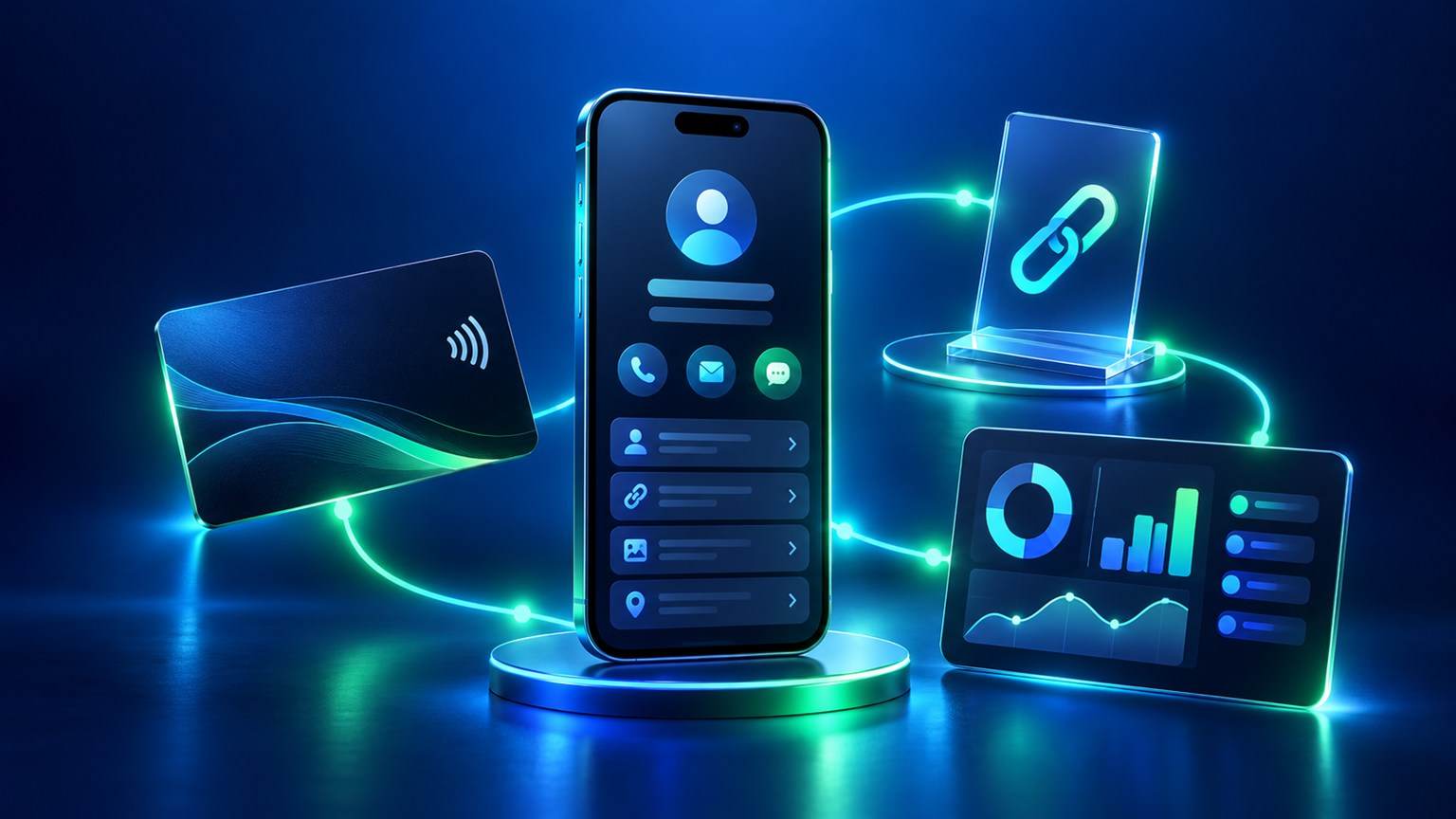
The digital page experience depends on what a visitor can understand and do next. The important moment is not the label on the card or the code. It is whether the page helps that person understand where they are and what they can do next. A professional page may introduce a person and show contact routes. A menu page may help someone browse listed items. A review route may open a selected destination. The exact content depends on the page type, style and account setup.
Before sharing a link or attaching it to a physical product, write the intended visitor task in one sentence. “Find the menu” is clearer than “see our digital experience.” “Contact the business through the listed route” is clearer than “become a customer.” This keeps the page focused and avoids promises about what happens after someone opens it.
Separate the entry point from the page
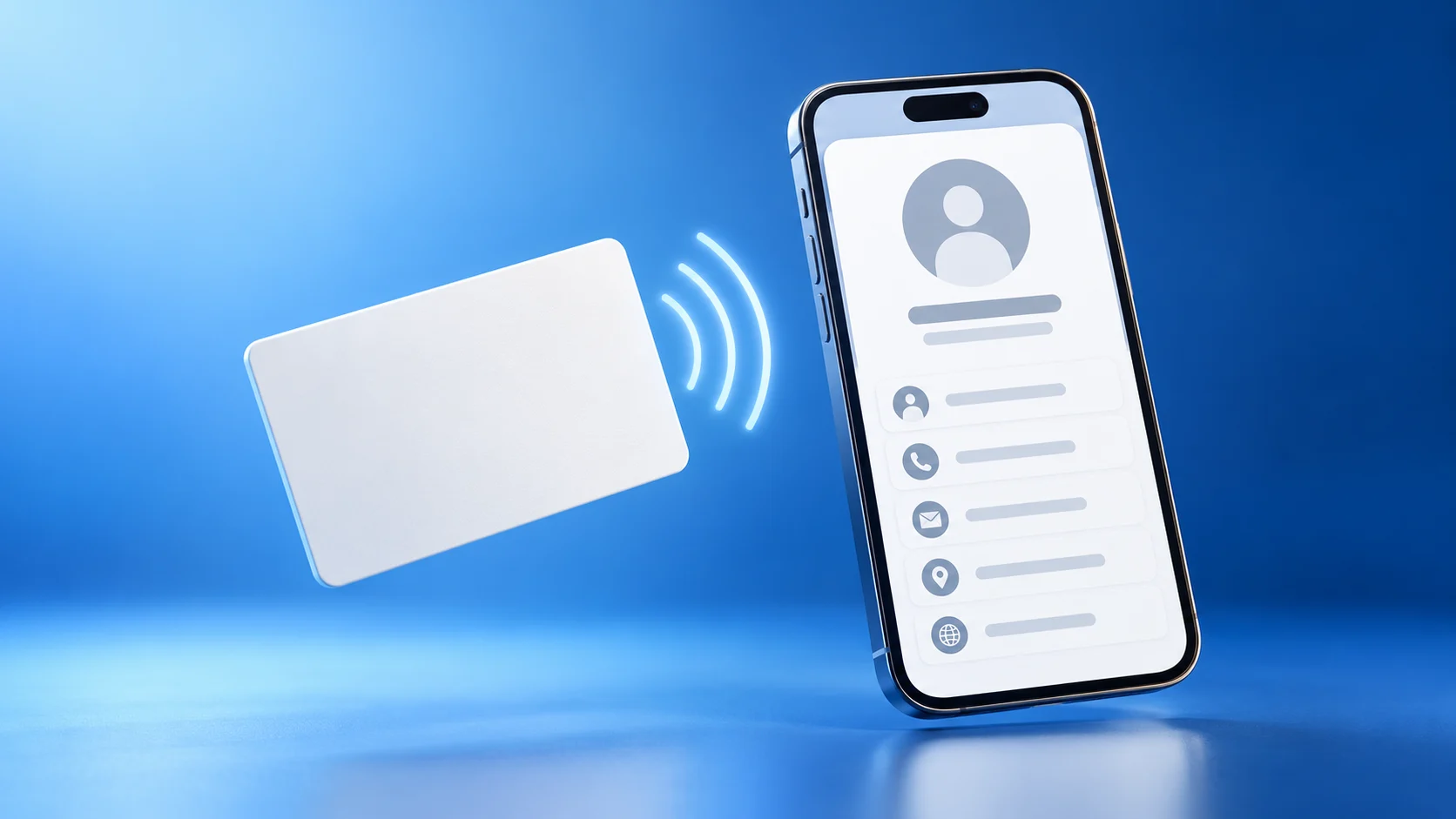
A link, QR code and NFC touchpoint are ways to reach a destination; they do not define the entire visitor experience. A phone camera reads QR codes. NFC is a near-field interaction that depends on a compatible device and the configuration of the selected item. A typed or shared URL is another entry route. Once the destination opens, the visitor sees the page and its available actions.
Check the route in stages:
- Entry: what link or physical point did the visitor use?
- Destination: which page actually opened?
- Understanding: can a first-time visitor identify the person, business or purpose?
- Action: what does each visible button do, and what does it not do?
In practice, these stages help locate a confusing experience without treating all interactions as one event. An opened page is not a submitted inquiry. A contact button may open a phone or messaging app without sending a message. A review destination gives a visitor a choice; it does not prove that a review was submitted.
Make the first screen explain the page
The first screen should answer three practical questions: whose page is this, why might it be useful to me, and what is the next available action? Keep the name and description accurate. Place the most relevant action where a visitor can find it. Use labels that describe the real destination: “View menu” should open the menu; “Contact” should indicate the actual contact route.
Avoid presenting an icon as self-explanatory. If a visitor cannot tell whether a symbol opens a website, a social account or a contact action, give it a clear label. The W3C guidance on link purpose explains how surrounding context can make a destination clearer. Remove unrelated buttons that compete with the main task. For Arabic and English pages, check the language the visitor will read and verify that the text and destination match.
The ADMAL User Guide documents different page purposes, including Profile / Business, Review, Menu and Pet. They should not be treated as interchangeable templates. A field shown in one page type or style may not appear in another. Preview the actual public page and confirm its available fields in the current editor.
Review the digital page experience as a new visitor
To check the digital page experience, use a phone and open the public destination without relying on your editing screen. Teams sharing ADMAL routes across the UAE—from Dubai and Abu Dhabi to Sharjah, Ajman, Fujairah, Umm Al Quwain and Ras Al Khaimah—can run the same local-language and destination check. Read the name and first description. Tap every visible link and note the page or app that opens. Check Arabic and English content separately when both are part of the setup. If the page includes an inquiry form or contact exchange, read the prompt and confirm what the visitor is being asked to submit.
For a physical product, add a separate route check. Confirm the QR destination before printing. If the product also lists NFC, test the actual finished item independently when it is available. The listing, a product photo or a simulated video cannot prove a particular physical tap. If no one has tested the route, record “not tested” rather than assuming it worked.
Illustrative journey: a visitor at a service counter
This is an illustrative scenario, not an ADMAL client experience. A visitor sees a counter display and wants to understand the business’s service. The owner first checks that the chosen destination is the intended service or menu page. After opening it, the visitor sees a short description and a clearly labelled next step, then decides whether to continue.
If the same business has a review destination, that is a separate moment and should be labelled accordingly. The menu should not imply that it collects a review, and the review button should not imply that a review has already been sent. The owner checks each destination and physical route separately. Therefore, do not assume a customer outcome.
Use a short visitor-experience record
| Check | What to record |
| Page or item | Exact page type and product/model selected |
| Entry route | Shared link, printed QR or NFC, if actually present |
| Destination | Public URL or page name that opened |
| First-screen clarity | What the page communicates to a new visitor |
| Main action | The button label and the actual destination/action |
| Languages | Which language version was opened and checked |
| Test status | Tested on which device, or explicitly “not tested” |
Do not record visitor personal information in this checklist. The record is for verifying the public route and wording, not monitoring an individual.
Questions about the visitor’s page experience
Does NFC decide what page the visitor sees? NFC is an entry method. The destination and page setup determine what appears; confirm the exact item and configuration.
Does opening a page mean the visitor sent an inquiry? No. A page open, a phone or messaging tap and a completed submission are different actions.
Can I assume every visitor reaches the page without an app or sign-in? Do not assume that for every destination. Test the exact public route on a phone and note any prompt or restriction.
Does a product photo prove the visitor route works? No. Only a real route test on the exact link or finished product records observed behavior.
What if I have no physical item to test yet? Check the public page and intended destination, but label QR/NFC hardware behavior as not tested until the actual item is available.