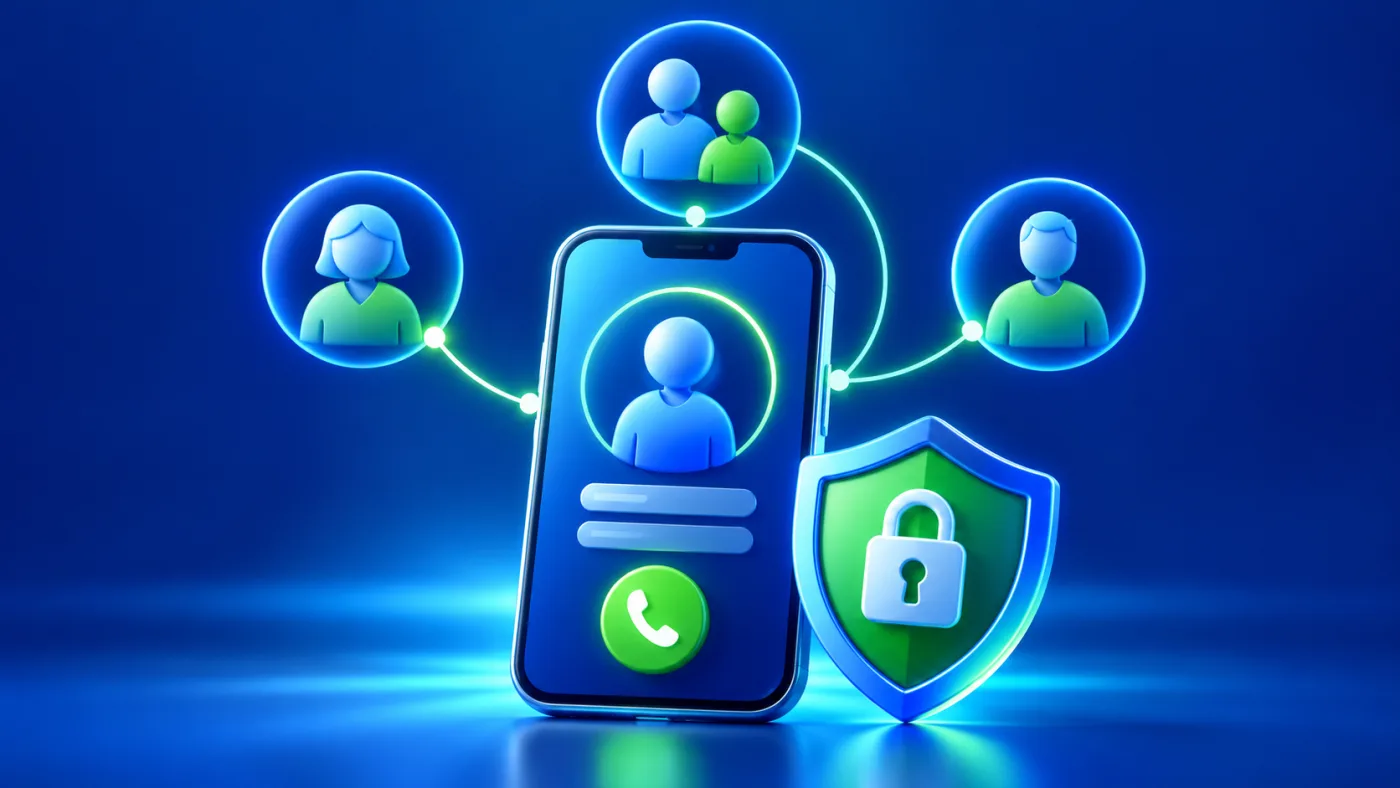
A family contact profile may be useful when another person needs a quick way to reach someone responsible. The most important design choice is deciding what a stranger truly needs to see. A public URL, QR or NFC destination can be opened by anyone who receives it. More information is not automatically safer. Put the right contact action first and keep personal details limited.
For an actual emergency in the UAE, contact the relevant service directly: Police 999, ambulance 998, and Civil Defence 997. The official UAE government emergency guidance lists these numbers. Do not wait for a profile page response or treat the profile as an emergency request.
Who approves a family contact profile?
Discuss the page with the person concerned when possible. For a child, involve the appropriate guardian; for an older adult, respect that person’s choices and involve a carer only where appropriate. Decide who owns updates and who receives an incoming call. Do not publish a relative’s contact details without their agreement. A family should review the public page together before sharing a physical tag or card.
The public ADMAL Profile / Business guide documents identity, contact, description, link and image fields in the inspected editor. Availability varies by page type, style and account. This guide does not establish a special emergency or child-protection function; use the fields shown on the actual page without implying monitoring or automatic rescue.
Separate helpful details from excessive exposure
| Possible detail | Why it may help | Privacy check |
|---|---|---|
| Recognizable name or photo | Helps identify the right person. | Publish only the amount of identity needed. |
| Guardian or carer contact | Gives the finder a direct next action. | Obtain consent and test the route. |
| Short assistance instruction | Explains a useful immediate step. | Keep it factual; do not promise emergency handling. |
| Home address or routine | Usually unnecessary for first contact. | Avoid public exposure unless a clear need justifies it. |
Do not publish a daily route, school details, access codes or a full medical history merely because a field accepts text. If a detail is necessary after contact, the guardian or carer can share it directly. If an urgent medical instruction is considered, verify it with the responsible person and an appropriate professional; a public profile cannot replace professional care.
Make the first action simple on a phone
Use a brief heading and one prominent call or message action. Make its label clear: whom will the visitor reach? If the first contact may be unavailable, identify a second agreed contact only when the actual page supports it and the family can maintain it. Test both numbers on a separate phone. A complete WhatsApp or website URL should lead to the intended destination, not a generic platform homepage.
The ADMAL URL guide recommends copying and testing exact public destinations. A button that looks correct in the editor can still open an outdated number or private file. Test while signed out where relevant.
Prepare a short, useful assistance message
Write for a helpful stranger who may be in a hurry. State that the page is for contact, name the responsible person or relation if consented to, and say what action to take. Avoid ambiguous promises such as “help is on its way.” If the family needs language support, prepare the essential message in the languages likely to be read and check that both versions lead to the same contact. Use the multilingual profile checklist for that review.
Test the complete route before use
- Agree the purposeDecide what the page should help a finder do.
- Approve contentReview identity, contact and privacy with the responsible people.
- Set contactsUse current numbers and exact public links.
- Preview the pageRead it from a phone as a stranger would.
- Test the actionCall or open the route from another device with consent.
- Check the carrierScan the actual QR or tap NFC if the specific product has it.
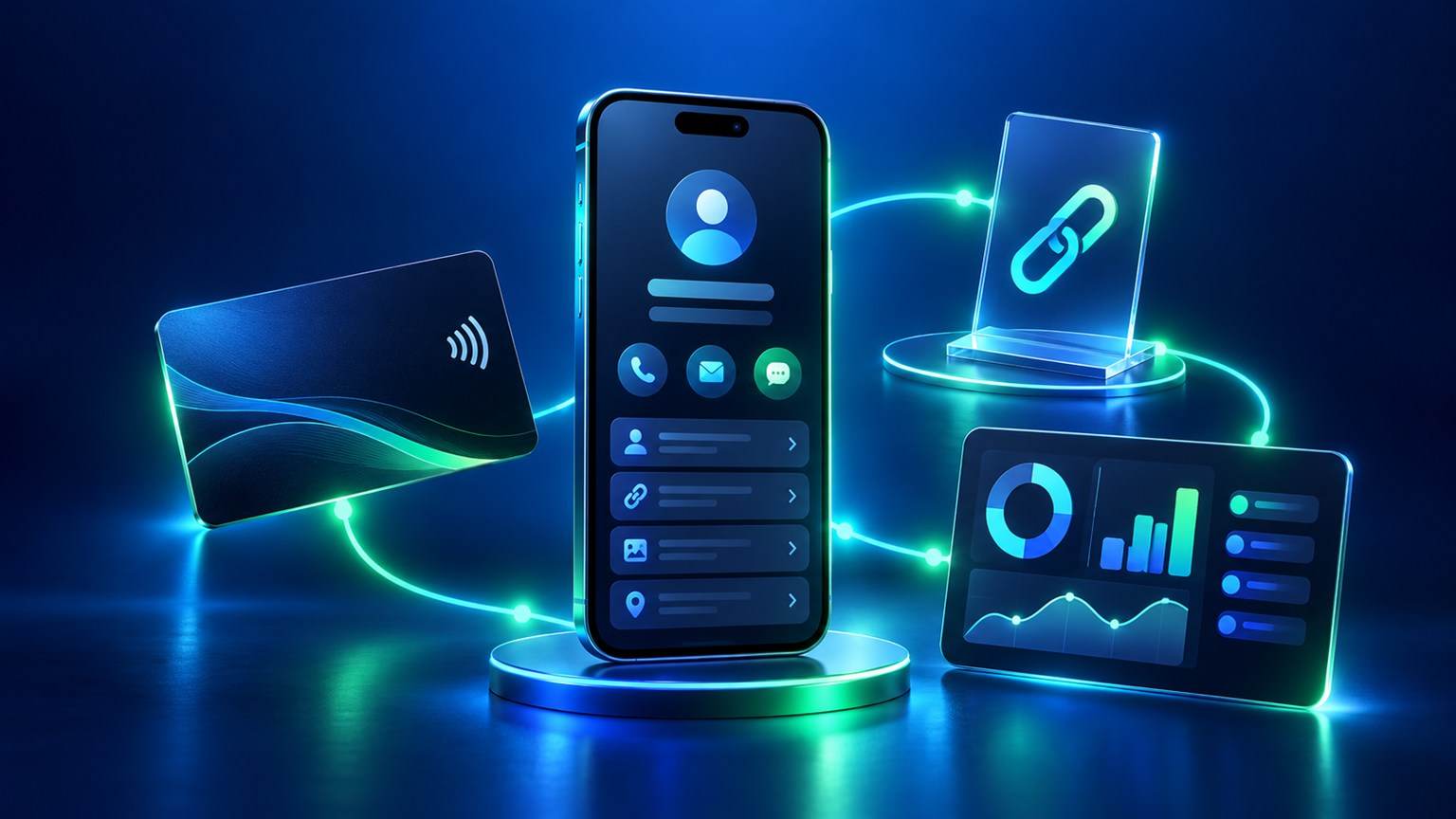
ADMAL’s sharing guide recommends testing the public URL and QR before printing or distribution, and testing NFC when used. A printed QR destination should be confirmed before physical production. Keep the tag or card accessible and legible, and recheck it after a significant profile update.
Maintain contacts without publicizing a routine
Set a review reminder when contact numbers or carers change. Remove a former contact promptly. Confirm that the public page still opens and its action reaches the right person. Do not announce travel plans, regular locations or absence in the page text. The family can keep richer instructions privately for trusted people while the public page stays focused on first contact.
Frequently asked questions
Is a family contact profile an emergency service?
No. It gives a finder a route to the responsible contact. It does not monitor a person, dispatch help or replace local emergency services.
Should I show a home address on the public page?
Usually the first-contact task can be handled with a phone or agreed message route. Publish an address only after a deliberate privacy decision and a clear need.
Can I publish a child’s full details because the profile is useful?
Limit the public details to what a finder needs. A guardian should review the page, and sensitive routines, school or medical history should stay private unless a specific justified need exists.
When should we test the tag or link again?
Test before first use and after a contact, destination or page change. Open the public view from another phone and confirm the intended person receives the action.