After a UAE business meeting, someone may remember your name but not your role or the right next step. A digital visiting card for UAE meetings helps organize that information on one page you can share by link, or through a physical card when the meeting calls for a handoff. Its usefulness depends on clear details and the destination you choose; opening a page does not guarantee a conversation or a sale.
ADMAL’s User Guide says Profile / Business can cover identity, contact details, experience, links, files and gallery, with fields depending on the selected style and setup. Before writing the page, open the actual editor and confirm which fields are available to you. Do not plan a meeting around a feature that is absent from your setup.
Digital visiting card for UAE meetings: start with who will read it
Write down who may receive it: a prospective client, supplier, event participant or someone with whom you want to continue a work discussion. You do not need a separate page for every possibility. Help the reader answer three questions:
- Who owns this card?
- How are they connected to the subject we discussed?
- What is a clear way to continue the conversation?
A consultant might need a name, role, work link and contact route. A sales representative may need a clear description of their area and an official way to make contact. These are content-planning examples, not ready-made ADMAL templates or promises that every account displays the same fields.
Arrange the page to make the meeting easy to recall
Begin with the name the other person heard, then add a short description that reminds them of your professional context. Use a precise job title instead of a broad label such as “solutions expert” when you can explain your role in specific words. Then choose one or two follow-up actions that match what you agreed. A long set of unrelated links can make the next step harder to identify. A digital visiting card should make the agreed action easy to spot.
| Information area | What to write | Review question |
|---|---|---|
| Name and identity | The person or business name used in the meeting | Will the reader recognize me from this? |
| Short description | Your role or service area in precise language | Does it recall the discussion without exaggeration? |
| Supporting detail | A short explanation or relevant work link | Does it add context the reader needs? |
| Next step | A contact route or link you selected | Does it match what we actually agreed? |
If you use Arabic and English pages, review each as if a different person will read it. Do not rely only on literal translation. Check spelling, readability and whether the same link or button serves the intended purpose in both versions.
Make the follow-up specific and honest
Avoid writing “contact me for anything” when the meeting produced a clear next action. You might say “send the project scope for review” or “request a time to discuss project requirements” if that is genuinely what you are ready to receive. Do not use a button that suggests it submitted a form or booked an appointment unless that route is visible and working in your setup.
ADMAL’s User Guide describes actions that can open a phone app, email app or link destination; a tap does not mean a message was sent. If your page uses a contact-exchange form, review what it asks the visitor to submit and what happens after submission before calling it a confirmed enquiry. Make the requested next step clear, then follow up through the channel you chose.
When a physical card helps at a meeting
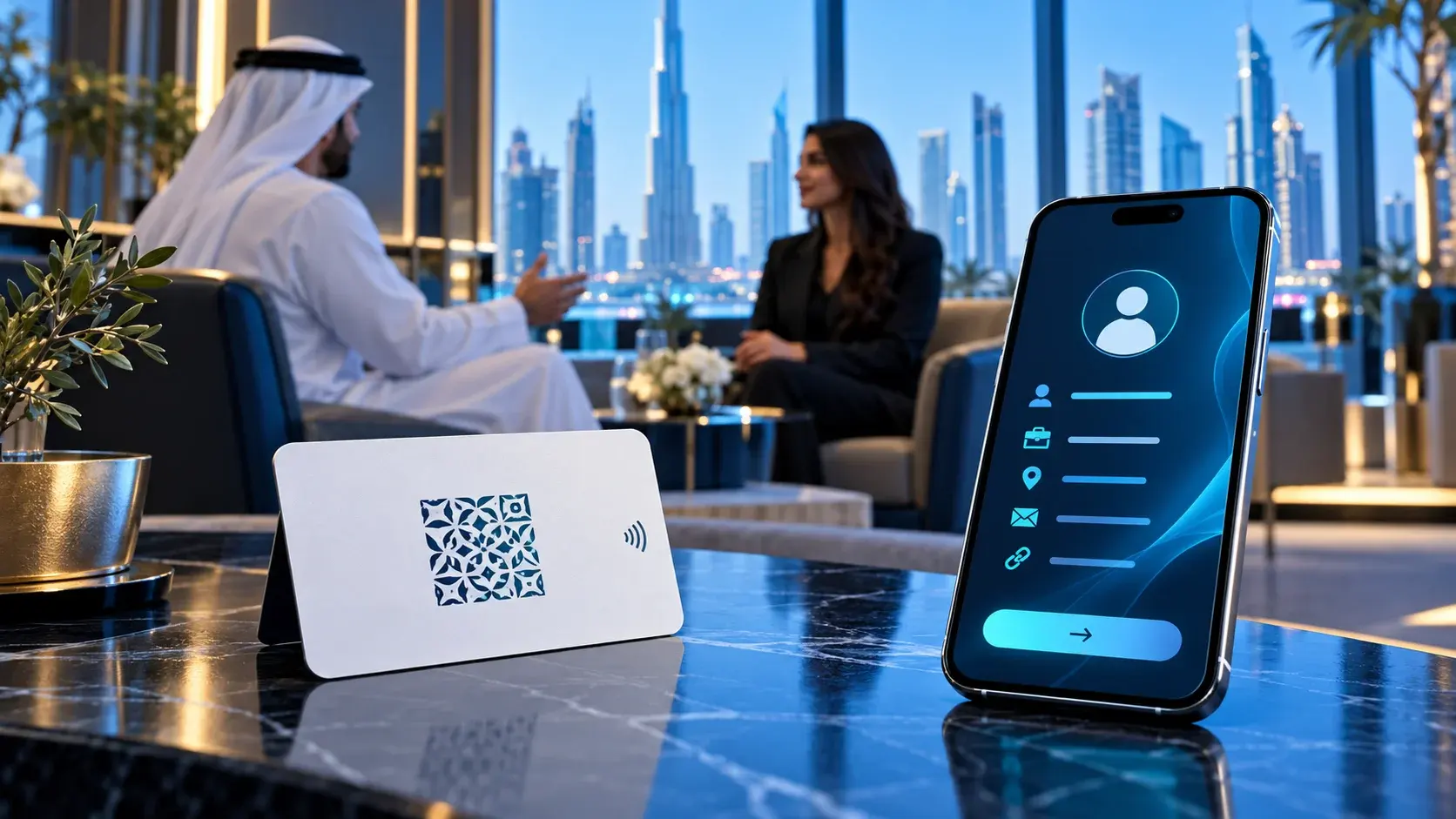
A digital-page link may be enough when both people share links directly. A PVC business card may fit a meeting where you want to hand over a physical item. The current PVC NFC page lists NFC and a printed QR code linked to an ADMAL Digital setup. Choose the item after reviewing its listing and options; do not infer that another card has the same material, code or configuration from its appearance.
Before the meeting, open the page manually and check the language and visible details. If you plan to use NFC or QR, test the route on the actual item when available. Keep the two tests separate: QR success does not demonstrate that NFC works. A staged video or product photo is not evidence that the physical item was tested.
If printed text includes a name, number or QR code, settle those details before design. The PVC listing describes its printed QR as static after production, so confirm the destination before approving the card. The digital page has separate content and can be reviewed within its ADMAL Digital setup. This distinction matters if a role or contact number changes after a run of cards has been printed.
A content worksheet before the meeting
Write these points in your notes, then enter only the details that fit the fields shown in your account:
Name as displayed: [name] Role or business: [precise professional description] Meeting context: [subject discussed] Detail that recalls the context: [link or short description] Suggested follow-up: [action you agreed] Language: [Arabic / English / both] Destination: [full URL you tested]
This is a preparation worksheet, not a form inside ADMAL. Do not add personal details you do not need or another person’s information without their permission. Remove fields that do not support the professional purpose.
Quick check after setting up the page
Open the page as a visitor who is not signed into your account. Read the name and description, then select the next action and record which app or page opens. Confirm that the destination does not ask the recipient for information you did not agree on. Repeat the review in Arabic and English and on a phone if that is how your meeting audience is likely to access it.
If you have a physical card, check NFC and QR separately. Record what you tested and what remains untested instead of describing the entire experience as verified. If details change, assign an owner to update the page and review any printed or encoded information that may remain fixed.
Follow-up checklist after the meeting
- Can the reader identify the name and role at a glance?
- Does the description connect to the meeting topic?
- Is the next action clear?
- Do the language and destination match what you agreed?
- Was the physical route tested, or only the public URL?
- Who owns the information if it changes after printing?
After the meeting, record your follow-up in your normal system rather than assuming the digital card saves a conversation or automatically registers a lead. Do not attribute storage or analytics behavior to the page unless you have verified it. The goal is to give the other person a clear contact route and help you follow through on what you agreed.
Frequently asked questions
What should I put on a digital visiting card for a meeting? Start with your name, role, professional context and an agreed follow-up route, then confirm which fields your selected page type provides.
Does a digital card guarantee the other person will contact me? No. The page presents information or available actions; the recipient decides whether to continue.
Is an NFC link different from the page content? NFC is an access route. The page setup and content determine what the visitor sees after opening it.
Do I need a printed card for every meeting? Not necessarily. Decide whether the meeting calls for a physical handoff or whether sharing a link is enough.
Can I change printed details after the meeting? Editing the digital page does not change printed text or a printed QR code. Check the exact product before production.
Confirm the fields your page supports in ADMAL’s Profile / Business guide and digital ID editing guide. If you want to hand over a physical PVC card, review the PVC NFC card specifications before preparing the design.