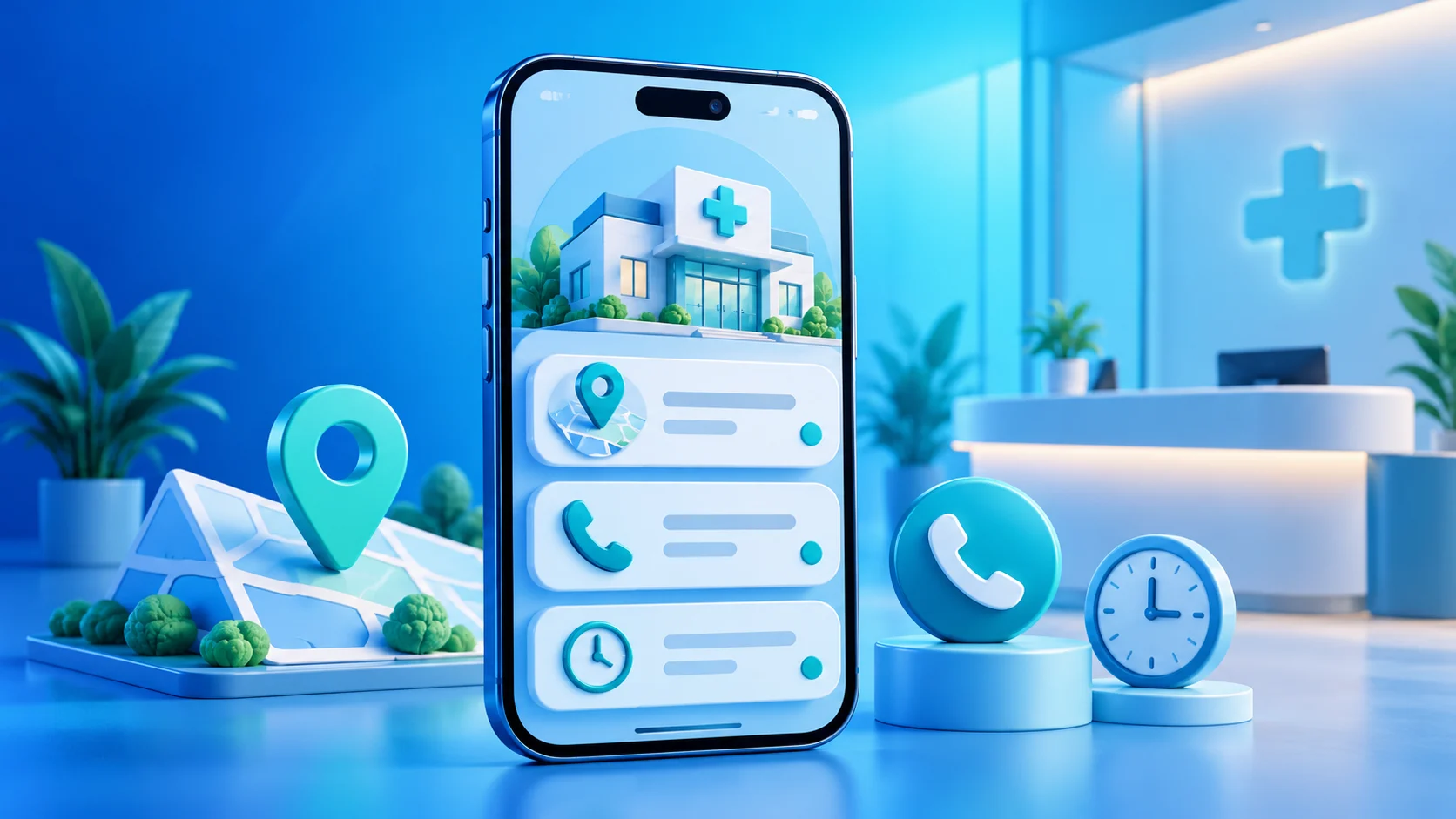
A clinic contact page helps visitors confirm the facility name, branch and verified contact route before getting in touch. As a digital business card, it introduces a public service identity; it is not a medical system, patient record or appointment-booking tool. Its role is to reduce confusion: which clinic is this, where is the relevant branch, and which contact details has the clinic verified?
Clinic contact page: identify the branch before listing services
If a clinic has more than one location, make the branch clear in the page title or opening description. Visitors should not have to infer a city or location from a brand name. Add a location description only after the clinic confirms it, and use a reviewed map link when one exists. When several branches have different addresses or phone numbers, give each location a clear route rather than combining details into one block.
Check that the displayed clinic name matches its official communication channels. Clarify whether the page represents one branch, a centre or a general clinic identity. This prevents details for one location from being mistaken as details for every location. Mention Dubai, Abu Dhabi, Sharjah, Ajman, Fujairah, Umm Al Quwain or Ras Al Khaimah only when the clinic confirms a relevant branch or service in that emirate. The names of emirates are not evidence of provider coverage.
Put the contact route visitors need first
Choose the primary contact method that the clinic actually reviews, such as an official telephone, email or messaging channel. Do not publish an employee’s personal number unless the clinic has approved it for public use. Label buttons so a visitor knows whether the action opens a call, an email or an external site. If multiple teams handle enquiries, explain which route receives general questions without implying automated routing unless that function is verified.
Test every link from a phone that is not signed in to your accounts. Review the destination page and its branch information before approving the link. A visible button or QR scan does not prove that a message reached the right person; delivery depends on external services and the clinic’s own response process.
Publish opening hours only from a confirmed source
Opening hours shape visitor expectations, so take them from a source the branch maintains. If a clinic uses seasonal, Ramadan or holiday hours, explain the usual schedule and temporary exception distinctly. Do not invent a schedule or say “available 24/7” simply because the digital page can be opened at any time.
Assign a clinic contact to review seasonal changes and branch closures. If no confirmed hours are available, leave them off temporarily and direct visitors to a verified channel where they can check. Do not promise response times or round-the-clock assistance unless the clinic provides that service and states it officially.
Use a digital business card for a UAE clinic as an introduction
ADMAL’s User Guide documents identity, contact, link, file and gallery fields for digital pages. A clinic can use the available fields for its name, a concise introduction, contact routes and an official location page. The fields may vary by style and account, so check the editor in use rather than relying on assumed features. Begin with the facts visitors need, then add only a small number of current supporting items.
- Write the clinic and branch name accurately.
- Use a neutral description that does not offer diagnosis or treatment advice.
- Add approved contact routes and the official website when available.
- Use a public image or file only after confirming permission to share it.
- Keep Arabic and English branch information factually aligned.
Avoid patient details, reports, personal images and private appointment information on a public page. Do not link to internal documents or staff-only systems. ADMAL’s privacy information explains that content on public pages may be visible to visitors, so include only material prepared for public viewing.
Keep clinic identity separate from medical guidance
A contact page can explain who the clinic is and how to reach it. It should not replace an assessment by a qualified professional or instructions from a patient’s clinician. Do not add promises about outcomes, recovery times or whether a treatment suits a particular condition. Do not imply that a general contact form monitors urgent cases or guarantees an immediate response. Direct visitors to the clinic’s appropriate official channels, and leave medical guidance to qualified professionals and sources.
If the clinic publishes educational information, have the appropriate reviewer check it, identify its source and record its review date. This contact-page guide addresses public identity, links and testing only; it is not medical advice or an interpretation of regulatory requirements.
Test the page and every link before sharing
Open the page on a phone set to Arabic and another set to English. Check text direction, branch name, location, phone number, email and links on an ordinary connection. Open every button and confirm that the destination is expected and does not reveal private information. If visitors reach the page through QR or NFC, test the physical product route and the digital destination separately. A successful tap does not confirm that all page details are current.
Ask someone unfamiliar with the clinic to identify the branch and contact route after a quick look. If the person selects the wrong number, confuses two locations or cannot tell who the page represents, revise the order and labels. Review the page preview after important changes, then open the public link outside the editor account.
Assign an owner for clinic information
Choose someone at the clinic to confirm the branch name, contact details, hours and public images. This is an internal review practice; it does not imply a particular ADMAL technical role or permission. Record when the information was checked and ask the branch contact to confirm changes before updating the page. When a team member leaves, a number stops working or a location changes, update the official source and then review its digital copy.
Before sharing a digital business card for a clinic in the UAE, confirm four things: the identity matches the intended branch, the links work, the hours are confirmed and the page contains no patient information or medical promises. These checks make the public introduction easier to use without suggesting services the clinic has not verified.
Sources: ADMAL User Guide: profile and links; ADMAL Terms and Privacy Policy; UAE Federal Decree by Law No. 45 of 2021 on the Protection of Personal Data (official reference; this article does not interpret the law).